Detect Heat Zones and Congure Zone Types
The console can run an automatic zone detection routine to detect the zones
available on the controller cards. This needs to be done during initial setup of
the controller or if a card change takes place.
1. Tap [Auto Detect] to open the Auto Detect conrmation dialog.
2. Tap [OK] to run the zone detection routine. Wait for Auto Detect to nish
Auto detecting zones may take up to 5 minutes.
NOTE
Auto detect will reset all barrel and hot runner controller temperature
setpoints.
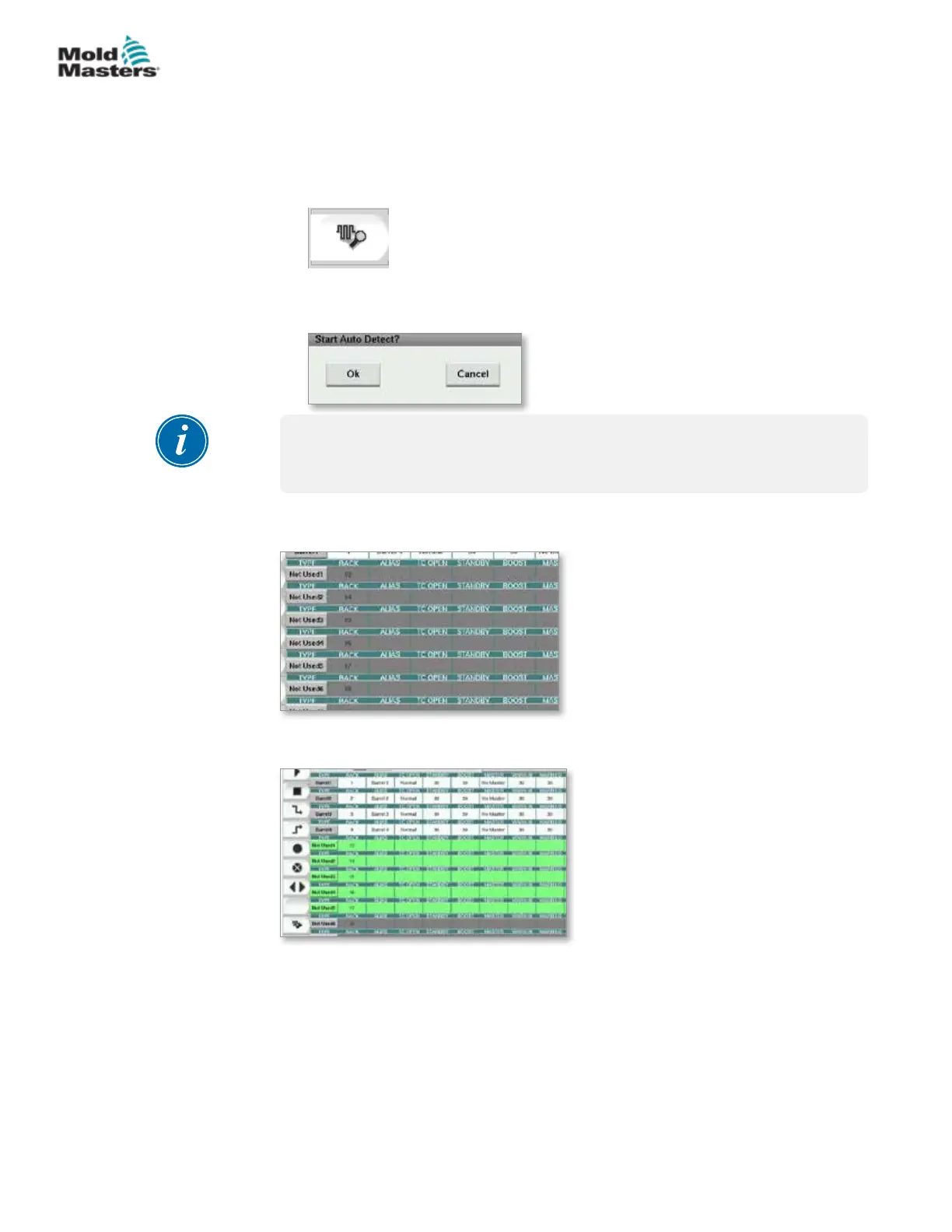
All available zones will be displayed on the Setup screen. They will be auto-
numbered and display as Not Used without parameter settings.
Once auto detection completes, the setup area will be populated with heater
zones. The number of zones detected should always be an even number.
3. To setup zone types:
a) Tap the rst zone of the same type.
7-33
© 2020 Mold-Masters (2007) Limited. All Rights Reserved.
E-MULTI CONTROLLER HMI INTERFACE
E-Multi Controller User Manual



 To Next Page