Network Setup 4-115
To configure a group of radios together:
1. Select Network > Access Port Radios from the main menu tree.
2. Go to the Configuration tab.
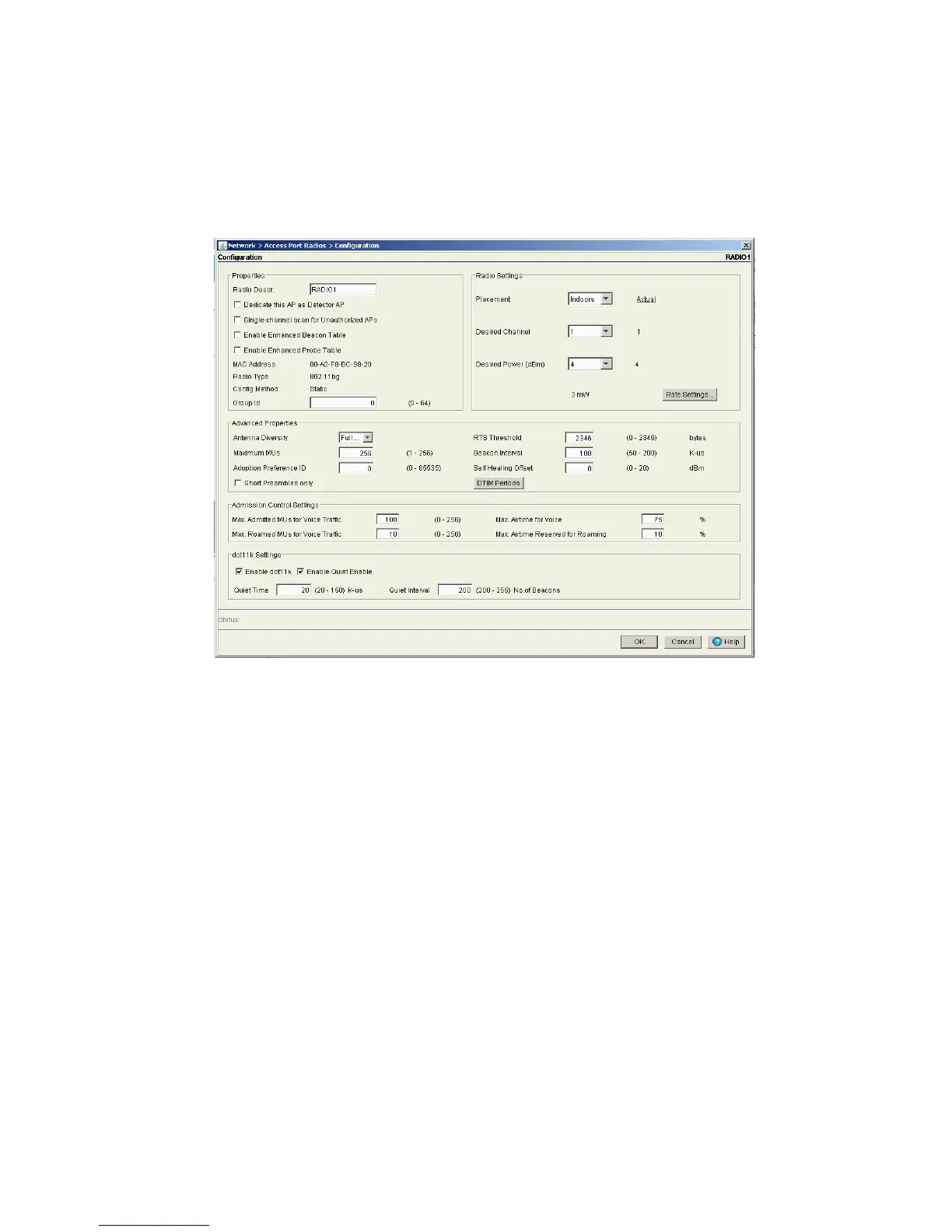
3. Select a radio you wish to add to a group and click the Edit button.
4. Enter the Group ID for the group you wish to add the selected radio to.
5. Click OK to save the changes.
6. Repeat steps 3 through 5 for each radio you wish to add to groups.
7. When you have finished adding radios to groups, click the Apply button on the Configuration tab to
save your changes.
8. To verify the radio groups, click the Groups tab to view configured radio groups. For more information on
viewing radio groups, refer to Viewing Access Point Radio Groups on page 4-115.
4.7.6.1 Viewing Access Point Radio Groups
Refer to the Groups tab to view the Group ID and Index associated with each radio when added to a
WLAN.
To view existing radio group settings:
1. Select Network > Access Port Radios from the main menu tree.



 To Next Page
 Loading...






