5-16 Motorola RF Switch System Reference
5.2.6 Viewing DHCP Bindings
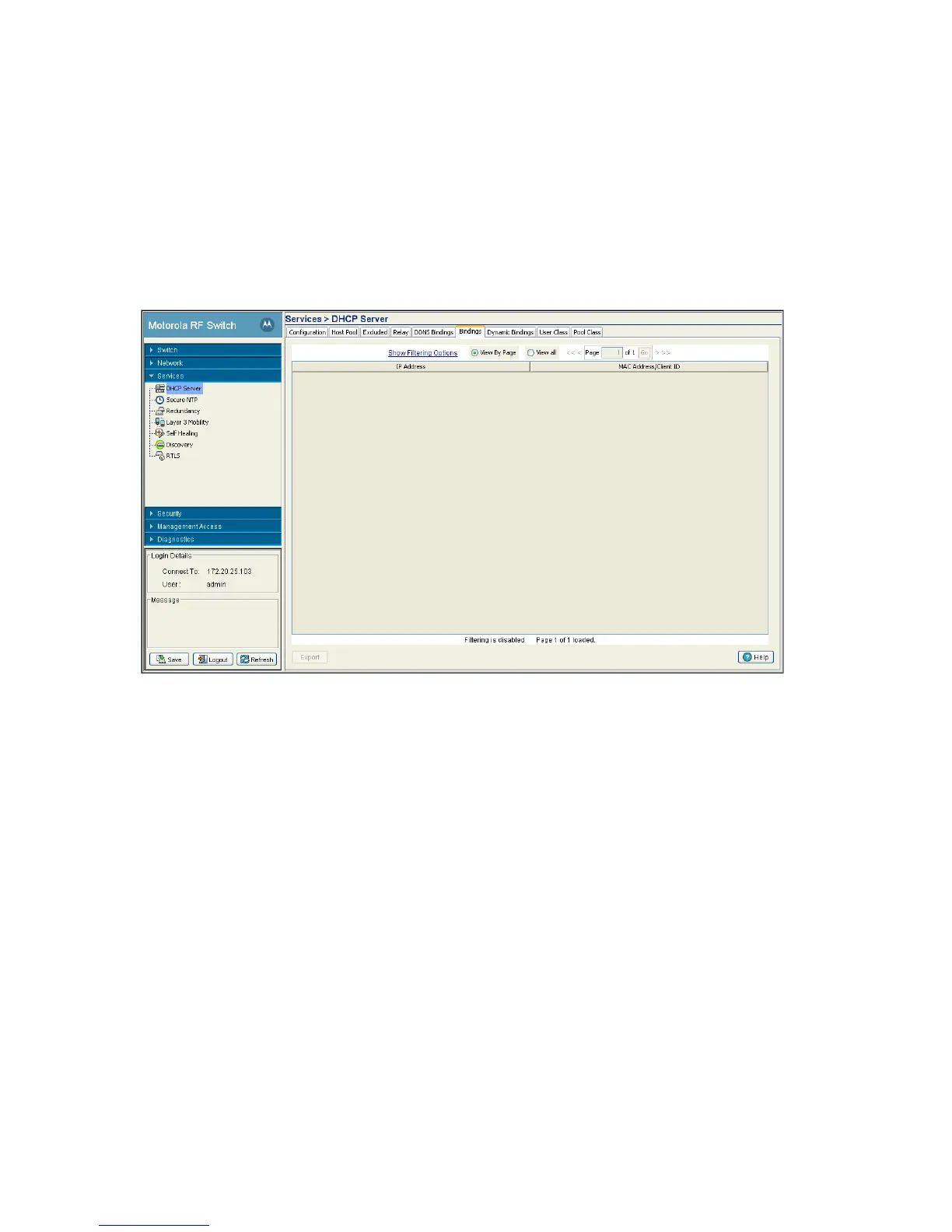
The Bindings tab displays addresses and expiration times. There are two types of bindings, manual and
automatic. Manual bindings map a hardware address to a IP address statically. Automatic bindings
dynamically map a hardware address to an IP address from a pool of available addresses.
To view detailed binding information:
1. Select Services > DHCP Server from the main menu tree.
2. Select the Bindings tab.
3. Refer to the contents of the Bindings tab for the following information:
4. Click the Export button to display a screen used to export the DHCP Binding information to a secure
location.
5.2.7 Reviewing DHCP Dynamic Bindings
Dynamic DHCP bindings automatically map a hardware address to an IP address from a pool of available
addresses. The Dynamic Bindings tab displays only automatic bindings.
To view detailed Dynamic DHCP Binding Status information:
1. Select Services > DHCP Server from the main menu tree.
IP Address Displays a IP address for each client with a listed MAC address. This column is
read-only and cannot be modified.
MAC Address /
Client ID
Displays the MAC address (client hardware ID) of the client using the switch’s
DHCP Server to access switch resources. The MAC address is read-only and
cannot be modified.



 To Next Page
 Loading...






