8-6 Motorola RF Switch System Reference Guide
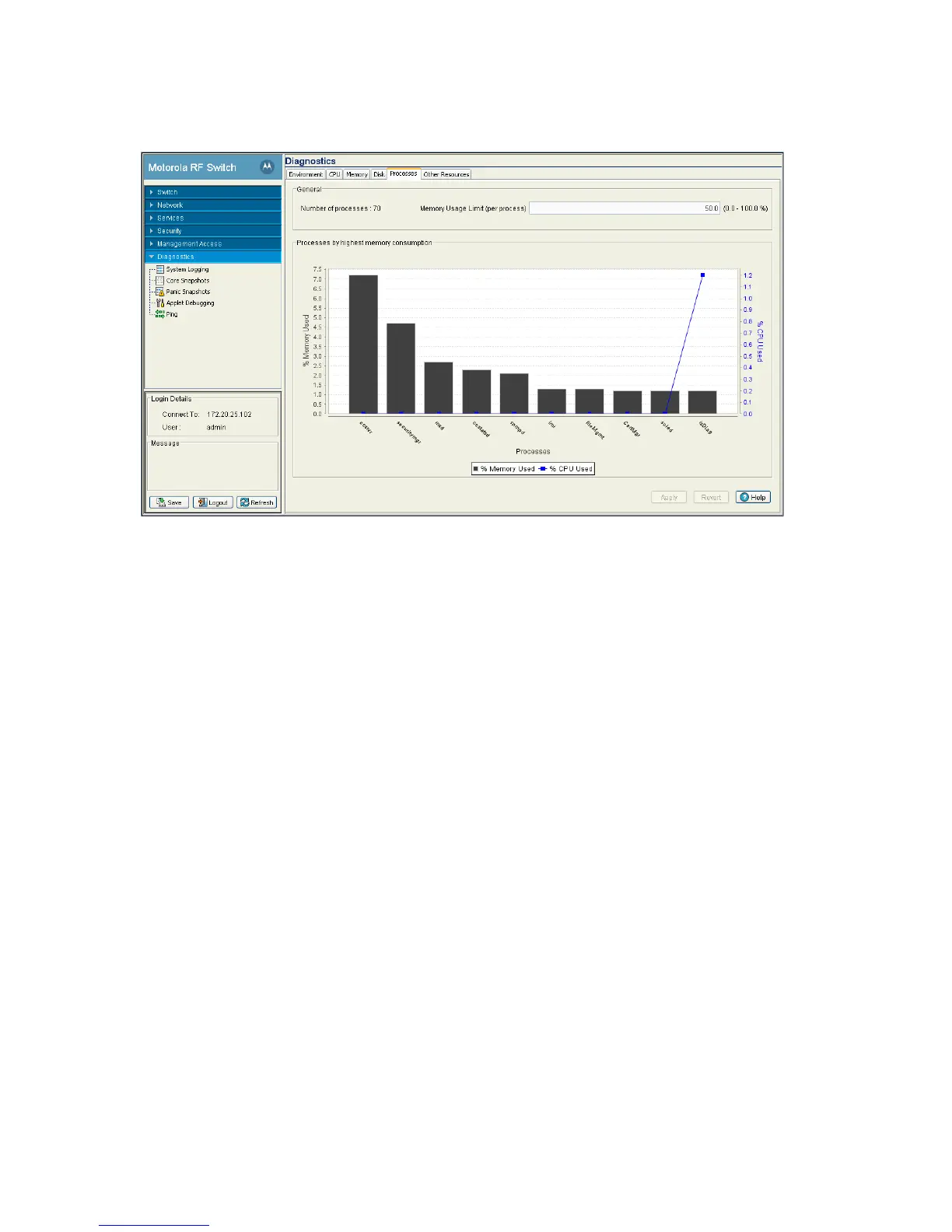
2. Select the Processes tab
3. The Processes tab has 2 fields:
• General
• Processes by highest memory consumption
4. Refer to the General field to review the number of processes in use and percentage of memory usage
per process. The value defined is the maximum limit per process during periods of increased and network
activity and is negotiated amongst the other process as needed during normal periods of switch activity.
5. Processes by highest memory consumption displays a graph of the top ten switch processes based
on memory consumption. Use this information to determine if a spike in consumption with the switch
priorities in processing data traffic within the switch managed network.
6. Click the Apply button to commit and apply any changes to the memory usage limit.
7. Click the Revert button to revert back to the last saved configuration.
8.1.6 Other Switch Resources
The Other Resources tab displays the memory allocation of Packet Buffer, IP Route Cache and File
Descriptors.
1. Select Diagnostics from the main tree menu.



 To Next Page
 Loading...






