Switch Security 6-109
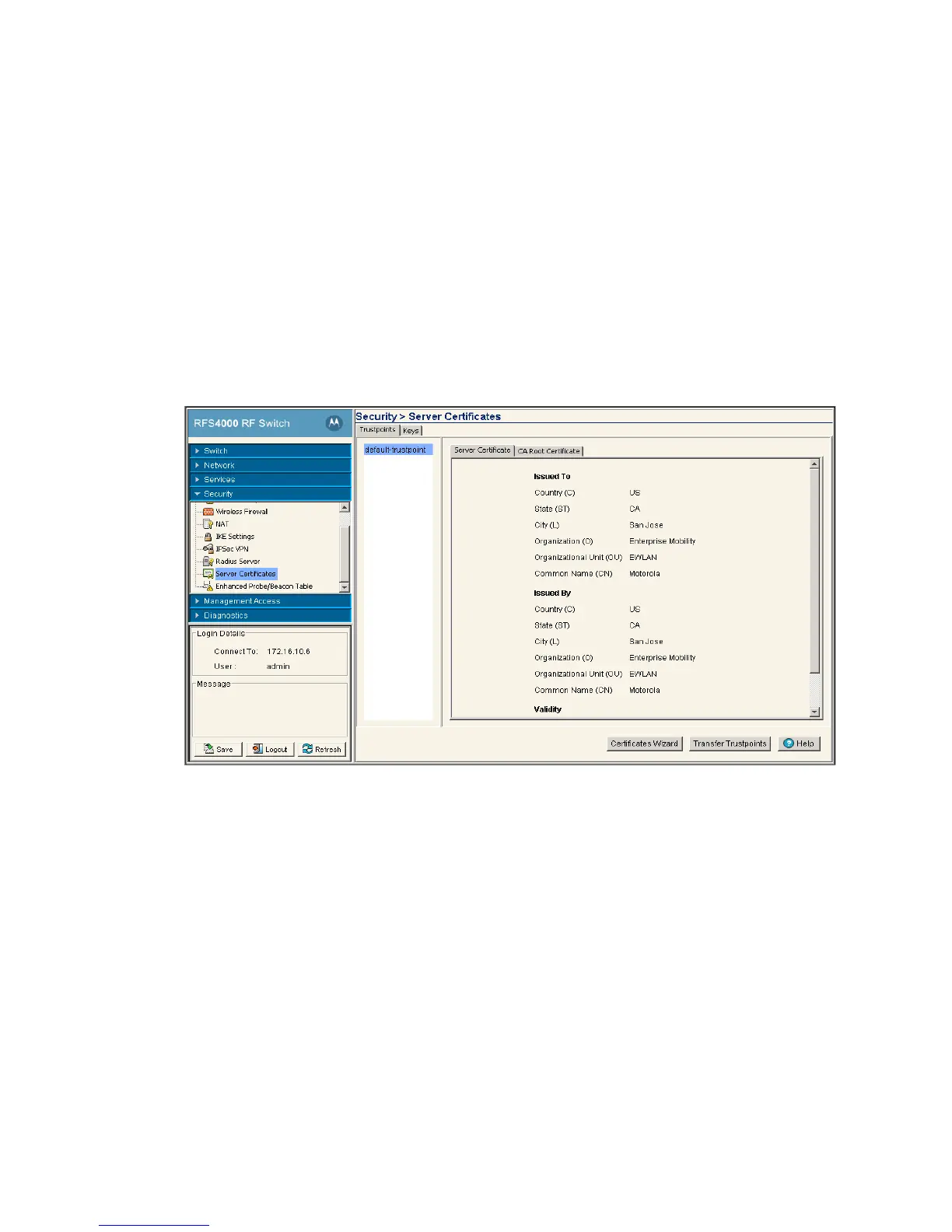
The Server Certificates screen displays two tabs supporting the following:
• Using Trustpoints to Configure Certificates
• Configuring Trustpoint Associated Keys
6.9.1 Using Trustpoints to Configure Certificates
Each certificate is digitally signed by a trustpoint. The trustpoint signing the certificate can be a certificate
authority, corporation or individual. A trustpoint represents a CA/identity pair containing the identity of the
CA, CA-specific configuration parameters, and an association with an enrolled identity certificate.
To view current certificates values:
1. Select Security > Server Certificates from the main menu tree.
2. Select the Trustpoints tab.
A panel (on the far left of the screen) displays currently enrolled trustpoints.
The Server Certificate and CA Root Certificate tabs display read-only credentials for the certificates in
use by the switch. A table displays the following Issued To and Issued By details for each:
Issued To
Country (C) Displays the country of usage for which the certificate was assigned.
State (ST) Displays the state (if within the US) or province within the country listed above
wherein the certificate was issued.
City (L) Lists the city wherein the server certificate request was made. The city should
obviously be within the State/Prov. stated.
Organization (O) Displays the name of the organization making the certificate request.
Org. Unit (OU) Displays the name of the organizational unit making the certificate request.



 To Next Page
 Loading...






