5-54 Motorola RF Switch System Reference
5. Click the Revert button to disregard any changes made within this screen and revert back to the last
saved configuration.
5.6.1 Configuring Self Healing Neighbor Details
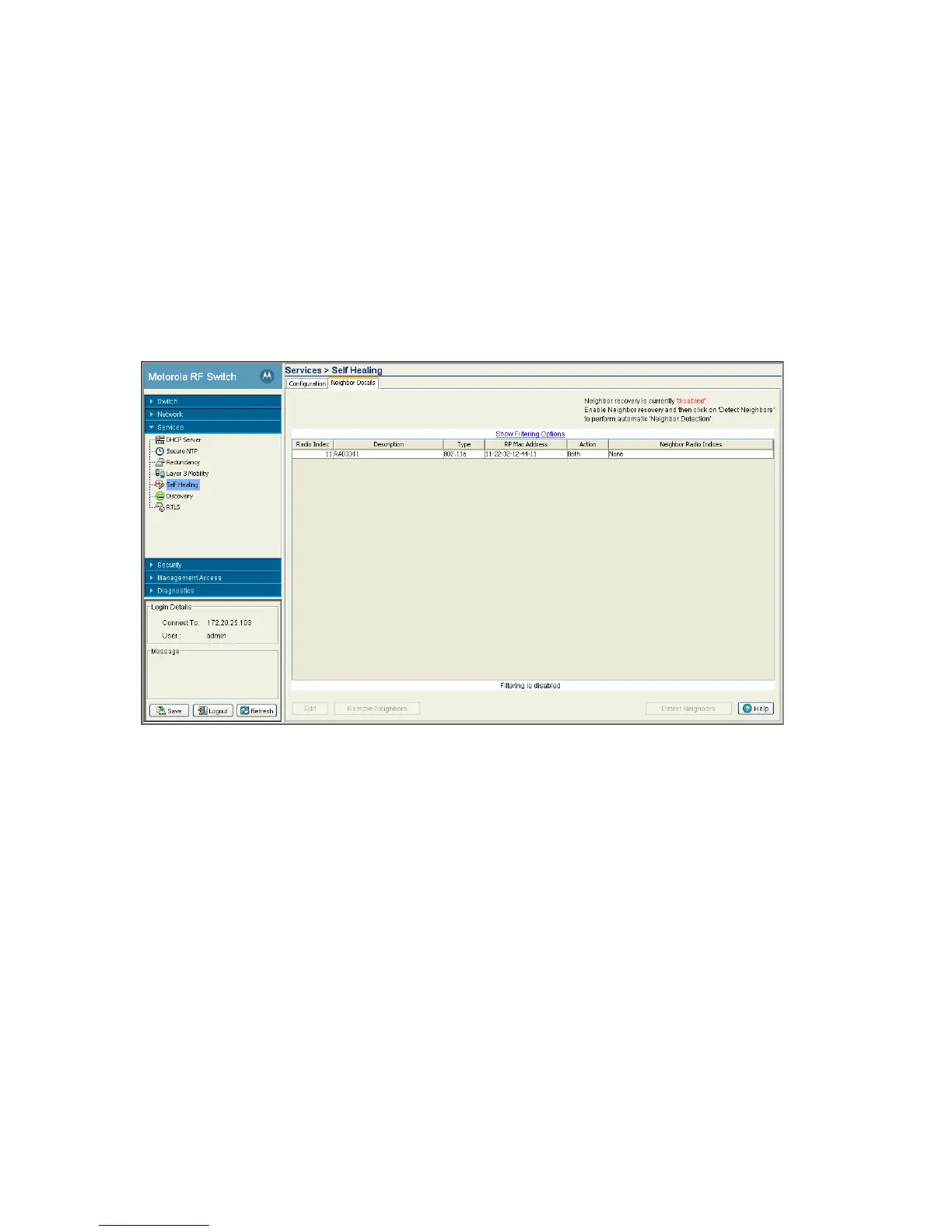
The Neighbor Details page displays all the radios configured on the switch and their neighbor designations.
To configure self-healing on the switch:
1. Select Services > Self Healing from the main menu tree.
The Self Healing page launches with the Configuration tab displayed.
2. Select the Neighbor Details tab.
The top right-hand corner displays whether neighbor recovery is currently enabled or disabled. To change
the state, click the Enable Neighbor Recovery checkbox within the Configuration tab.
3. Refer to the following information as displayed within the Neighbor Recovery screen.
Radio Index Displays a numerical identifier used (in conjunction with the radio’s name) to
differentiate the radio from its peers.
Description Displays a text description used (in conjunction with the radio’s index) to
differentiate the radio from its peers.
Type Displays the radio as either a 802.11a or 802.11bg radio.
RP Mac Address Displays the Ethernet MAC address of the Access Port. Use the Access Port MAC
Address for the addition or deletion of the radio.



 To Next Page
 Loading...






