4 Origin calibration Chapter C: Calibration
62 Planmeca PlanMill 40 Technical manual
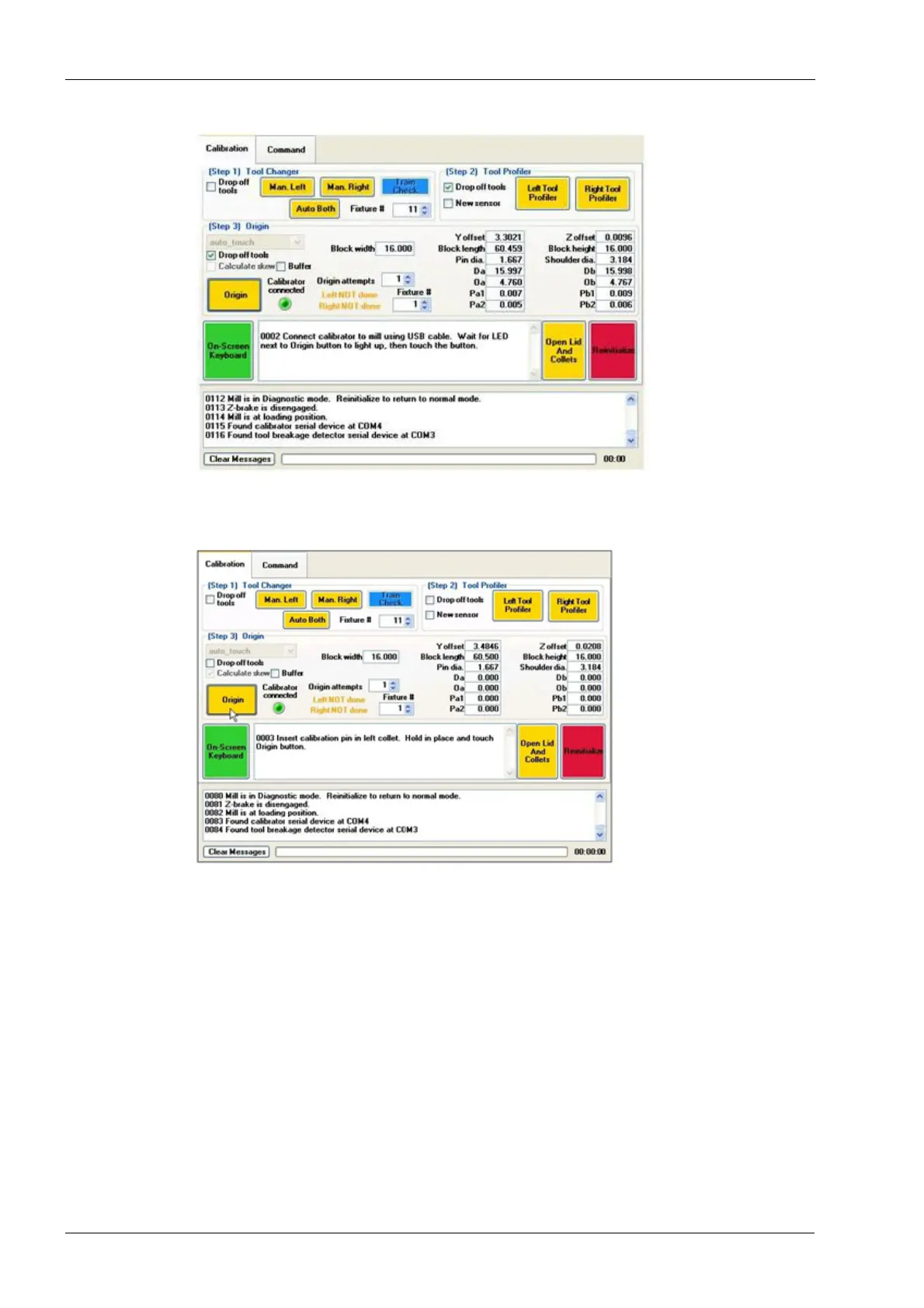
Figure 55: Connect the Calibrator
8. The following message will appear in the first text box: "Insert calibration pin in the left
collet. Hold in place and touch the origin button." Follow the instructions.
Figure 56: Insert Calibration Pin in left collet
9. The following message will appear in the first text box: "Insert calibration pin in the
right collet. Hold in place and touch the origin button." Follow the instructions.














 To Next Page