Chapter C: Calibration 4 Origin calibration
Technical manual Planmeca PlanMill 40 63
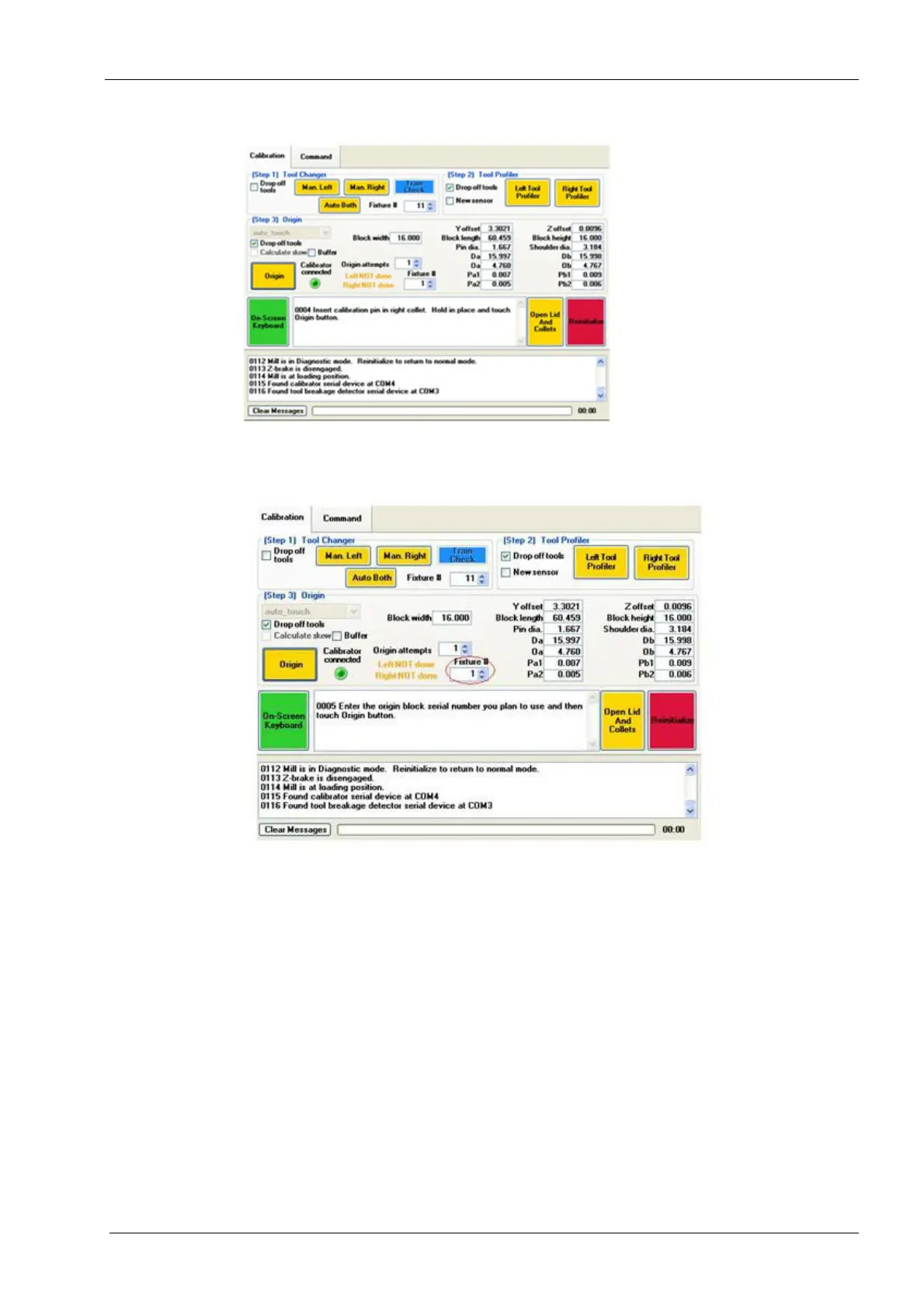
Figure 57: Insert Calibration Pin in right collet
10. Enter the origin block serial number you plan to use and then touch Origin button.
Follow the instructions.
Figure 58: Enter Origin Calibration Fixture Serial Number
11. Attach the red wire from the electrical harness to the pin on the bottom of the
calibration mandrel before inserting into the mandrel holder. Attach the clip to the
block vertically so the clip will not come loose while the mill is calibrating.
12. Insert the calibration mandrel and lock into place.
13. Attach the blue wire to the left pin and the black wire to the right pin. Make sure the
clips are as closed to the collets as possible. Allow some slack on the wires by
pushing them down into the grind chamber so they do not pull loose during
calibration.














 To Next Page