64 57 498 D3543
110 D3543.201.01.05.02 08.2016
4Operation Sirona Dental Systems GmbH
4.5Dentist element Operating Instructions INTEGO
4.5.9.1.4 Setting the speed
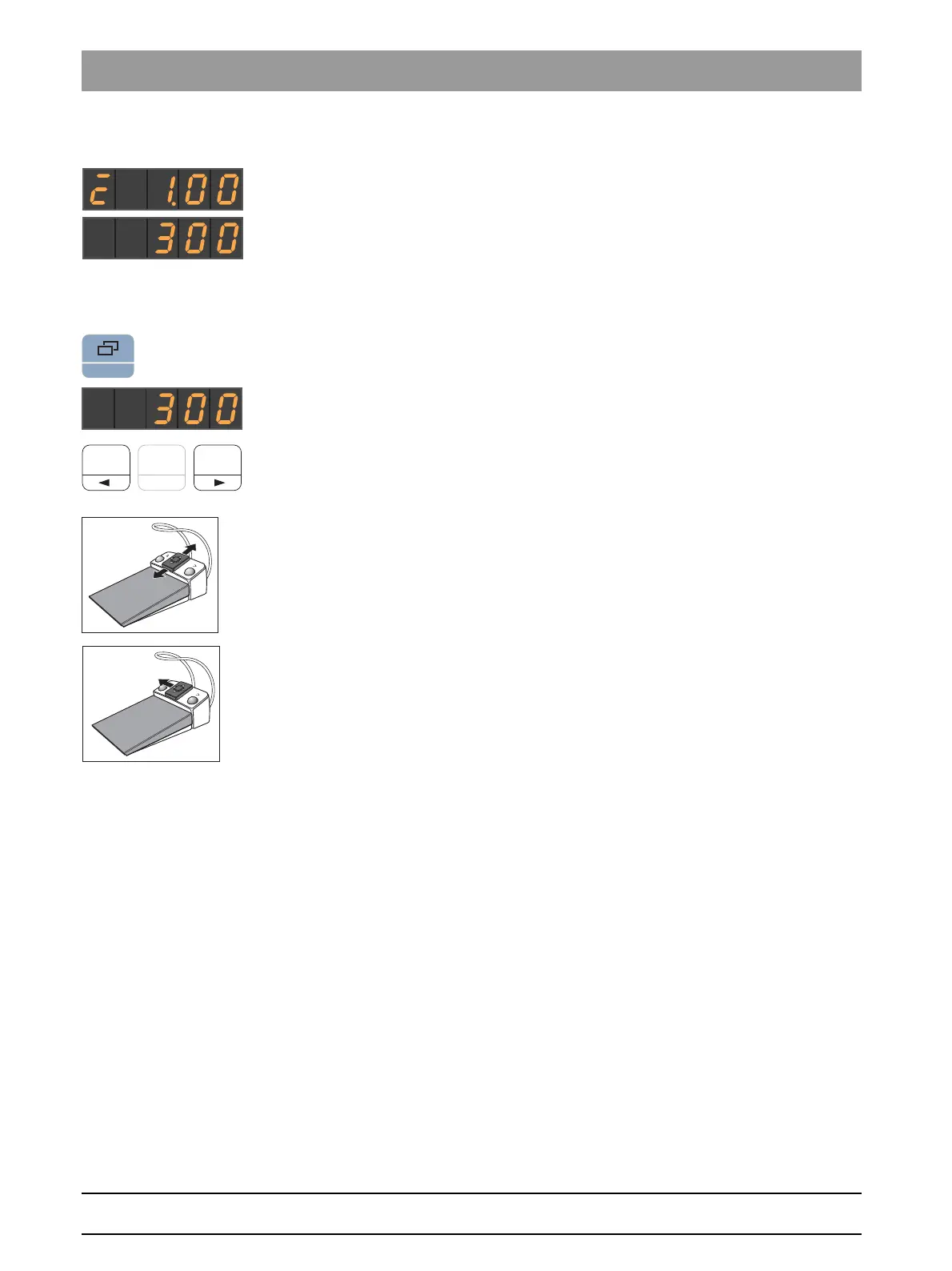
When the torque control is switched on, the EasyPad display can be
toggled between torque and speed to set the speed.
To differentiate between torque and speed settings, the display shows
burr drive calibrated/not calibrated and AutoReverse function on/off only
for the torque.
Speed is not saved on the favorite keys, only torque.
✔ The torque is shown on the EasyPad display.
1. Press the
Display mode / Clean
key.
The selected speed is shown on the EasyPad display in rpm
(revolutions per minute).
2. Set the desired speed for the contra-angle handpiece. Press and hold
the favorite keys 1 or 3 (> 1 s).
The speed is increased or reduced.
The speed can also be increased or reduced by moving the 4-way switch
plate of the C
+
electronic foot switch up or down.
Moving the 4-way switch plate of the C
+
electronic foot switch to the left
also toggles between torque and speed.



 To Next Page