64 57 498 D3543
D3543.201.01.05.02 08.2016
111
Sirona Dental Systems GmbH 4Operation
Operating Instructions INTEGO 4.5Dentist element
båÖäáëÜ
4.5.9.1.5 Switching AutoReverse ON/OFF
If the auto-reverse function is switched on, the burr drive automatically
switches to counterclockwise rotation when the torque set is reached. If
the foot pedal is pressed again, the burr drive switches back to clockwise
rotation.
✔ The electric motor is removed from its holder with torque control
switched on.
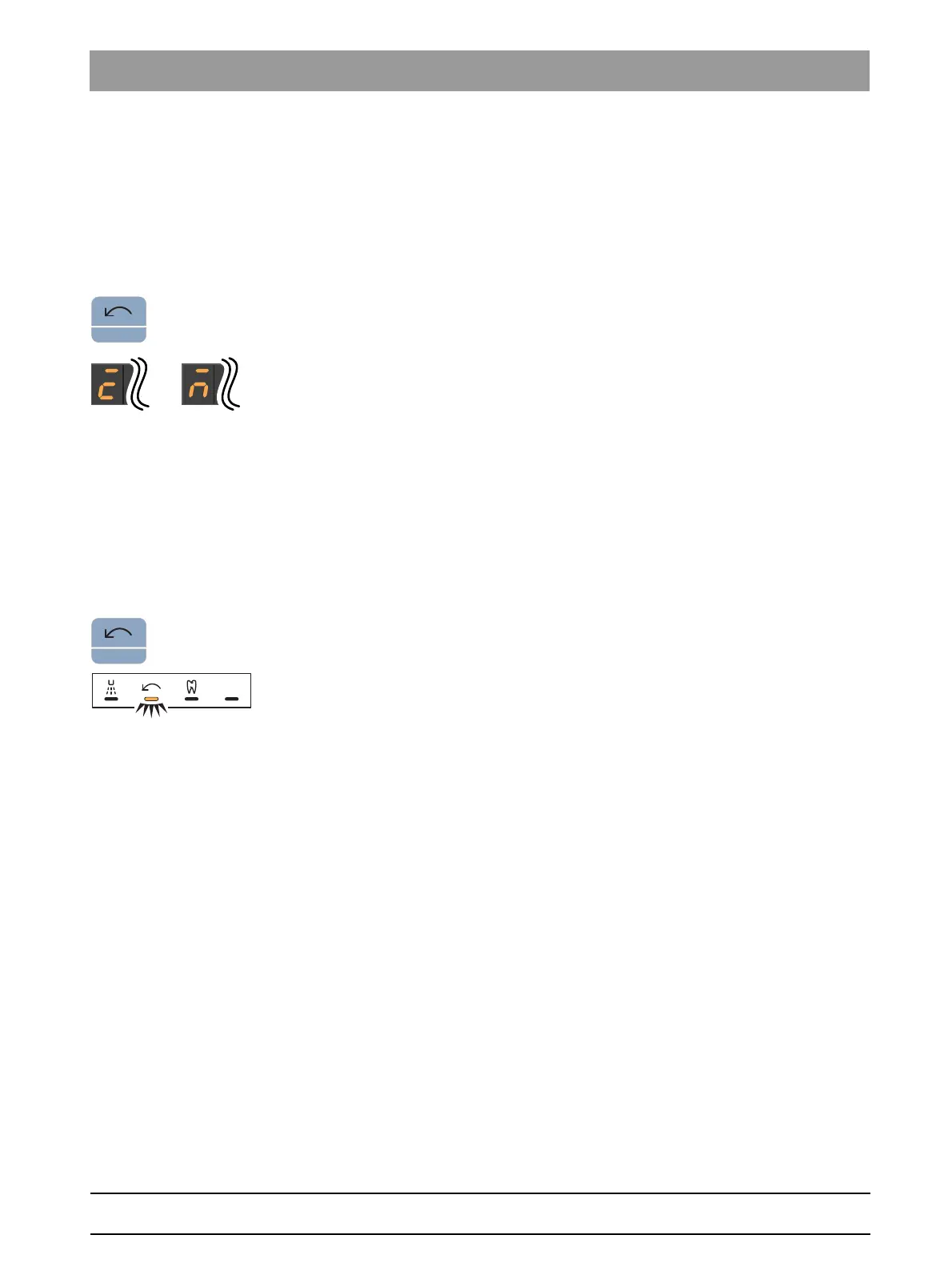
➢ Press and hold the
Counterclockwise rotation / User profile
key
(> 2 s).
The AutoReverse function is switched on/off. On the EasyPad
display, a horizontal bar appears above the display
Burr drive
calibrated
or
Burr drive not calibrated
.
4.5.9.1.6 Changing direction of rotation
The direction of rotation can be changed only with the motor stopped.
Counterclockwise rotation is performed without torque limitation.
Tip: After starting the electric motor with the foot switch, an audible
warning signal sounds 6 times if counterclockwise rotation is activated.
✔ The electric motor is removed from its holder with torque control
switched on.
➢ Press the
Counterclockwise rotation/user profile
key briefly (< 2 s).
The
Counterclockwise rotation
status display lights up when
counterclockwise rotation is set.
When torque control is switched on, counterclockwise rotation cannot be
activated via the C
+
electronic foot switch.



 To Next Page