64 57 498 D3543
118 D3543.201.01.05.02 08.2016
4Operation Sirona Dental Systems GmbH
4.5Dentist element Operating Instructions INTEGO
2. Use the – and + keys to set the required apex distance from 1.5 to 0.
If the distance is 0, the motor does not stop until it reaches the
physiological apex. Please note that the distance values are not a
metric length measurement!
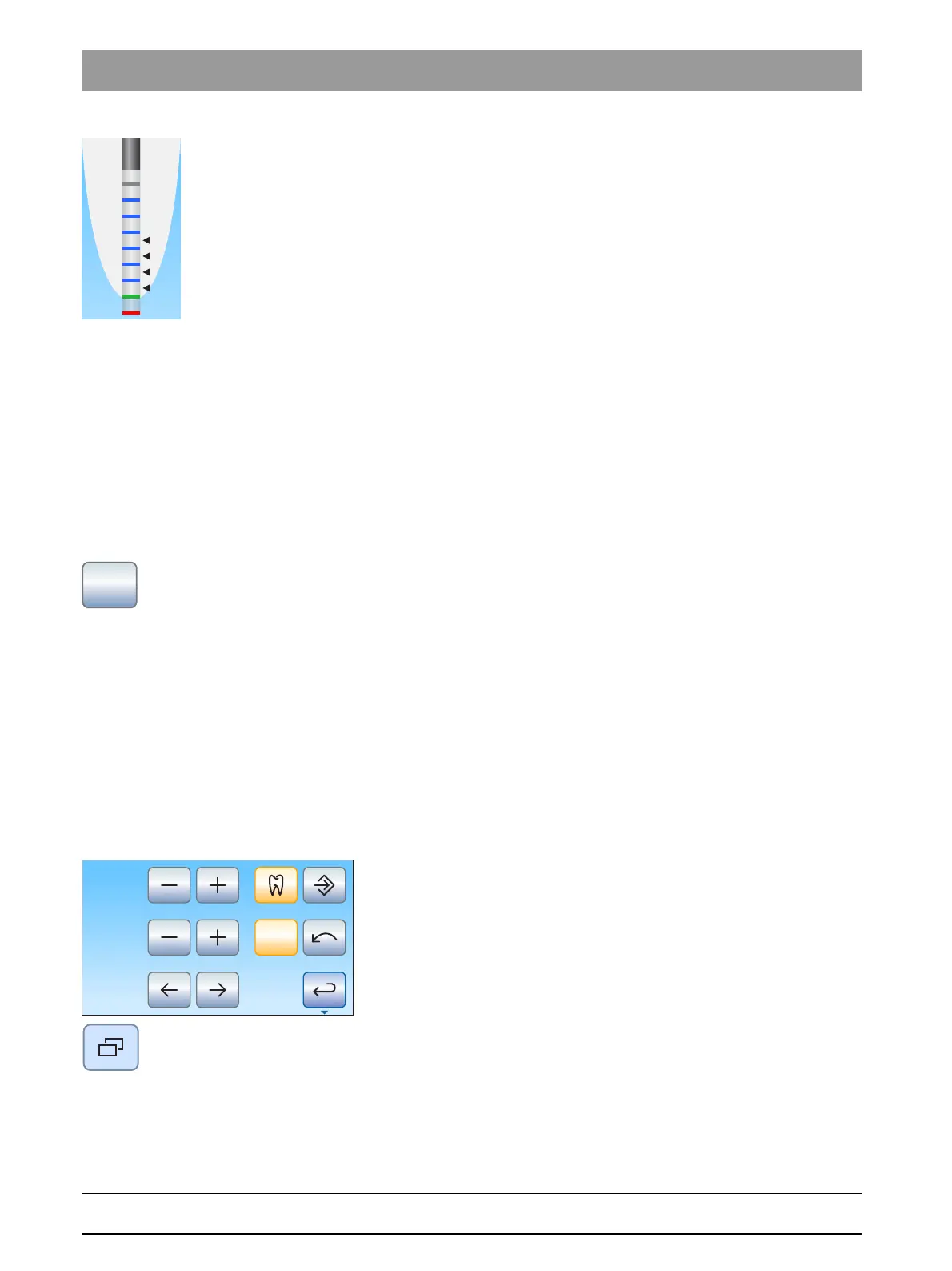
The set distance is displayed to the left of the – and + keys. In the
Endodontic dialog
and in the
Endodontics
sub-dialog, the set
motor stop position is shown as a black triangle to the right of the
distance display under the text "Stop".
4.5.9.2.8 Switching AutoReverse ON/OFF
A setting can be made so that the bur drive automatically switches to
counterclockwise rotation when the preset torque value is reached.
If your treatment center is equipped with the ApexLocator option, you can
determine that the bur drive stops automatically at a preset distance from
the apex. For more information, see "Setting the automatic motor stop of
the ApexLocator" [ → 117]. If the Auto-reverse function is switched on, the
next time the foot pedal is activated following a motor stop, the motor is
switched to counterclockwise rotation. When the file is withdrawn, the bur
drive automatically switches back to clockwise rotation.
➢ Touch the
AutoRev
key.
If the key is highlighted orange, the Auto-reverse function is
activated.
4.5.9.2.9 Switching the torque signal and apex acoustic signals on/off
This can be used to set the acoustic signal that sounds whenever 75% of
the currently set torque value is exceeded.
If your treatment center is equipped with the ApexLocator option, this
button also switches the apex signal tones on or off. If the signal tones are
switched on, a beep is issued when the apex or a set motor stop position
is reached. If the Auto-reverse function is activated, three acoustic signals
are issued when the motor switches to counterclockwise rotation. For
more information on the acoustic signals during apex measurement, see
the section "Acoustic signals" [ → 125].
✔ The
Endodontics
sub-dialog is displayed on the touchscreen.
1. Press the
Sub-dialog
fixed key.



 To Next Page