64 57 498 D3543
D3543.201.01.05.02 08.2016
117
Sirona Dental Systems GmbH 4Operation
Operating Instructions INTEGO 4.5Dentist element
båÖäáëÜ
4.5.9.2.6 Using the ApexLocator
✔ The treatment center is prepared for apex measurements using the
instrument, see section "Preparing to use the ApexLocator" [ → 121].
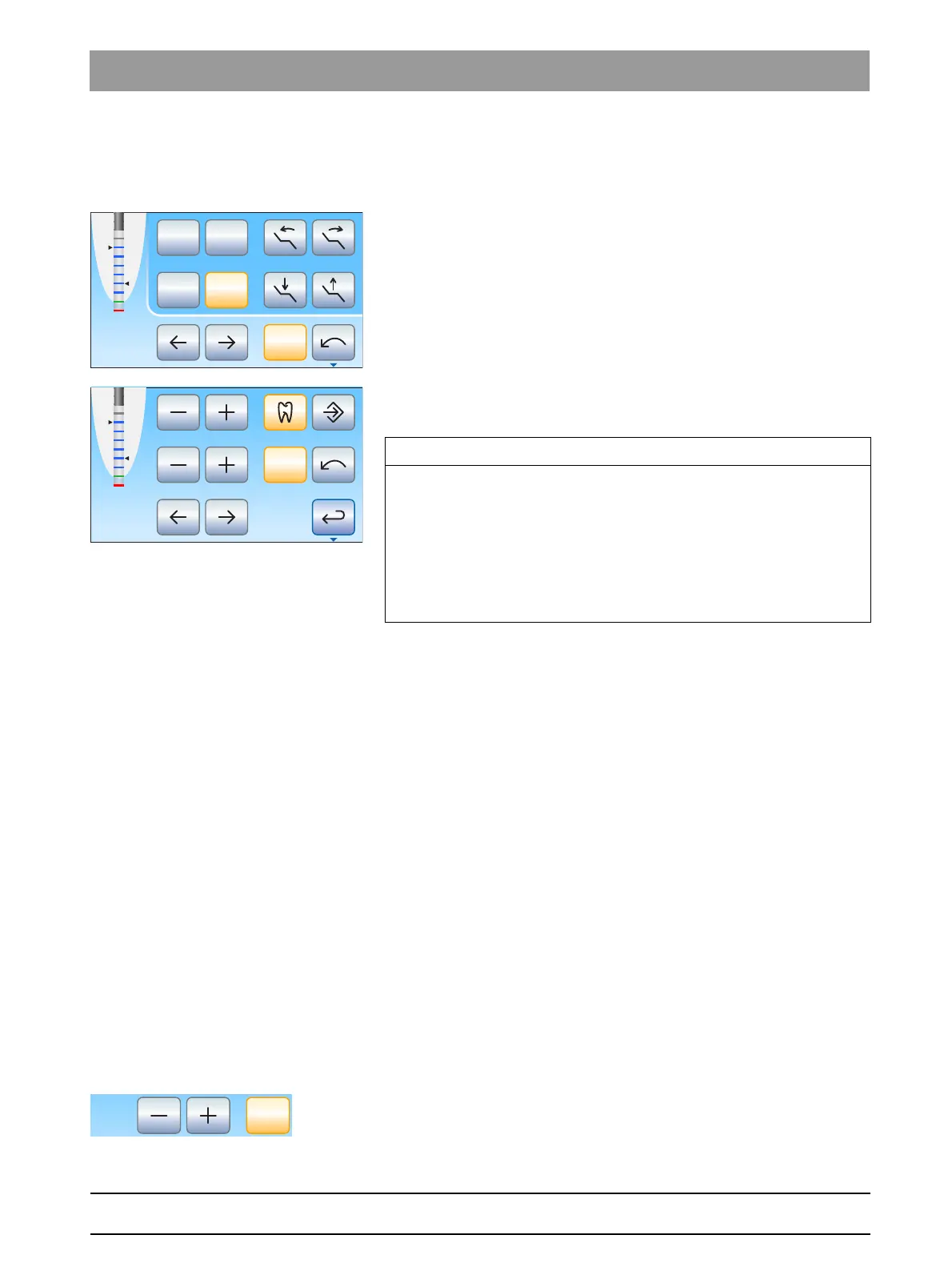
✔ The
Endodontics dialog
or
Endodontics sub-dialog
is displayed on
the touchscreen.
1. Select a working step, see "Selecting a working step" [ → 115]. If
necessary, change the preset speed and torque, see "Setting the
speed and torque" [ → 115].
2. You can make a setting to ensure that the motor stops automatically
at a preset distance from the apex. If you want to use the automatic
motor stop, this can be preset in the second
Endodontics
sub-dialog.
The automatic motor stop can be combined with the
Auto-reverse
function, see "Setting the automatic motor stop of the ApexLocator"
[ → 117].
3. Attach the correct file for the working step to the handpiece.
4. Short the electrical measurement system. Plug in the files and hold
them directly against the mucosal electrode. This cancels out any
inaccuracies caused by jumps in impedance in the measurement
setup (standardization).
If a short signal is heard and the distance display appears with no
bars, the standardization was successful. If not, check the
electrical connections for signs of damage.
5. Place the mucosal electrode in the patient's mouth and perform the
treatment. Activate the bur using the foot pedal.
The measured root canal depth is displayed by a colored bar in
the distance display. The maximum root canal depth reached is
displayed by a black triangle to the left of the distance display. To
the right, the distance of the motor stop set in the second
Endodontics
sub-dialog is displayed. For more information,
please refer to "Distance display" [ → 123].
4.5.9.2.7 Setting the automatic motor stop of the ApexLocator
If your treatment center is equipped with the ApexLocator option, the
motor can be set to stop automatically at a preset distance from the apex.
The motor stop can be combined with the
Auto-reverse
function, see
"Switching the Auto-reverse function on/off" [ → 118].
1. Touch the
Apex stop
key.
If the key is highlighted orange, the automatic motor stop is
activated. The – and + keys are displayed.
Endo 3
Cal
Stop
Max
2
1
0S
Endo 3
Cal
Stop
Max
IMPORTANT
Preventing incorrect measurements
When performing the apex measurement, wear non-conductive gloves
to avoid measurement errors caused by unwanted leakage current.
During the measurement, the instrument must not come into contact
with the patient's mucosa, metallic tooth restorations, or the mucosal
electrode. It is recommended to pull the silicone isolation sleeve over
the handpiece and perform the treatment using a cofferdam.



 To Next Page