64 57 498 D3543
128 D3543.201.01.05.02 08.2016
4Operation Sirona Dental Systems GmbH
4.5Dentist element Operating Instructions INTEGO
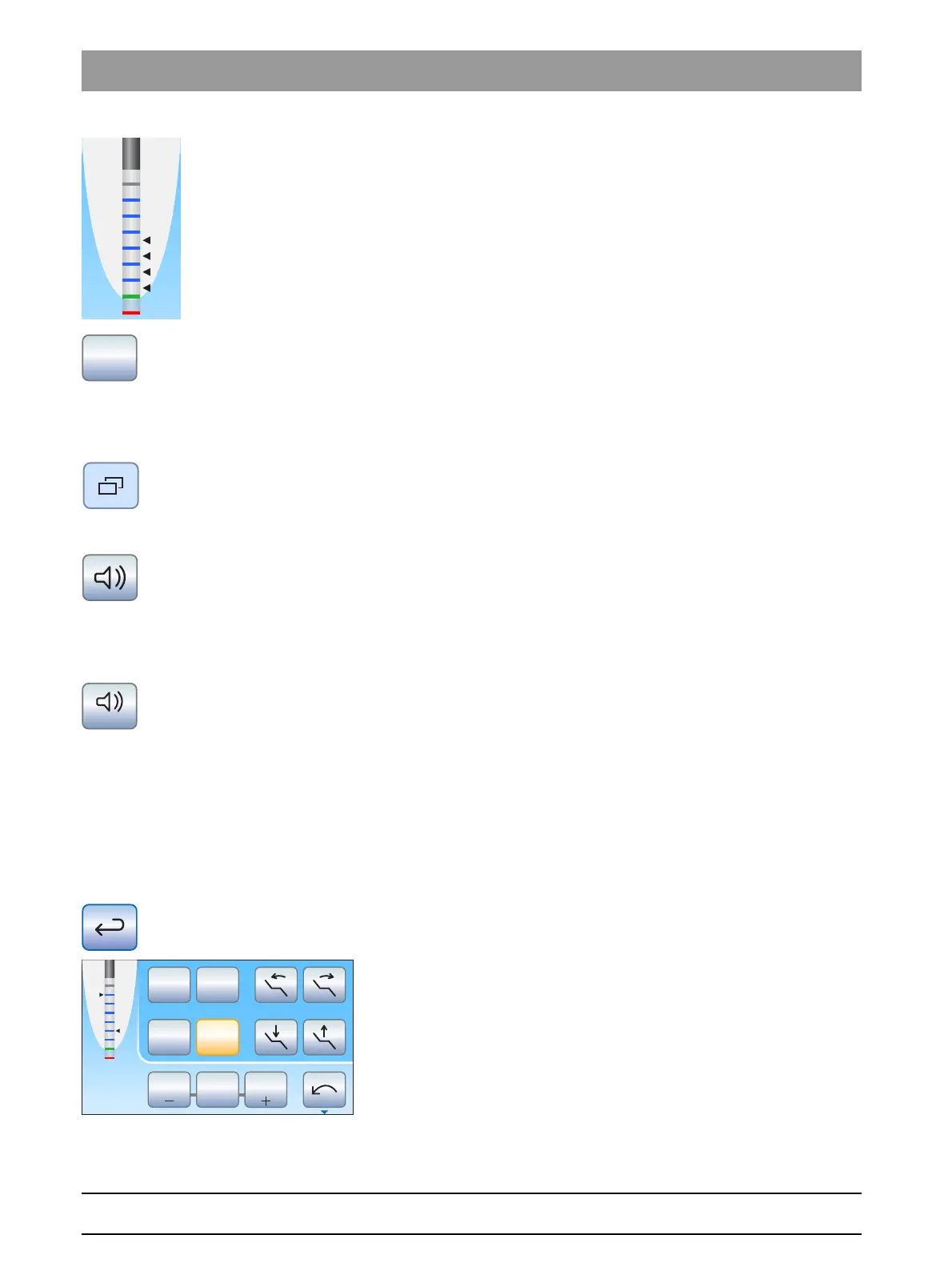
The set distance is displayed to the left of the – and + keys. The
preset motor stop position is displayed in the
Motor dialog
as a
black triangle to the right of the distance display under the text
"Stop".
5. To combine the automatic motor stop with the automatic switching to
counterclockwise rotation, press the
AutoReverse
key.
If the button is orange, the motor automatically switches to
counterclockwise rotation following the motor stop the next time
the foot pedal is operated. When the file is withdrawn, the bur
drive automatically switches back to clockwise rotation.
6. In the second
Motor
sub-dialog, the apex acoustic signals and apex
distance signals can be switched on. To do this touch the
Sub-dialog
key.
The second
Motor
sub-dialog is displayed.
7. To switch on the apex acoustic signals, press the
Apex acoustic
signals
key.
If the key is colored orange, an acoustic signal is issued when the
apex or the set motor stop position is reached. If the Auto-reverse
function is activated, three acoustic signals are issued when the
motor switches to counterclockwise rotation.
8. To switch on the apex distance acoustic signals, press the
Apex
distance acoustic signals
key.
If the key is colored orange, distance acoustic signals will be
issued in addition to the distance display diagram. If the
automatic motor stop is switched off, the intervals between the
acoustic signals vary according to the measured distance from
the physiological apex. If this function is switched on, the acoustic
signals vary depending on the measured distance to the preset
motor stop position. For more information on the acoustic signals
during apex measurement, see the section "Acoustic signals"
[ → 125].
9. Return to the main dialog. Touch the
Return
key, if necessary twice.
The apex distance display is shown in the
Motor dialog
.
2
1
0S
rpm
2700
Stop
Max
1.2 4020
Set



 To Next Page