64 57 498 D3543
306 D3543.201.01.05.02 08.2016
10Overview of all function keys Sirona Dental Systems GmbH
10.3Start dialog for removed instruments Operating Instructions INTEGO
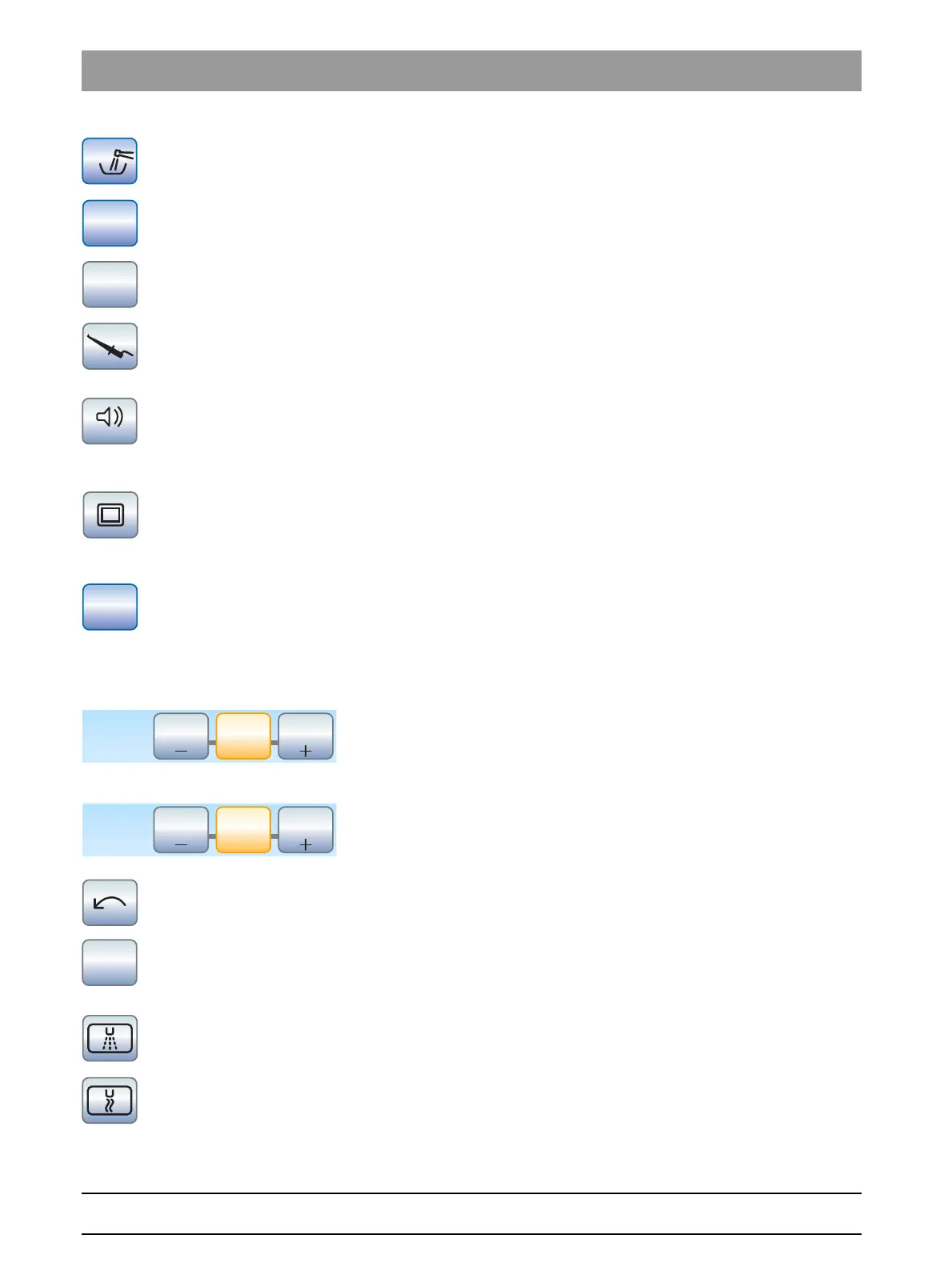
Purging water lines automatically
Starts the autopurge function
Sanitizing
Starts the treatment center sanitation program
Stand-alone water supply
The disinfection system switches to stand-alone water supply
Apex measurement with file clamp
Activation of the ApexLocator for manual measurement with the file
clamp, showing the distance display
Apex distance acoustic signals
Activates the acoustic signals for the distance to the apex. The intervals
between the acoustic signals vary according to the measured distance to
the apex.
White screen on the SIVISION monitor
If the treatment center does not have an X-ray viewer, but is equipped
with a SIVISION monitor, it can be switched to a white screen in the
Start
sub-screen.
Setup key
Used for individual configuration of the treatment center by the user and
for reading out messages by the service engineer.
10.3
Start dialog for removed instruments
Speed favorite keys
Changes and saves the speed of the electric motor, the maximum torque
if torque control is activated, and activating spray (only with C
+
electronic
foot control)
Intensity favorite keys
Changes and saves the intensity of the SIROSONIC L scaler and
activating spray (only with C
+
electronic foot control)
Direction of rotation
Switches counterclockwise rotation ON/OFF
Endodontics function
Activation of the endodontics mode for the SIROSONIC TL scaler (power
limitation)
Preselecting spray coolant
Used to cool the treatment area with spray
Preselecting air coolant
For cooling the treatment area with air



 To Next Page