64 57 498 D3543
D3543.201.01.05.02 08.2016
313
Sirona Dental Systems GmbH 10Overview of all function keys
Operating Instructions INTEGO 10.6SIVISION program
båÖäáëÜ
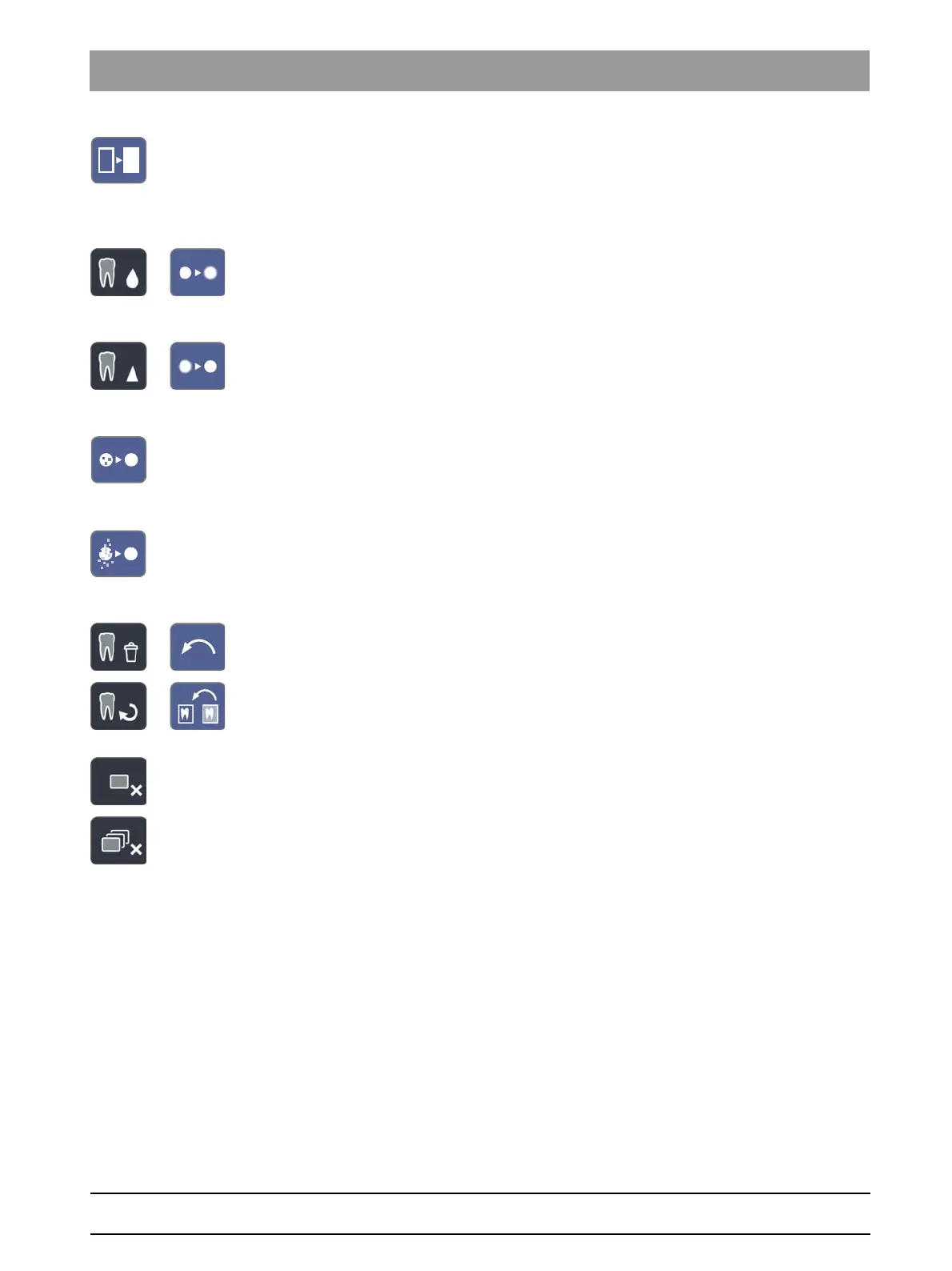
Display image in pseudocolors
To enable better distinction of image details, an image can be displayed
in a so-called pseudo color mode. The grayscale values of the image are
replaced by colors which the human eye can distinguish better from one
another than the corresponding gray levels.
Smooth image
To mitigate high-contrast or high-interference effects in images, the
contrast between neighboring pixels is reduced or averaged. The overall
definition of the image is reduced.
Sharpen image
Contrasts between neighboring pixels are increased. This function helps
to accentuate edges or contours. The impression of a sharper image is
created.
Filter black dots
Single pixel errors may occur when taking digital X-rays. These pixel
errors appear as individual black dots when the optimum resolution
(100%) is selected. They are removed by SIDEXIS.
Reducing noise
Individual scattered pixels and minor disturbing information which lead to
a noisy image are eliminated without reducing the overall definition of the
image.
Undo
The effect of the last filter operation is undone.
Restore original image
The changes previously made, e.g. via filters, are canceled. The most
recently saved version of the image is restored.
Close current media window
Close all media windows



 To Next Page