64 57 498 D3543
314 D3543.201.01.05.02 08.2016
10Overview of all function keys Sirona Dental Systems GmbH
10.6SIVISION program Operating Instructions INTEGO
10.6.4 SI Video
Start SI Video
SI Video is started on the PC, if SIDEXIS is not installed on it. The keys
for the SI Video PC application are displayed on the right side of the
touchscreen:
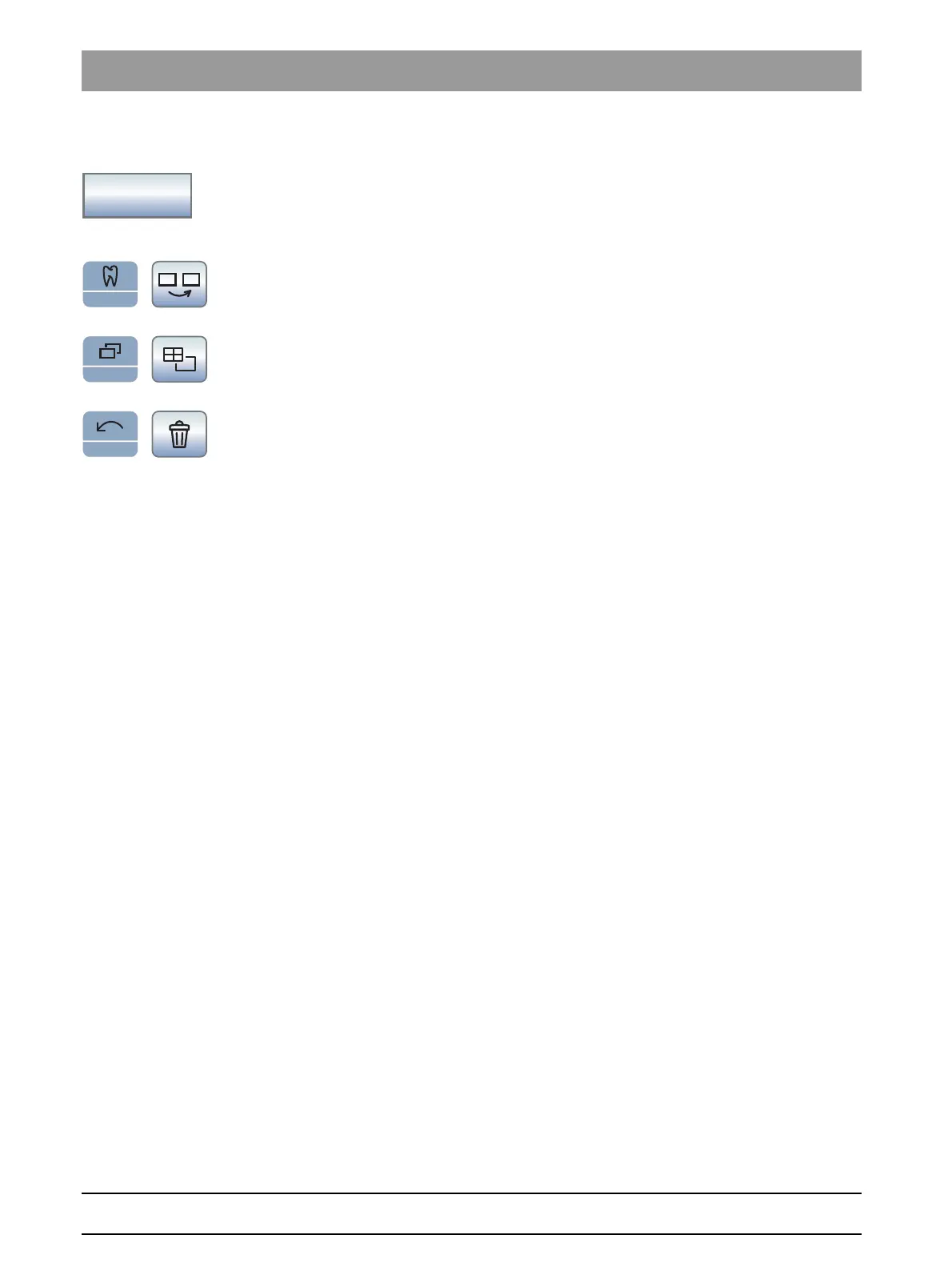
SI Video keys
Selecting the next quadrant
In single image mode, the still image in the next quadrant is displayed. In
quad image mode, the next quadrant is highlighted.
Quad image
Display quad image or single image Up to four single images are
simultaneously displayed on the SIVISION monitor in quad image mode.
Deleting images
All generated still images are deleted.



 To Next Page