64 57 498 D3543
D3543.201.01.05.02 08.2016
315
Sirona Dental Systems GmbH 10Overview of all function keys
Operating Instructions INTEGO 10.7Setup program
båÖäáëÜ
10.7
Setup program
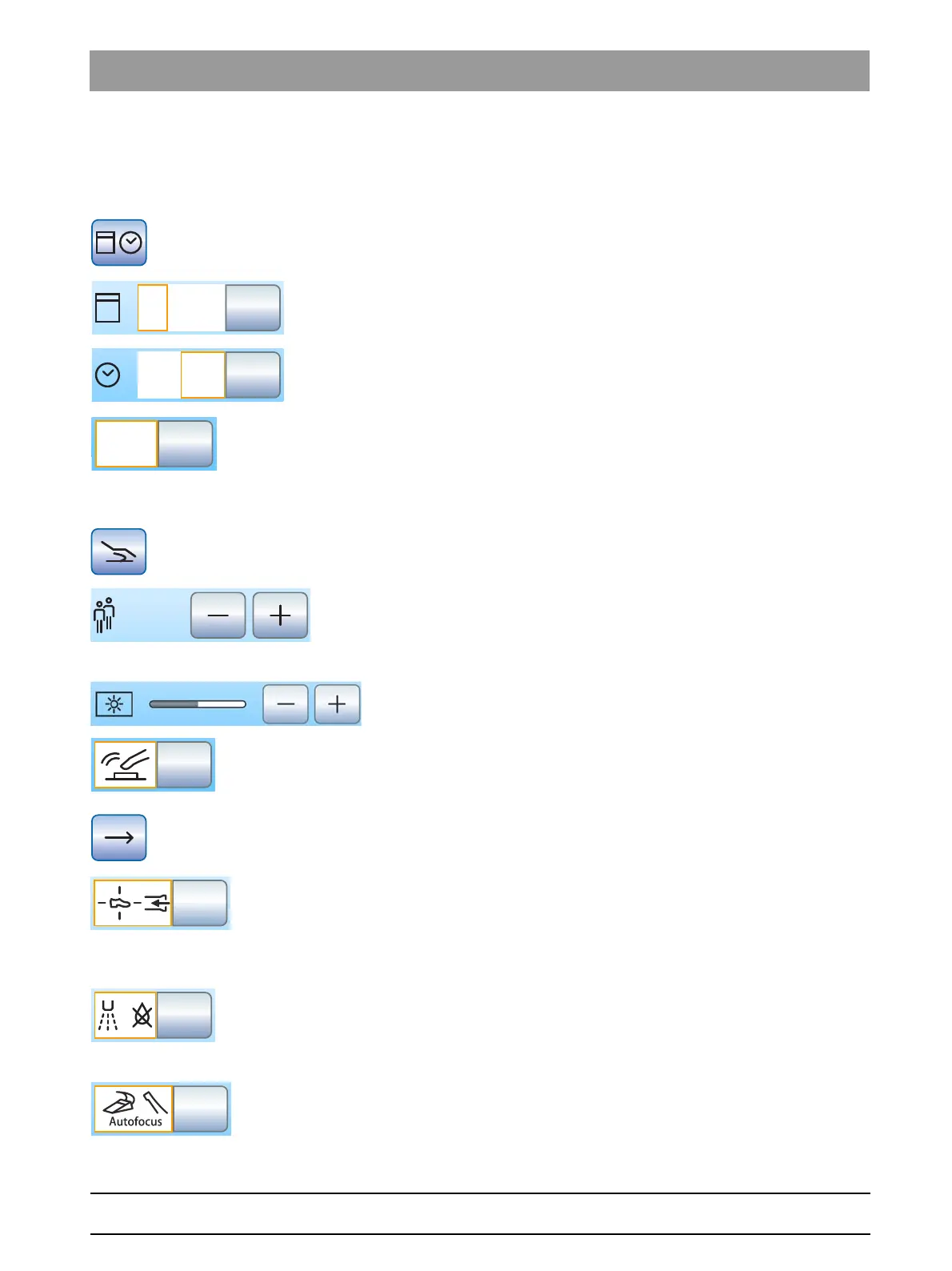
10.7.1 Date and time
Date and time
Opens the
Date and Time
setup program.
Date
Time
12/24 hour display
10.7.2 Control options
Configuring control options
Opens the
Control Options
setup dialog.
Number of user profiles
If fewer user profiles are required, their number can be limited so that only
the specified users can be selected after the treatment center is switched
on.
Touchscreen brightness
Key tone
A setting can be made to activate or deactivate an acoustic signal that
sounds when the operator touches a key on the touchscreen.
Open next dialog page
Suction
If the treatment center is equipped with a position selector valve for the
suction system, it can be set so suction flow can be interrupted or
restarted by moving the 4-way foot control switch at the base of the chair
in any direction.
Afterblow
After an instrument is put in its holder, the cooling spray remaining in the
instrument head or in the tip of the instrument is automatically blown out
by briefly activating the chip blower.
Focusing the intraoral camera using the foot control
If the treatment center is equipped with an autofocus camera and the C
+
electronic foot switch, it can be configured in setup that the camera image
can be focused with the foot switch.



 To Next Page