1.
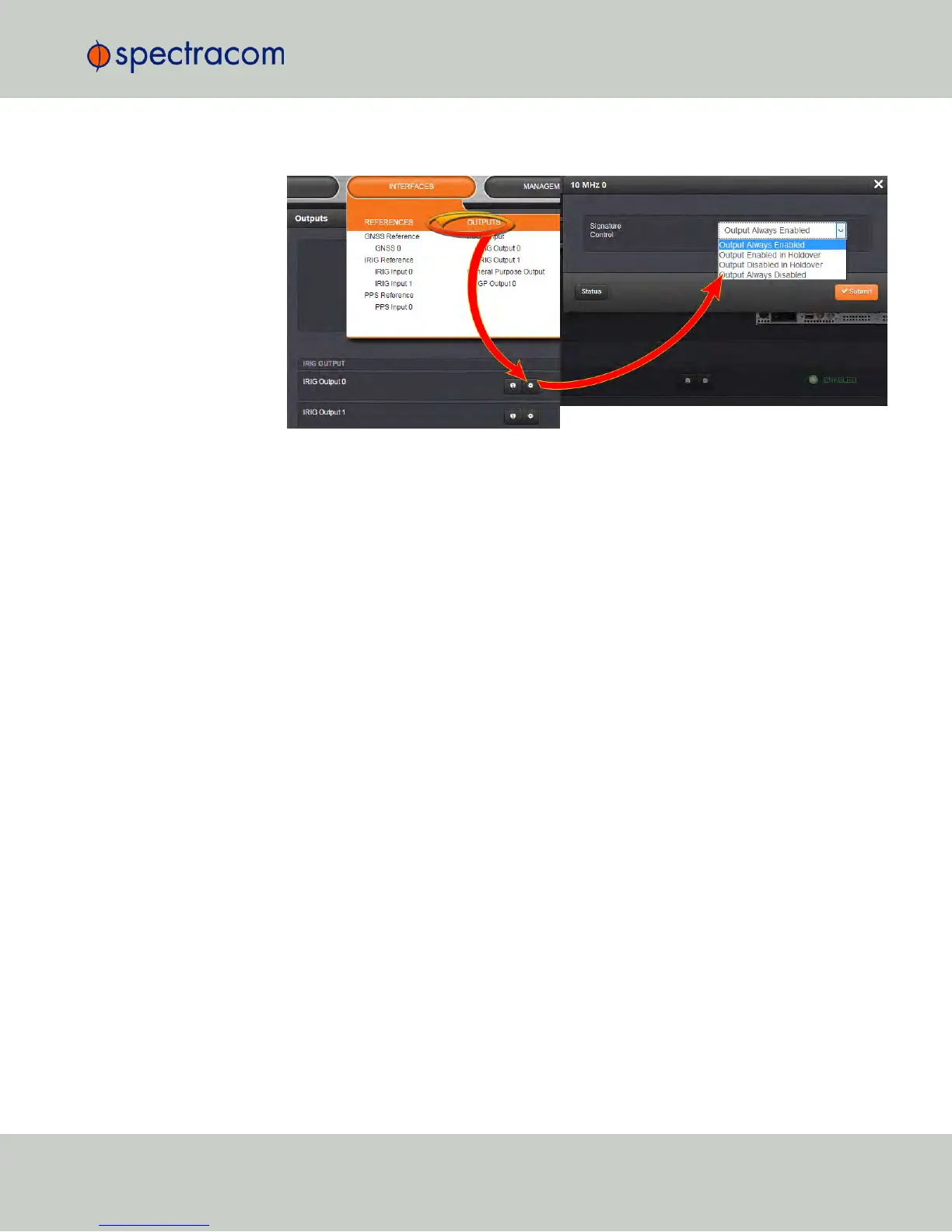
Navigate to INTERFACES > OUTPUTS and click the output you want to configure.
2.
In the Outputs panel, click the GEAR button for the desired output. Ehe Edit window will
open with the current Signature Control setting, and a drop-down list to change it.
2.17 Configuring Outputs
CHAPTER 2 • NetClock User Reference Guide Rev. 16
143



 To Next Page