HOME BASE
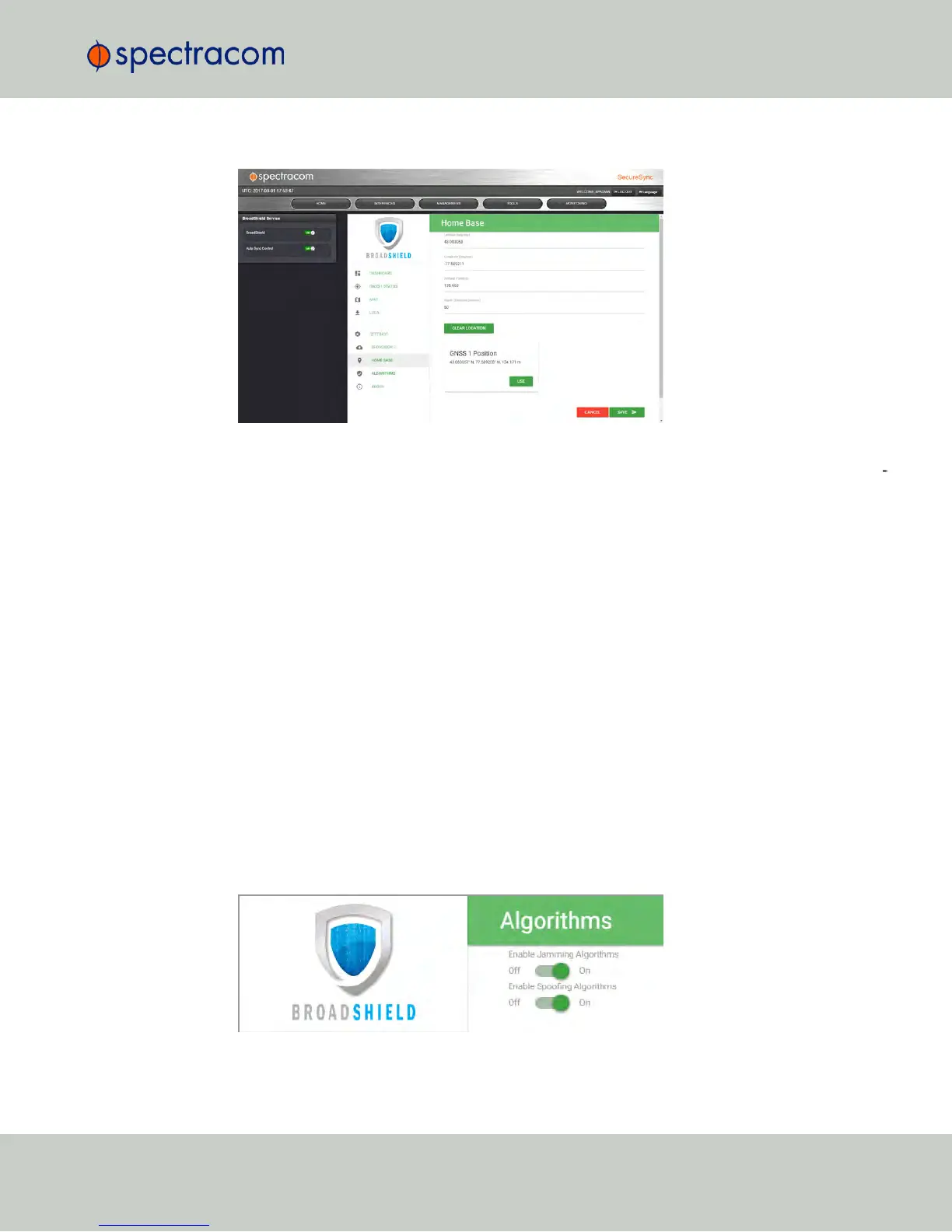
By setting the HOMEBASE position you allow BroadShield to use this location as a reference
position for spoofing detection: Should BroadShield detect that the geographic position repor
ted by NetClock's GPS receiver seems to move beyond the set Alarm Threshold (even though
NetClock does not move), an alarm will be triggered.
The standard use case is to make your GNSS 1 Position your HOME BASE:
1.
Should the position fields be populated (other than the Alarm Threshold), click
CLEARLOCATION (this will prevent BroadShield from issuing an alarm once you SAVEd
the new position.)
2.
Click USE in the GNSS 1 Position box to apply the settings.
3.
The default Alarm Threshold is 50 m, i.e. any detected position shift beyond a 50-m
circle around the HOMEBASE position will cause an alarm. You can change this setting
to adjust the sensitivity.
4.
Click SAVE to accept the entered values.
A less common use case may be that you want to pre-set the unit's position for later use e.g., if
the NetClock unit will be deployed in a different location: Set a position manually by entering
lat/long (format: xx.xxxxxx degrees) and alt. Note, however, that this may cause a spoofing
alarm, since BroadShield detects a difference between the HOME BASE position and the
GNSS position.
ALGORITHMS
3.3 Managing Input References
CHAPTER 3 • NetClock User Reference Guide Rev. 16
177



 To Next Page