Letter Symbol GNSS Constellation
G GPS
R GLONASS
E Galileo
J QZSS
C BeiDou
I IRNSS
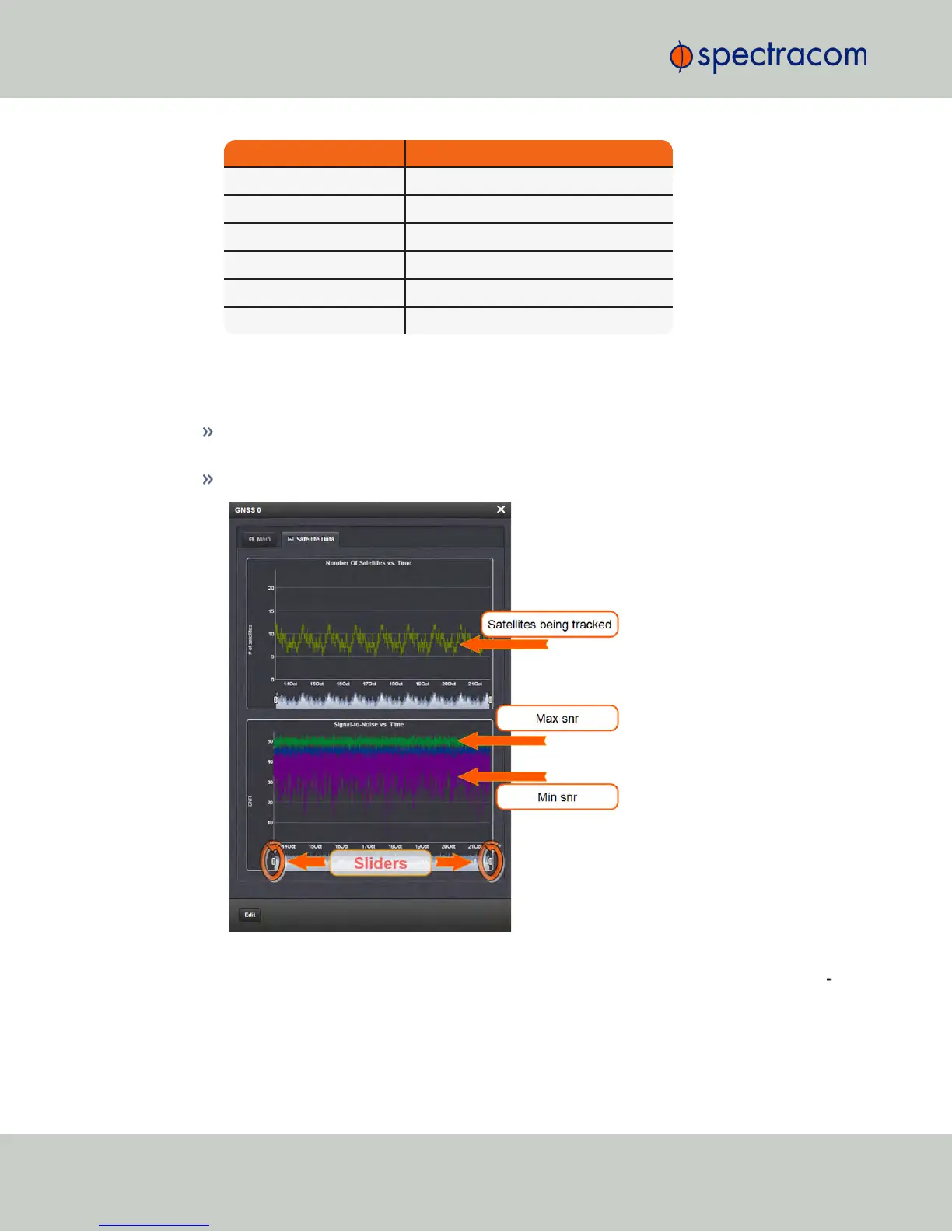
The "Satellite Data" tab
Under the Satellite Data tab, there are two graphs:
Number of Satellites over Time: A graphical track of how many satellites were being
tracked over time.
SNR over Time: A graphical track of maximum SNR, and minimum SNR.
In both graphs, to see a legend of the graphical data, and time-specific status data, click
inside the graph, choosing the desired point in time. If necessary, increase the time res
olution by dragging the time sliders. A pop-up window will display the legend for that
186
CHAPTER 3 • NetClock User Reference Guide Rev. 16
3.3 Managing Input References



 To Next Page