Note: Should you select more than 3+QZSS constellations, you
will receive a Constellation Error once you click Submit (ConstError).
About QZSS
QZSS is disabled by default. In order to receive QZSS signals, you must either be located in
the Japan region, or use a GNSS simulator (such as Spectracom GSG-5 or -6 Series).
QZSS is not considered a standalone constellation and while NetClock allows you to enable
QZSS by itself, it is recommended to use it in combination with GPS.
Determining Which GNSS Satellites Are Received
To see which GNSS satellites your NetClock is currently receiving:
1.
Navigate to INTERFACES > REFERENCES: GNSS 0.
2.
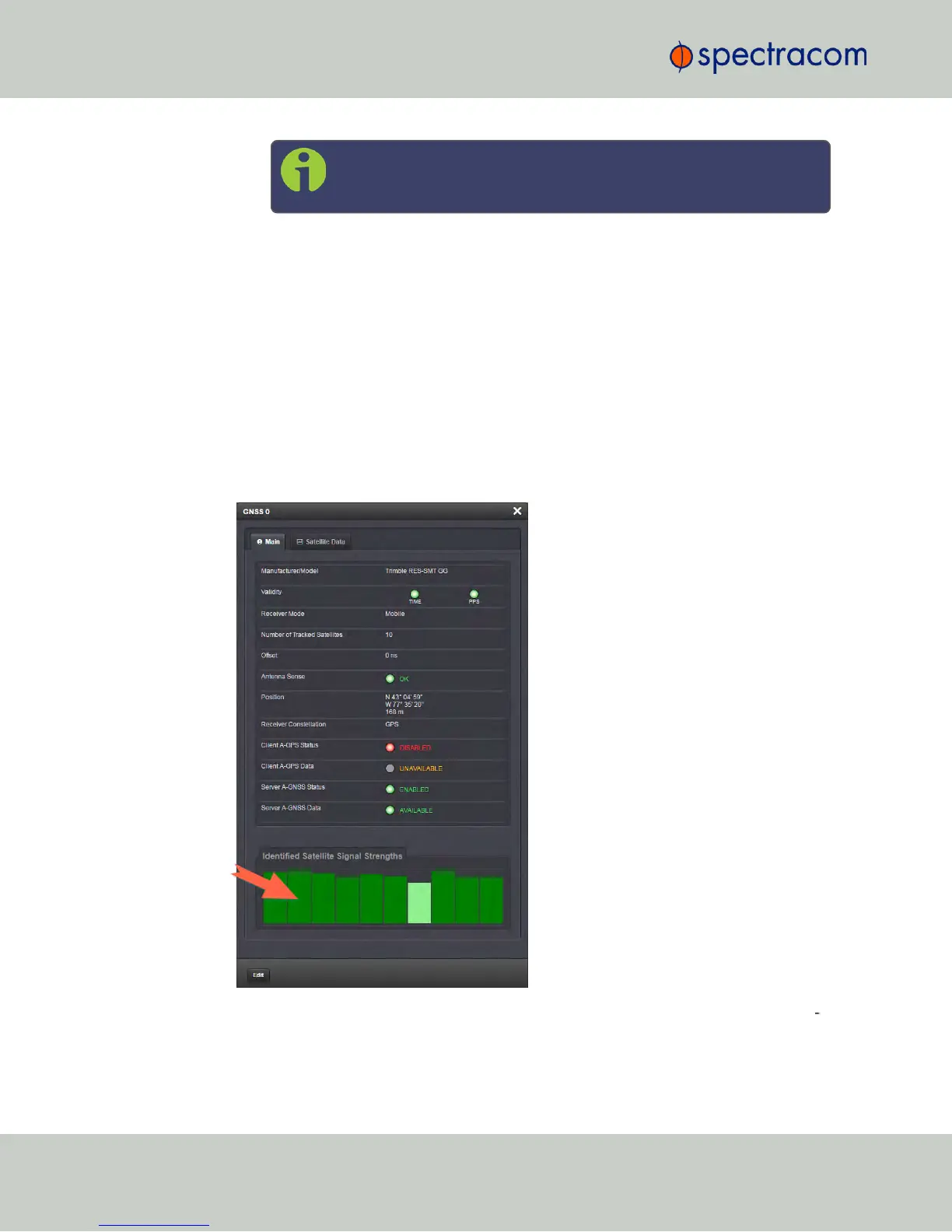
The GNSS 0 status window will open:
3.
Under Identified Satellite Signal Strengths hover with your cursor over the bars: The let
ter in the tooltip window displayed for each signal bar indicates which constellation the
satellite belongs to:
204
CHAPTER 3 • NetClock User Reference Guide Rev. 16
3.3 Managing Input References



 To Next Page