provided to a Master Clock. If no active reference can provide that information, the off
set must be provided by the Host. The TAI to UTC Offset can be set from the
MANAGEMENT/OTHER/Time Management page (while setting the GPS to UTC Off
set).
c.
The PTP protocol also provides for the transfer of Leap Second information. If the active
time reference does not provide Leap Second information, it must be added by the user
through the MANAGEMENT/OTHER/Time Management page. If this is not done, the
PTP network will have the incorrect UTC time after a leap second event.
d.
If there are multiple multicast Master Clocks on the network, the PTP Module uses the Best
Master Clock (BMC) algorithm specified in the PTP Specification to decide whether or
not to become the active Master Clock. The BMC algorithm selects the Best Master Clock
on the network from the following criteria:
i.
The BMC algorithm first selects the clock having the higher Priority1 parameter (a
lowest value means a higher priority).
ii.
If the BMC cannot be determined from the previous parameter, the BMC
algorithm selects the clock having the higher Clock Quality (Clock Class, Clock
Accuracy, Clock Variance).
iii.
If the BMC cannot be determined from the previous parameters, the BMC
algorithm selects the clock having the higher Priority2 parameter.
The Master Clock selected by the BMC algorithm as the Best Master Clock will transition into the
Master state to become the active Master Clock on the network. It will then start to transmit Sync
packets to the Slave Clocks. The other Master Clocks will transition into the Passive state.
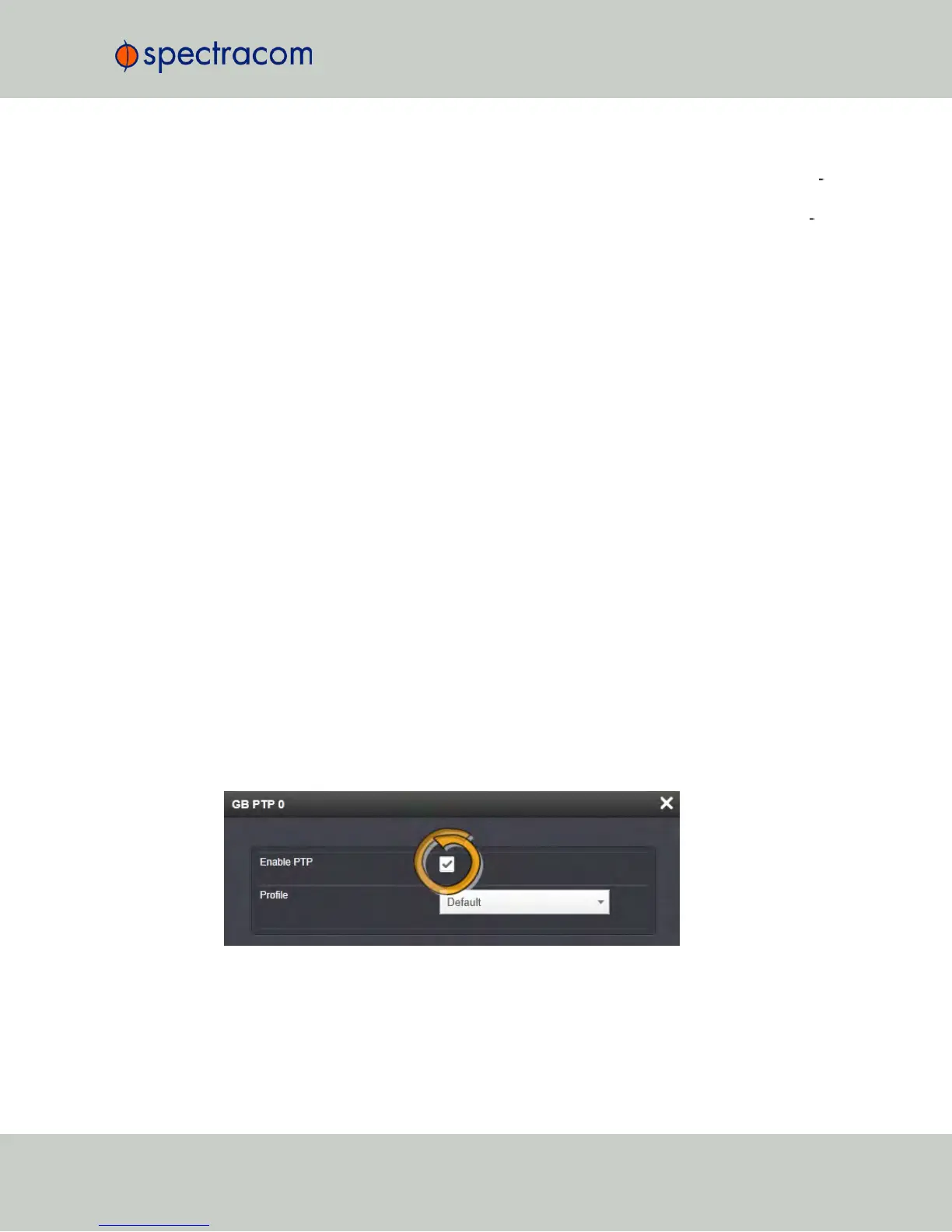
Enabling PTP
To enable PTP:
1.
Navigate to the Top panel of the GB PTP Edit window.
2.
Check the Enable PTP box.
NetClock User Reference Guide 377
APPENDIX



 To Next Page