Vista 1 Digital Mixing System
2-62 Desk Operation
Document generated: 18.04.17
SW V5.3
2.2.10 FaderGlow
®
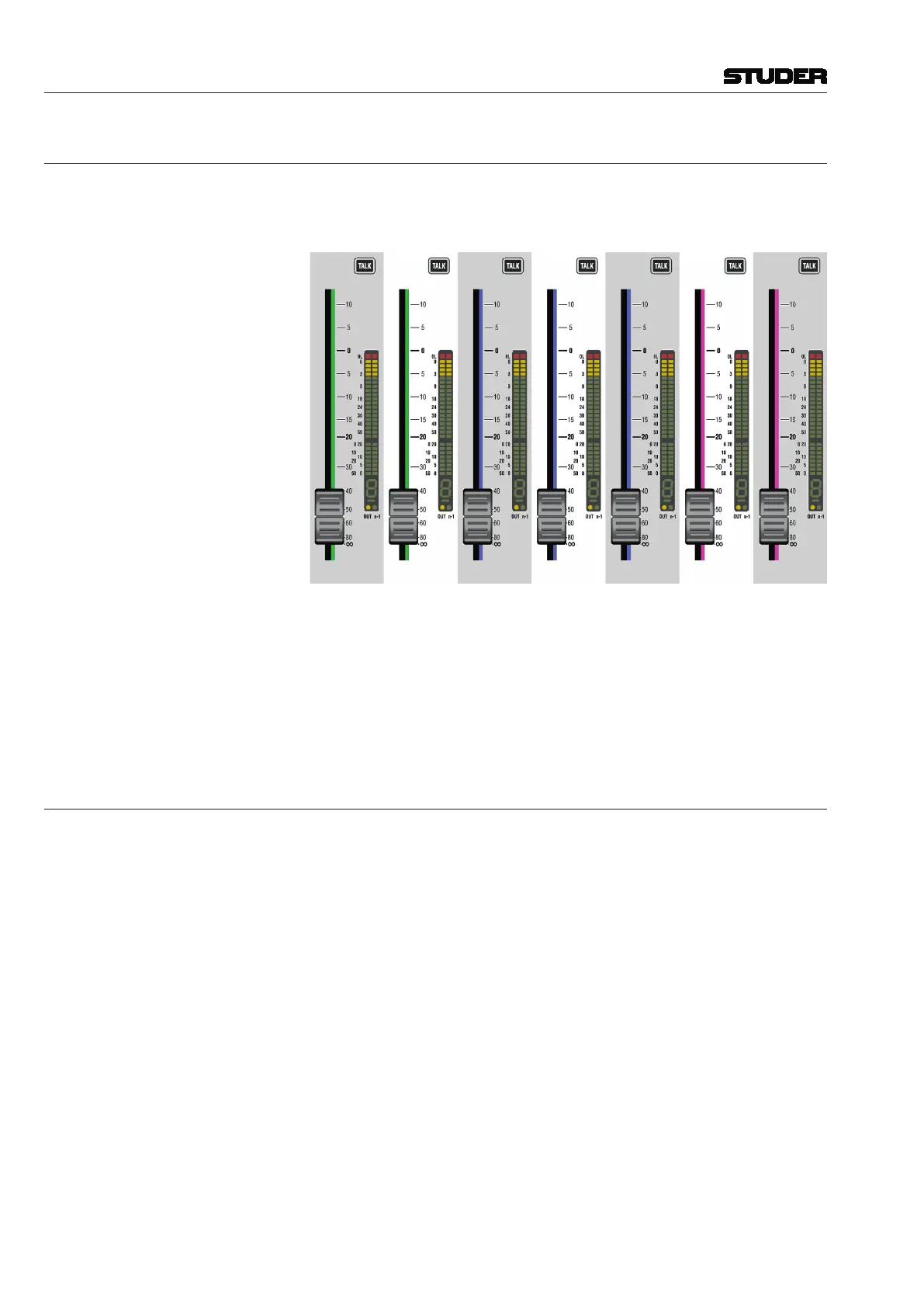
The fader tracks (including the ones of the Grand Master faders) can be illu-
minated in any of eight available colors, based on function or session context.
This color is repeated on the meter screen for additional clarity.
The logical place for assigning FaderGlow
colors is the Strip Setup, where
the layout of all channels on all six sections is shown; for setup details refer
to chapter 4.4.6.1.7.
The FaderGlow
setup is saved as a part of the Strip Setup, allowing different
operators who might alternately mix a show having their own, personal color
setup.
2.2.11 Optional TFT Level Meters
Depending on console size, the TFT meterbridge features between two to five
screens dedicated to the metering. One more screen is used for displaying the
GC information. Therefore no external GC screen is required when using the
TFT meter option.



 To Next Page