Vista 1 Digital Mixing System
2-40 Desk Operation
Document generated: 18.04.17
SW V5.3
2.2.5.13 Fader Page Navigator
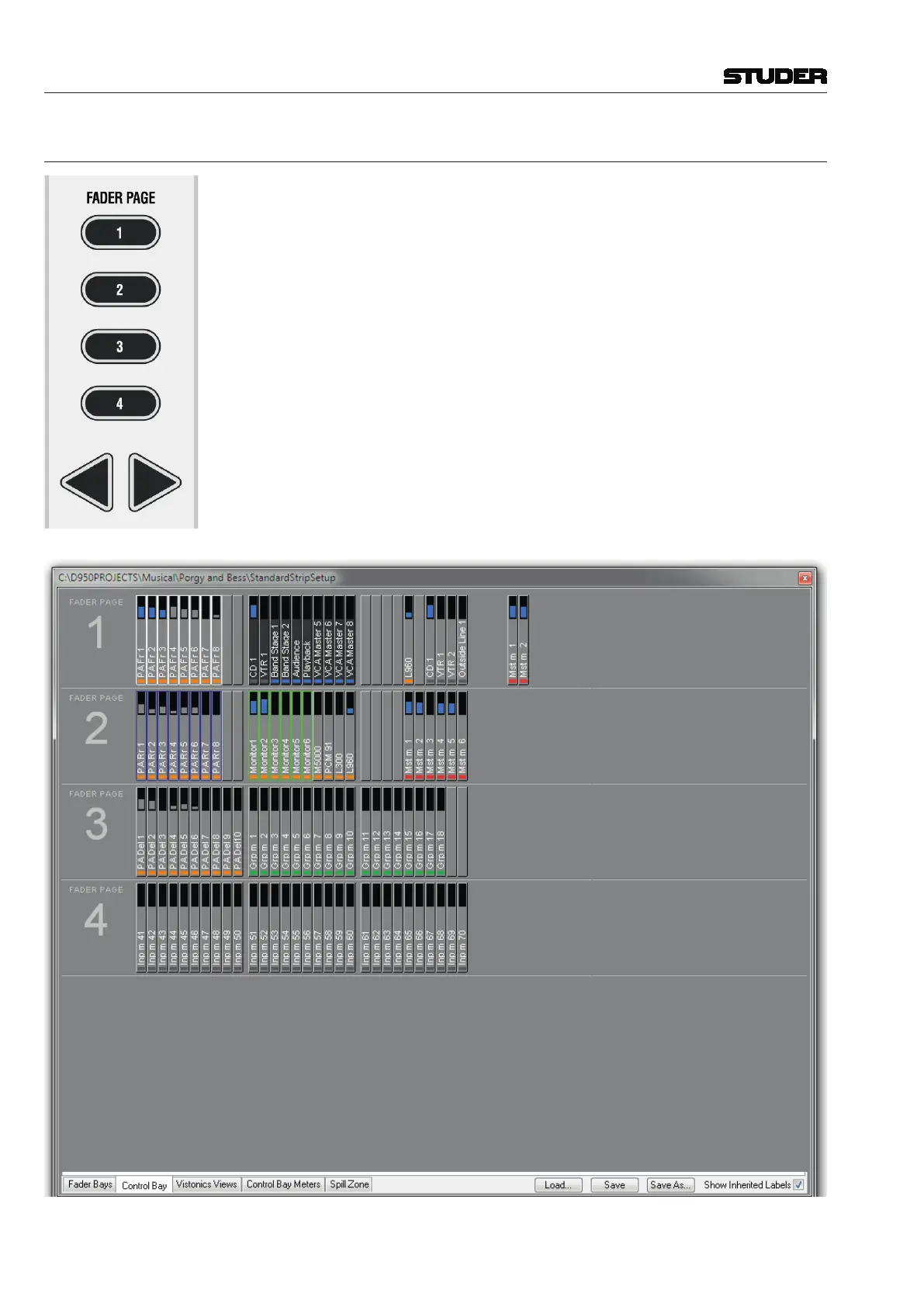
These keys allow changing the Control Bay faders to different pages. Each
page may be scrolled by 10 faders to the left or right, allowing for a total of
120 channels to be displayed in the control bay. Any channel type may be
placed on the Control Bay channel strips, including masters and input chan-
nels. Which channels are displayed on which page can be configured with the
Graphical Controller, in the top right corner of the strip setup window under
the Control Bay tab.



 To Next Page