Vista 1 Digital Mixing System
4-132 GC Operation
Document generated: 18.04.17
SW V5.3
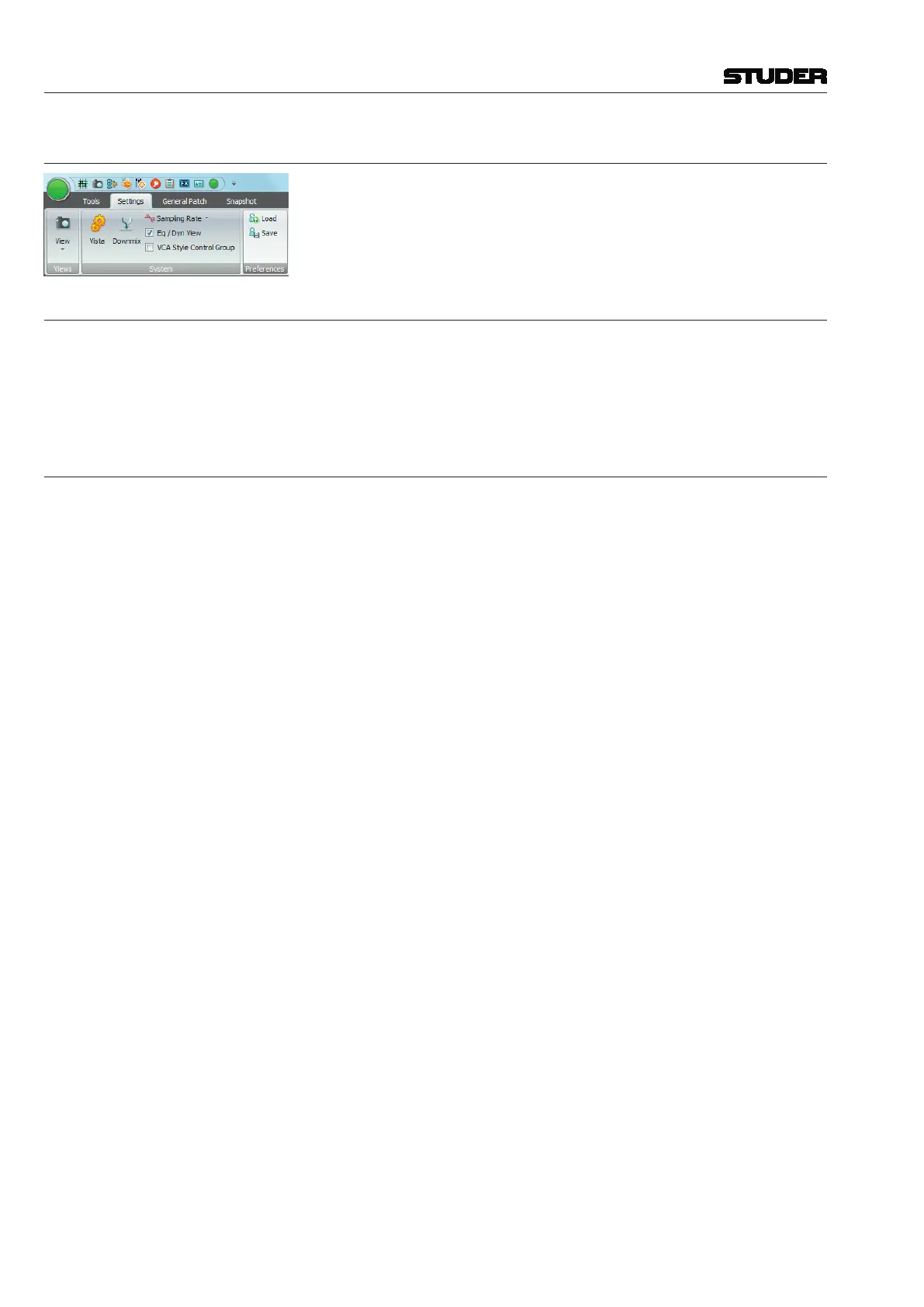
4.6.2.2 Preferences
The User menu allows the users to individually save various prefer ences
including page layout, size, and position of various windows.
4.6.2.2.1 Load
This action opens a dialog box that allows selection of a User Preference
file for loading. The dialog box will usually display the
C:\D950SYSTEMDB
directory with all the available Session Configurations.
Enter the desired Session Configuration directory, and select the Preference
file to open. Click Open or double-click on the file to load.
4.6.2.2.2 Save
This action opens a dialog box that allows selection of a name for a new
Preference file, and to create a new Preference file. You can freely create
any number of Preferences. The dialog box will usually display the
C:\
D950SYSTEMDB
directory with all the available Session Con figurations. The
User Preference files are best saved together with the current Session Confi-
guration in the Session Configuration directory, because they will probably
change only when the users change, and not with every production/title.
Enter a name for the new Preference file, or select an existing Preference file
to be overwritten, and then click Save to finish.
The User Preference files have the extension
*.pfc, which is added auto-
matically; you do not have to type it.
Tip If you should have forgotten to save your preferences, don’t worry. The
system will save the last-used screen layout at shutdown. When you restart
the system, the screen will come up as you left it.



 To Next Page