Vista 1 Digital Mixing System
GC Operation 4-129
Document generated: 18.04.17
SW V5.3
4.6.2.1.4 EQ/Dyn View
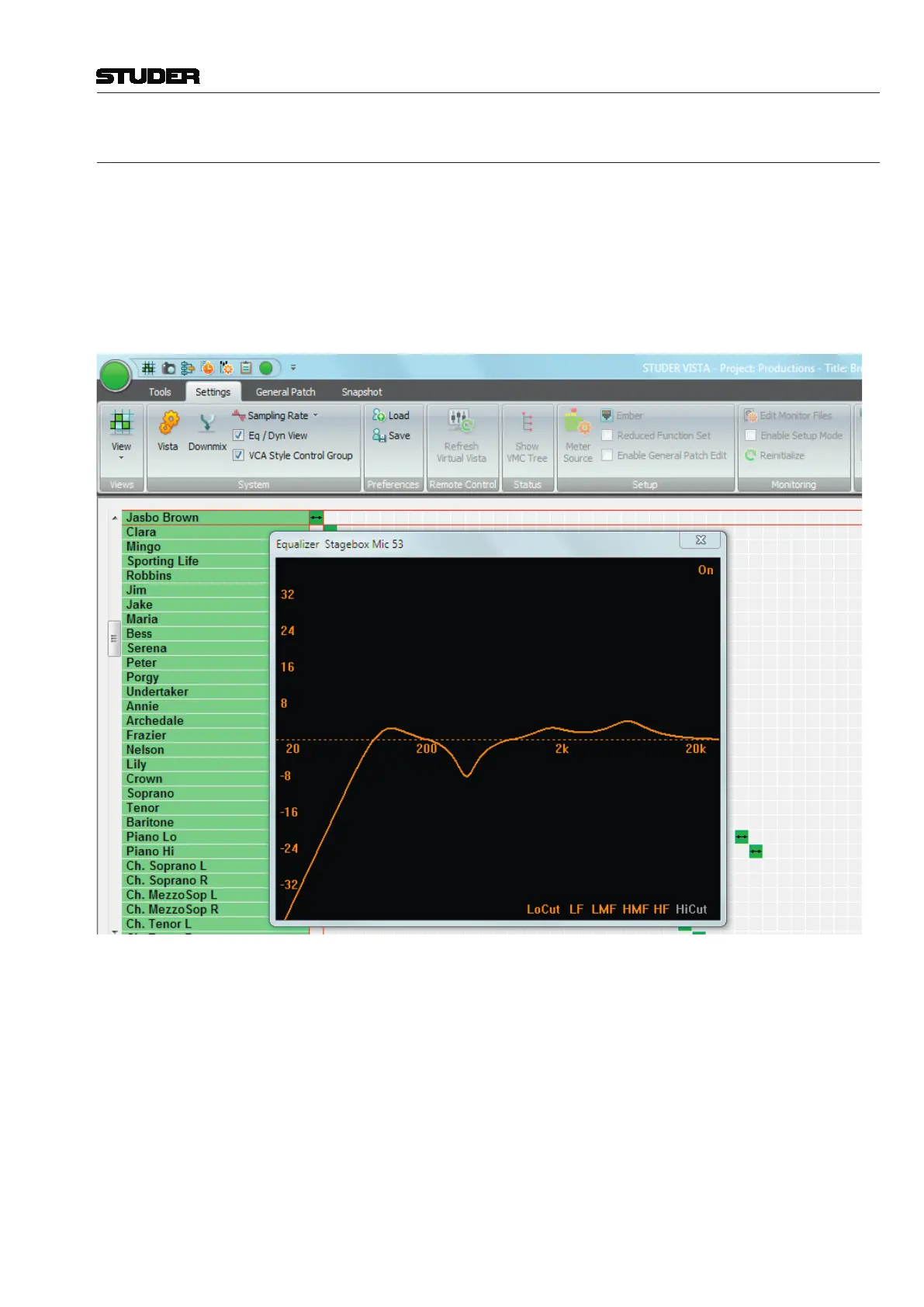
The EQ/Dynamics View option can be checked or unchecked. If checked, the
graphical controller will display an EQ and/or a Dynamics screen.
EQ Screen The EQ screen is displayed for the channel on which any of the rotary
encoders is touched or operated while the channel’s controls are in the EQ/
Filter page. Please note that the EQ screen will appear when any EQ/Filter
control is touched. However, for the EQ screen to be displayed, EQ/Filter
must be engaged in the channel.
The EQ screen is time-limited and will automatically disappear several
seconds after the last touch, or when pressing Esc. It is always on top of any
other screens/pages.



 To Next Page