Vista 1 Digital Mixing System
GC Operation 4-53
Document generated: 18.04.17
SW V5.3
4.4.5 Cue List / Theatre Cue List
Two different cue list functionalities are available that allow sorting snaps-
hots and attaching MIDI, HiQNet and other events to each one of them.
Each title can contain only one single cue list. It can be controlled from
external controllers using MIDI. It is possible to use standard ‘MIDI show
control’ commands as well as recalling certain cues with a user-defined
MIDI command (note or program change). The Theatre Cue list is only
available in ‘static’ mode, hence not when dynamic automation is active.
The Cue List page of the graphical controller can be called up in three different
ways:
• FromtheView button, by clicking on the appropriate icon
• UsingtheQuick Access Toolbar icons, by clicking on the appropriate icon;
• UsingtheCUE LIST function key on the console – which is probably the
fastest way.
4.4.5.1 ‘Standard’ Cue List
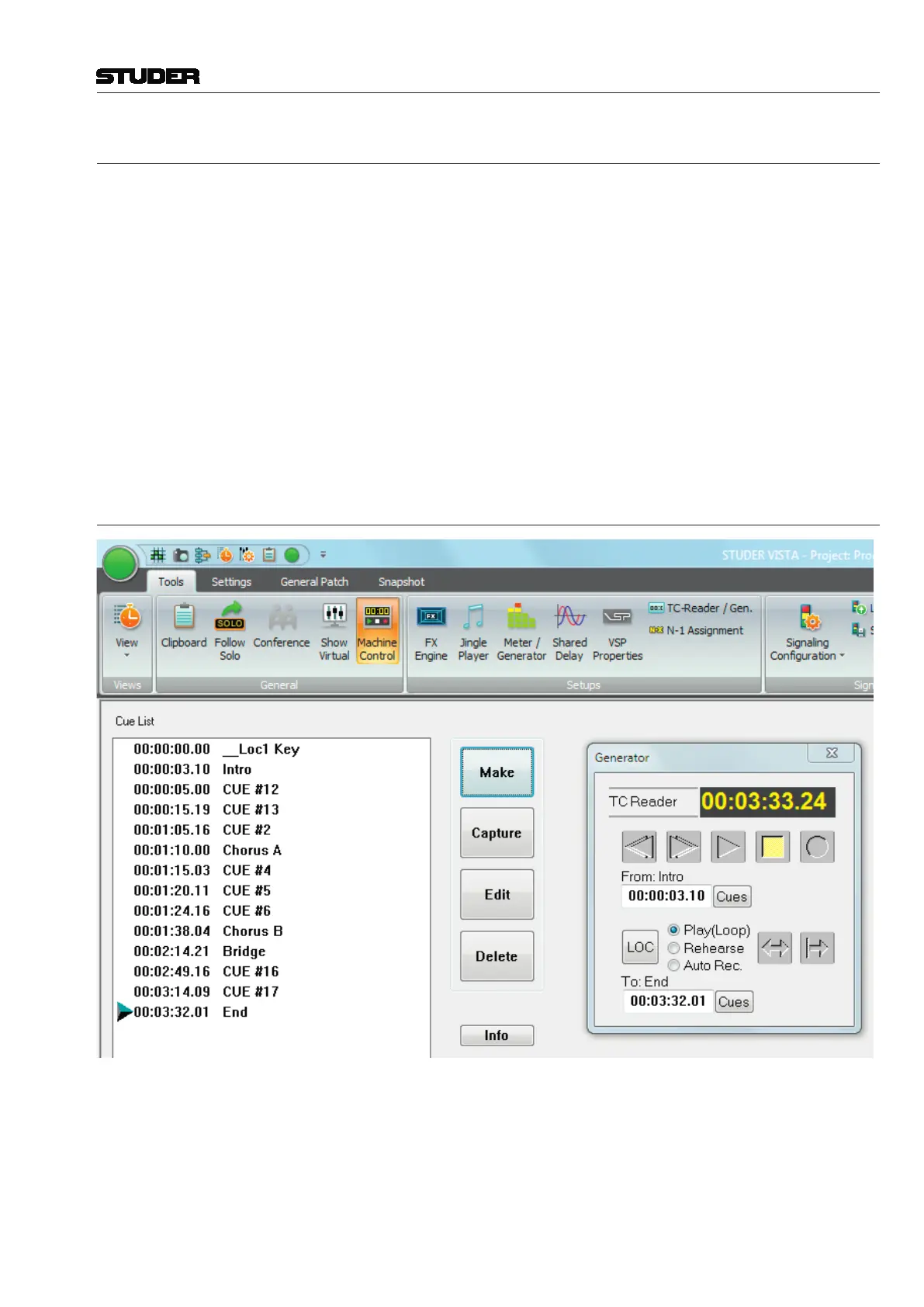
The cue list helps to deal with parts of a musical piece or film you want to
keep track of in time. That could be items such as Intro, Chorus A, Bridge,
Chorus B, the End of a song, or a scene from the film you might want to
(auto-) locate to. An unlimited number of cues can be stored.
Each cue in the cue list has a timecode stamp and a name. The names are
generated and numbered automatically when making cues, but may be edited



 To Next Page