Vista 1 Digital Mixing System
Desk Operation 2-41
Document generated: 18.04.17
SW V5.3
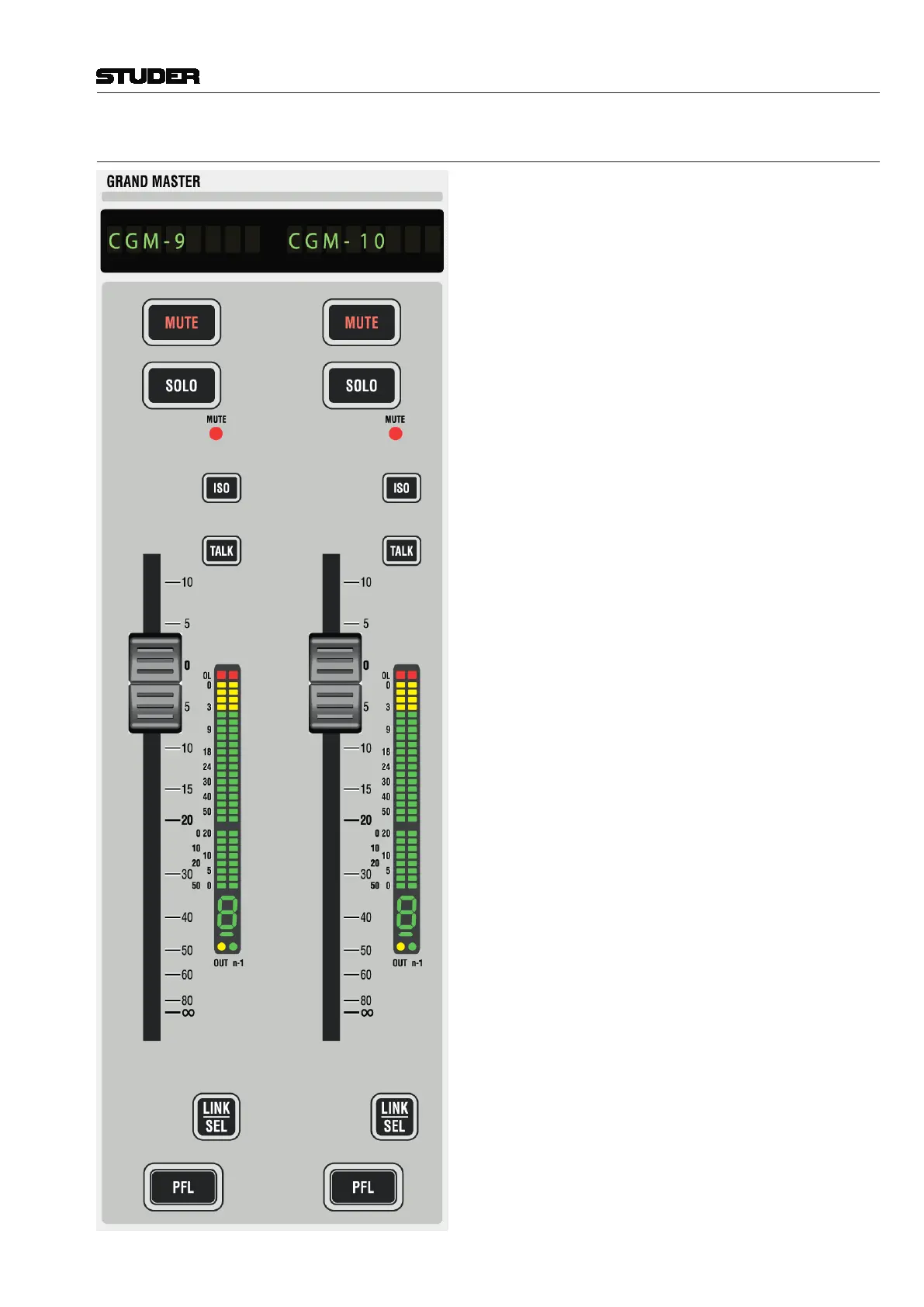
2.2.5.14 Grand Master Faders
Vista 1’s control bay also hosts two ‘grand master’ faders.
The user determines which two faders are the most important
ones for him and to which he wants to have constant access.
This may be very useful as an ‘emergency access’ to very
important output faders, since these faders will never scroll
or be switched over in any way. Which two channels are
controlled by these faders is defined with the Graphical Con-
troller, in the top right corner of the strip setup window under
the Control Bay tab, as shown above.
Note: Any two console faders can be assigned as ‘grand
master’ faders, regardless of their channel type.



 To Next Page