Vista 1 Digital Mixing System
4-52 GC Operation
Document generated: 18.04.17
SW V5.3
4.4.4.9 Default Settings
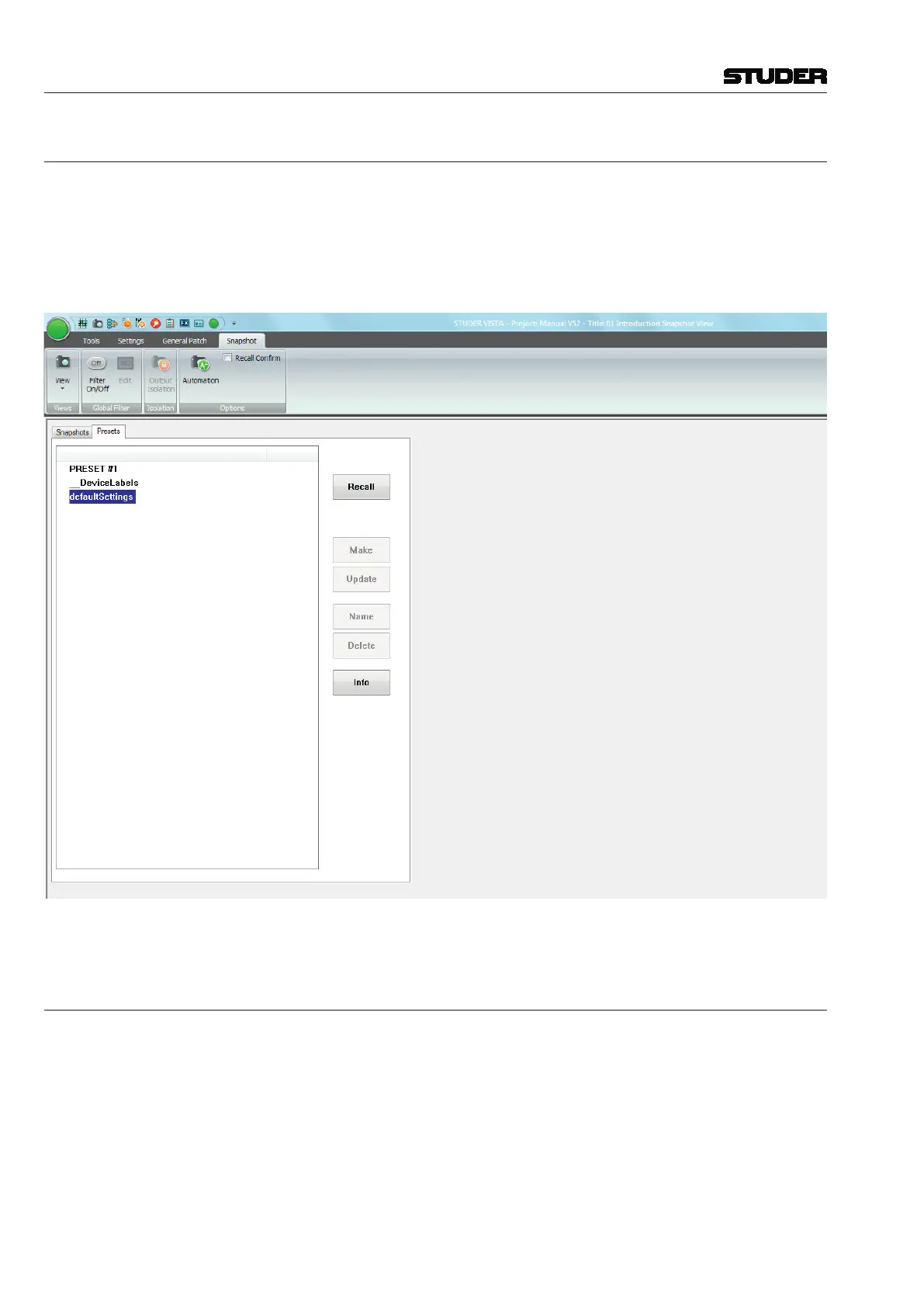
In the preset List, there is always one line labeled defaultSettings. This is a
preset that is automatically generated for every Session Configuration, but
no file will be found in the corresponding Session Configuration directory
(as would be the case for other presets).
When recalled, the defaultSettings will reset the console to the defaults – it
functions much like a Total Reset.
DefaultSettings cannot be edited, renamed, deleted or updated.
4.4.4.10 Files and Backup
Snapshots and presets are saved as Windows-compatible files.
Usually, snapshots are saved in the current title directory, with a
*.snp file
extension.
Usually, presets are saved in the Session Configuration directory, with a
*.pre
file extension.
All snapshot and preset files can be copied or moved to and restored from
a backup medium using the Make/Restore Backup facility (refer to chapter
4.5.3).



 To Next Page