Vista 1 Digital Mixing System
2-24 Desk Operation
Document generated: 18.04.17
SW V5.3
2.2.5 Control Bay Details
2.2.5.1 System/TB/Headphones
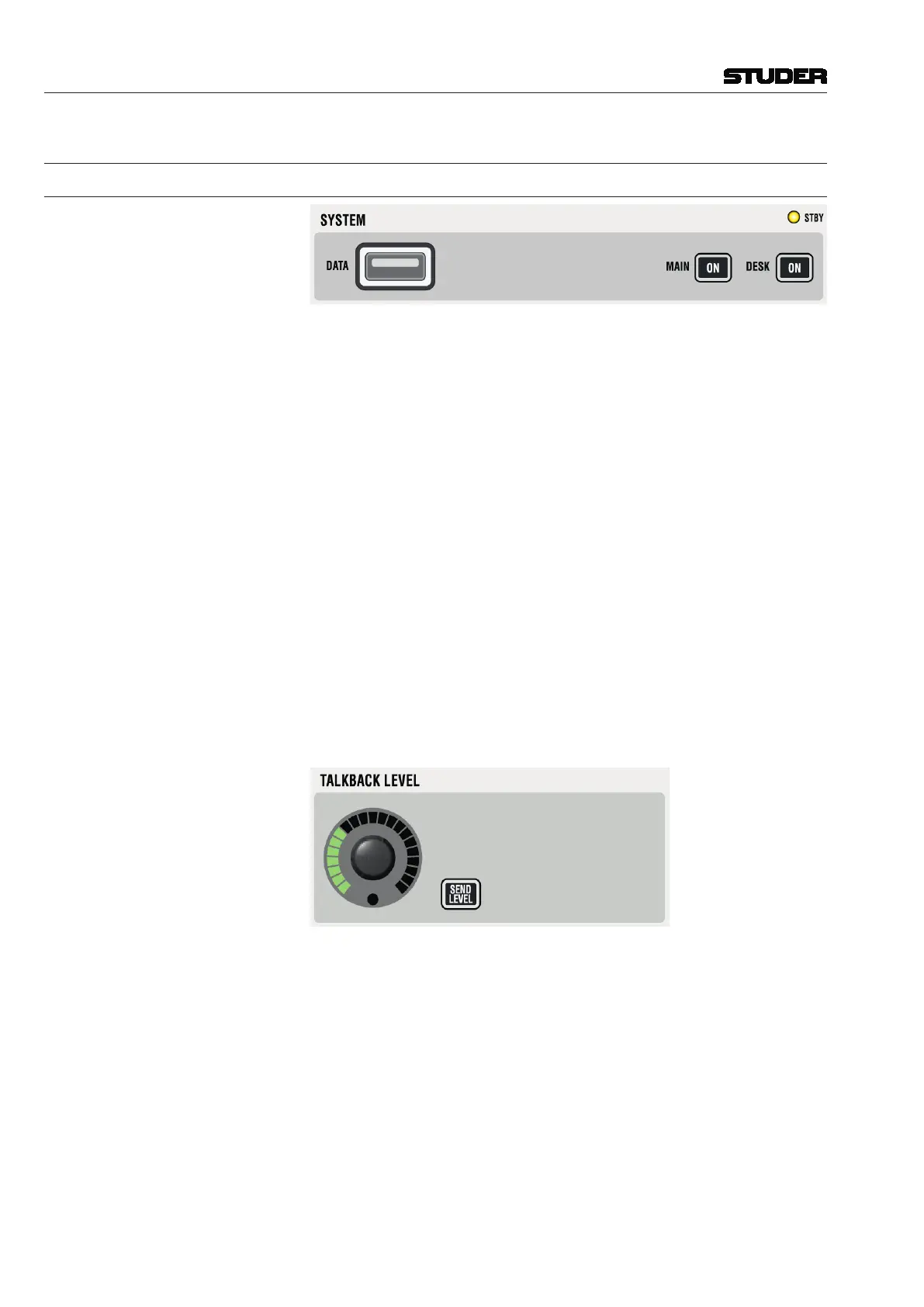
STBY Indicates that AC power is connected to the desk. Flashes, if redundant power
supplies are fitted and power is lost on one of them.
MAIN ON Indicates that the power for the control system is ok.
Pressing ON will switch the complete system (desk + control) on. For switch-
ing the system off, normally the Shutdown command in the windows desktop
is used. Pressing ON for several seconds will activate an emergency shutdown.
DESK ON Indicates that the desk is switched on.
For service purposes, it may be necessary to power off the desk part only,
while the control PC remains on. This can be accomplished by pressing this
key for several seconds. Another short press will power on the desk again. A
warning message will be displayed and the GC will be re-started.
DATA USB port for plugging any USB compliant device for data backup of the
console. It is possible to backup individual productions from within the Vista
application software or to backup an image of the whole system. See chapter
4.6.1 for more details about how to make image backups and how to restore
them onto a console.
The two USB ports at the rear of the console and the USB port are identical.
So it can also be used to connect an USB keyboard in a ‘quick and dirty’ way.
TALKBACK (Return) LEVEL Level setting for the talkback signal coming from the configured microphone
input (usually, the presenter’s microphone is used for talkback). The signal is
fed into the near-field speakers.
SEND LEVEL If the SEND LEVEL key is active, the TALKBACK LEVEL knob adjusts the input
sensitivity of the internal talkback microphone instead of the TB return level.



 To Next Page