Vista 1 Digital Mixing System
GC Operation 4-7
Document generated: 18.04.17
SW V5.3
4.2.1 The View Button
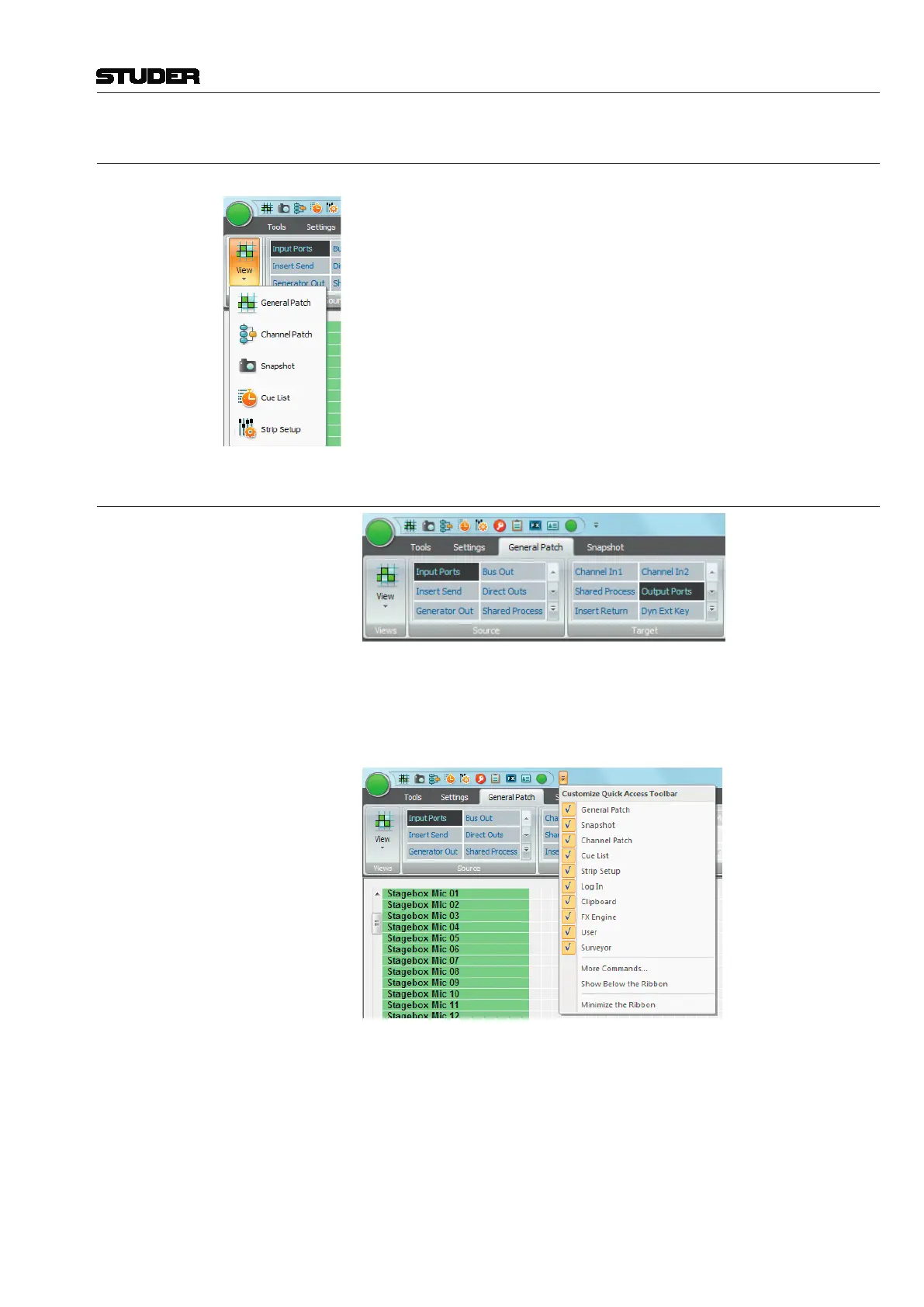
When clicking on the View button, the icons of the five main GC pages
appear in a drop-down list.
Choosing the desired GC page not only opens this page, but also changes the
Ribbon tab to the category that contains the menu items for this GC page.
Once the desired page is open, the page›s icon is displayed in the View button
area.
4.2.2 The Quick Access Bar
The Quick Access Toolbar is normally shown on top of the Ribbon menu.
When clicking the customize button on the very right of the Quick Access
Toolbar, a menu appears. Firstly, it provides a tick-list of all currently shown
quick access menu items.
Secondly, three more functions can be choosen :
More Commands ...: This function brings up the detailed configuration window where access to all
menu items of all categories is provided. To do so, under ‹choose commands
from :› the category tab can be selected. Then, a list of all menu items of this
category is given :



 To Next Page