Vista 1 Digital Mixing System
3-4 Parameters
Document generated: 18.04.17
SW V5.3
3.2.2 Channel View Change
The views listed below can be activated in each channel strip. Then the cor-
responding values of this particular channel are shown.
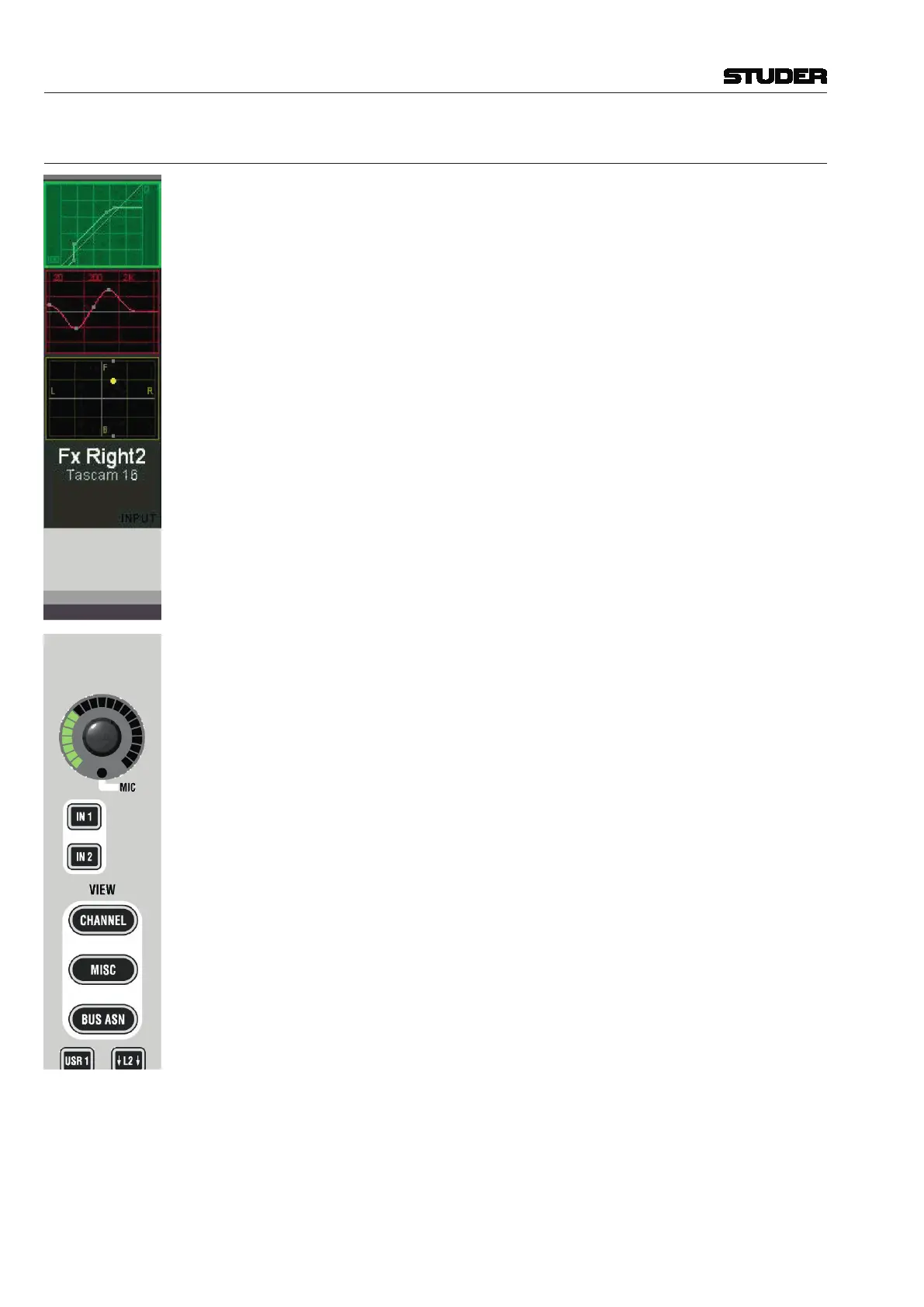
• Dynamics(bytouchingthegreendynamicsviewonthescreen)
• EQ(bytouchingtheredEQviewonthescreen)
• Panning(bytouchingtheyellowpanviewonthescreen)
• BusAssignment(bypressingVIEW: BUS ASN – as opposed to the GLOBAL
VIEW: BUS ASN key described in chapter 3.2.1).
• Channelparameters(bypressingVIEW: CHANNEL); this shows the remain-
ing controls together with AUX and covers all 40 rotaries.
• Miscellaneousparameters(bypressingVIEW: MISC); this shows a reduced
view of EQ, dynamics, and pan parameters at the same time; it covers all
40 rotaries.
When touching a curve on the TFT, a picture with the available parameters
appears on the rotaries. The picture is ‘left-aligned’ to the selected channel.
When touching the dynamics curve of the third channel strip, for instance, the
corresponding graphics are shown on the rotary rows 3 through 7, since the
dynamics parameters are covering five rows of rotaries. While the function
is unfolded on the display, the corresponding graphic field (e.g. showing the
dynamics curve) is highlighted, as shown in the picture at the left.
On one Vistonics screen, two audio functions can be shown at a time, either
by using the MULTI SEL key, or by simultaneously touching two graphics. In
this case, one of the two functions is displayed left-aligned, the second one
right-aligned. If there is any room between them, they are interleaved by one
or more strips in black. The rotaries on these blackened strips are not used.



 To Next Page