Vista 1 Digital Mixing System
3-58 Parameters
Document generated: 18.04.17
SW V5.3
3.4.8 Channel View - 5.1 Surround Channel
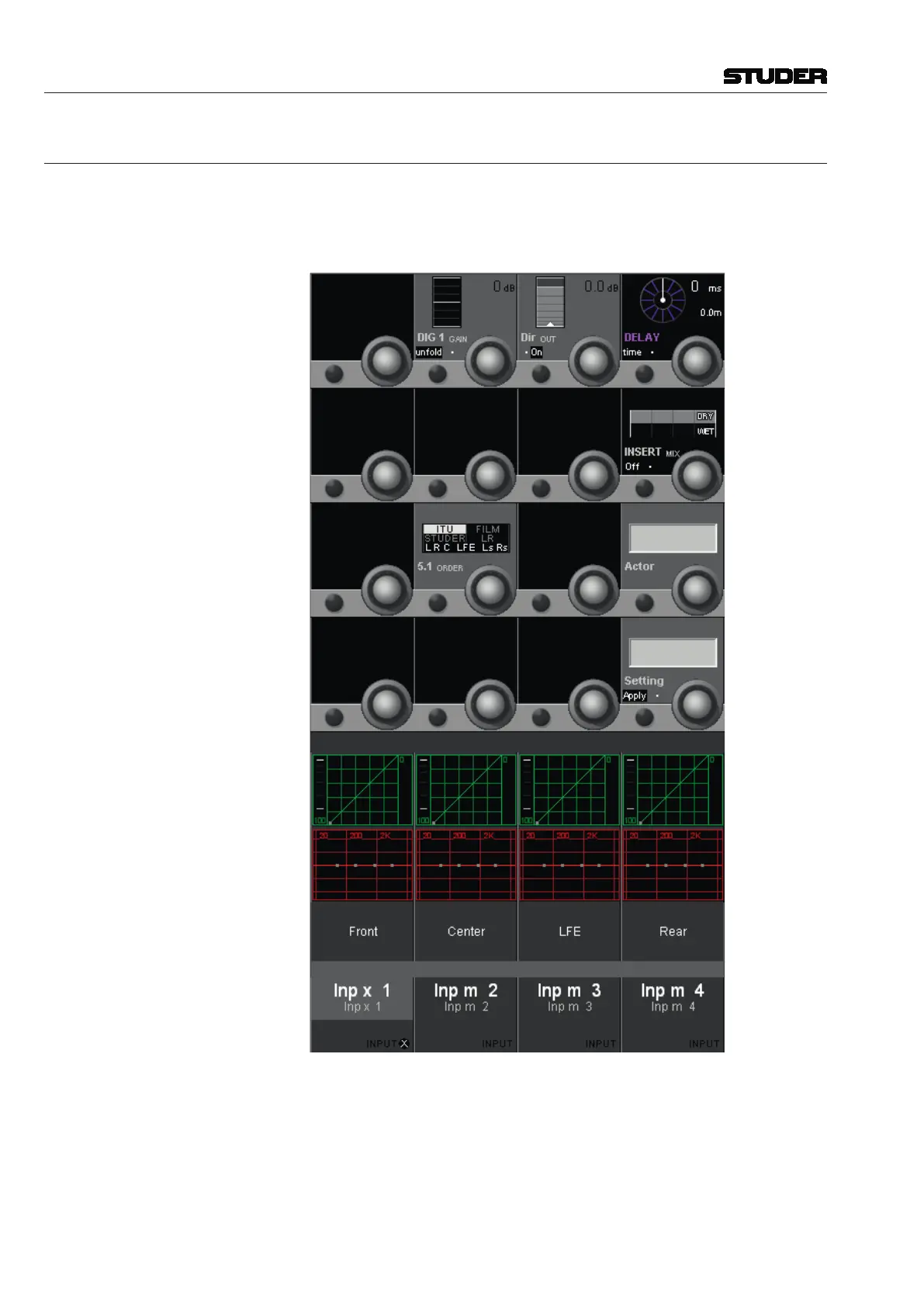
Pressing VIEW: CHANNEL brings up an overview of the selected channel,
covering the whole Vistonics TFT. All available parameters are shown in the
rotary section, except for dynamics, EQ, and panning. Only visible parame-
ters are available for adjustment.
In this CHANNEL VIEW of a surround channel it is possible to unfold the input
gain control DIG 1 GAIN. (As a difference to the input gain setting when
shown in the GLOBAL VIEW).
When pressing the unfold key, the view changes again to reveil the input gain
controls of all six surround signal legs. Here each signal leg can be trimmed
individually.



 To Next Page