Vista 1 Digital Mixing System
Desk Operation 2-25
Document generated: 18.04.17
SW V5.3
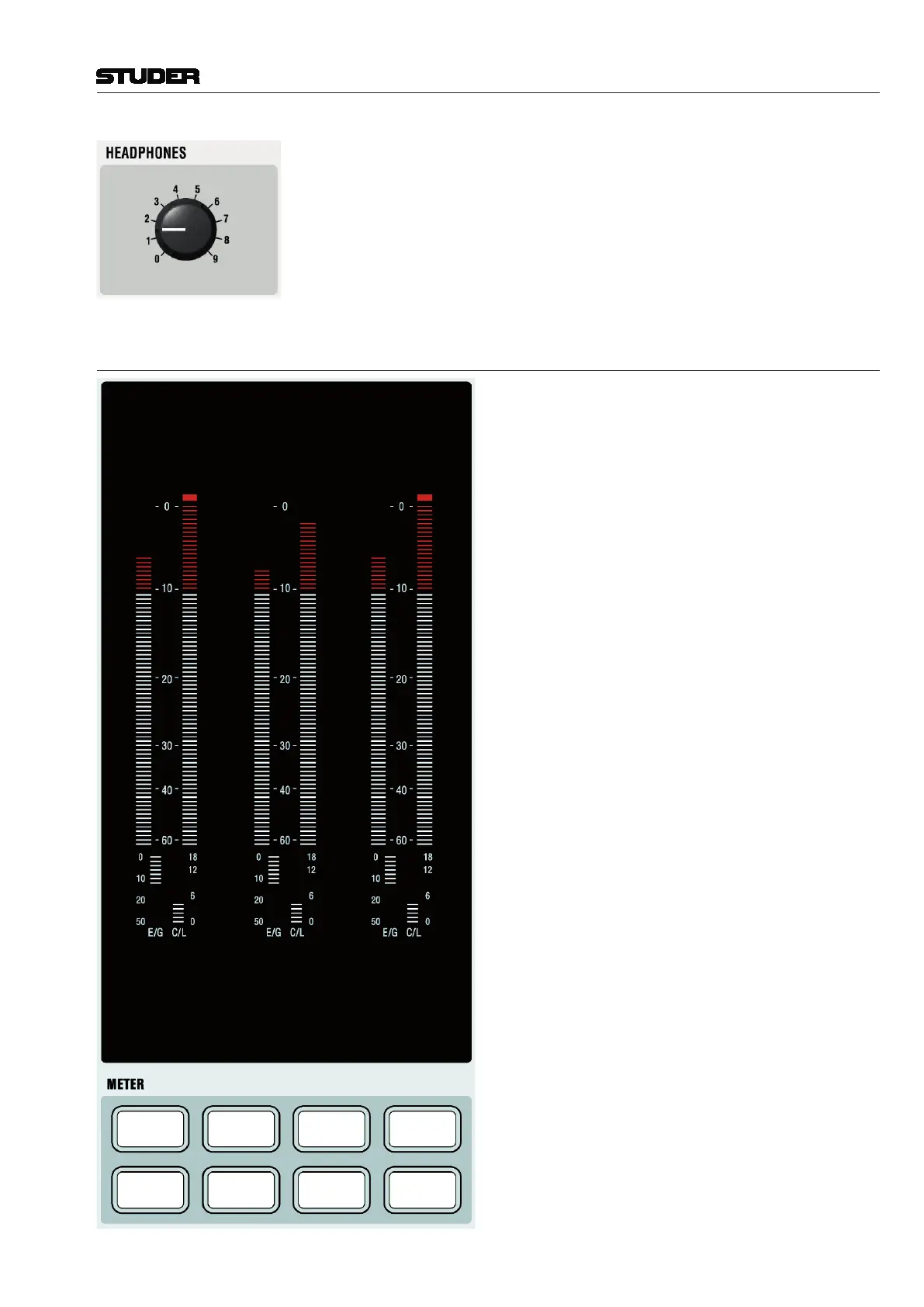
HEADPHONES
Adjusts the headphones level. The headphone signal is the same as the one
listened to in the control room. However, whenever a PFL is active, the signal
gets fed into the headphone with higher priority.
2.2.5.2 Assignable Meters and Meter Selection
GROUP
1
MAIN
1
GROUP
2
MAIN
2
GROUP
1
EXT
1
GROUP
2
EXT
2
Assignable VFD Bargraph Level Meters
Indication of either monitor level (if METER MON in the
CONTROL ROOM monitoring area is active) or the level
of the direct outputs of the assigned channels.
Note: If a meter is assigned to a specific channel, it
always displays this channel’s direct output level. If there
is no patch set from that channel to an output interface,
there will be no level visible on this meter.
The eight METER selector keys below the meters select
from eight pre-assigned patch sets; the default assignment
is shown left. These keys have snap-on caps for easy re-
labeling if required.
For details about meter assignment refer to chapter 4.7.3.



 To Next Page