Vista 1 Digital Mixing System
GC Operation 4-111
Document generated: 18.04.17
SW V5.3
In addition, the shared delays are no more saved in snapshots, but are valid for
the whole title. The monitoring delays, however, remain identical throughout
all titles (if desired), they are still saved in the monXxx.ini file.
4.6.1.2.4 VSP Properties
This feature is described in chapter 3.4.4.6.
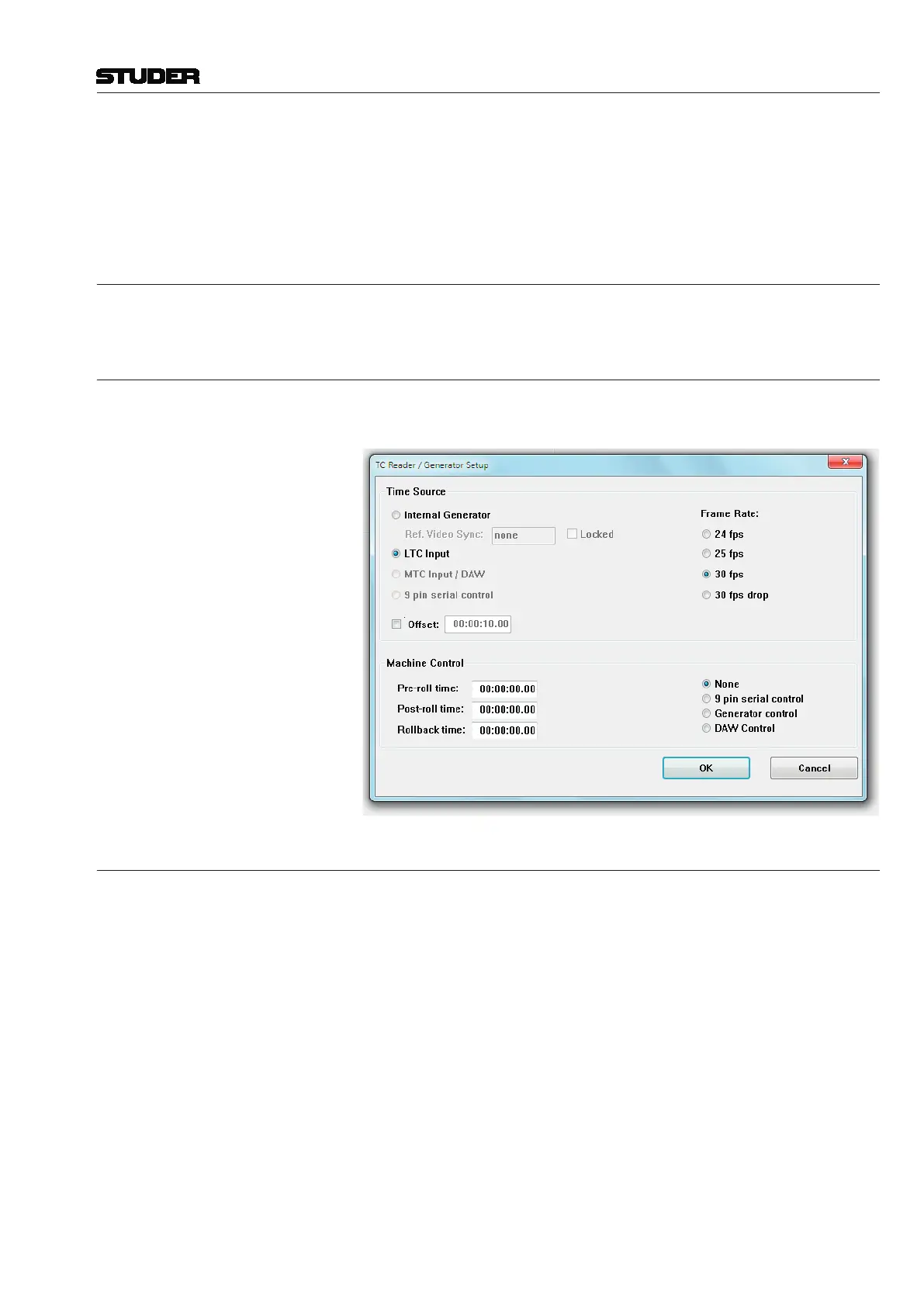
4.6.1.2.5 TC-Reader/Generator
The TC Reader / Generator page is used for adjusting various settings of the
integrated TC reader and generator, such as the time source and frame rate.
4.6.1.2.6 N-1 Assignment
The N–1/mix-minus Assignment window allows setup and configuration of
the N–1/CleanFeed/mix-minus structure.
The principle of N–1 is summing; i.e. all desired channels (N) get summed
to a bus except the ‘minus one’ (–1).
The N–1/mix-minus bus is a special bus that sums the contributions of
channels other than the Bus Owner of the Channel, thus performing the
N–1 summation. The number of Mono and/or Stereo N–1 busses depends on
the currently loaded DSP configuration.
The Bus Owner channel is the channel which:
• DoesnotcontributetotheN–1bus
• ContainstheN–1busoutputlevelandTalkbackcontrolsonthephysical
channel strip assigned to it
• HasanN–1indicationontheassignedchannelstrip.
The setup and assignment of the N–1 is done in three steps:
1 A Bus Owner (–1 channel) must be assigned to an N–1 bus.



 To Next Page