Vista 1 Digital Mixing System
Desk Operation 2-71
Document generated: 18.04.17
SW V5.3
2.2.12.4 GC View
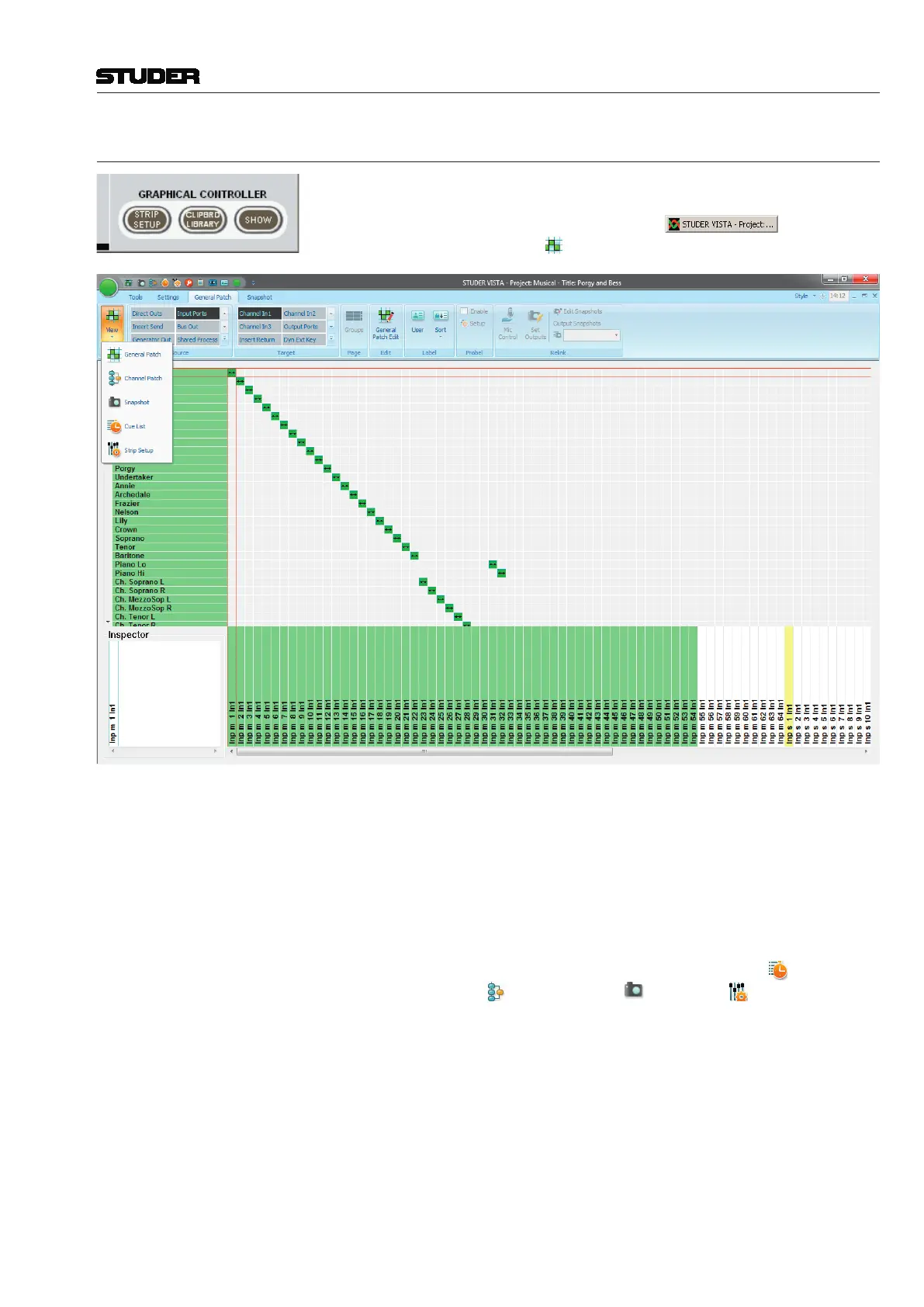
The GC general patch view opens after a single click on the GRAPHICAL
CONTROLLER – SHOW button (at the bottom right of any of the fader
and control bay windows), or by a click on
in the taskbar,
followed by a click on the
general patch icon.
There are two other shortcut buttons: In order to have the clipboard library
window displayed in front of the general patch view, click the GRAPHICAL
CONTROLLER – CLIPBRD LIBRARY button; in order to have the strip
setup window displayed in front of the general patch view, click the GRAPHI-
CAL CONTROLLER – STRIP SETUP button.
In order to have the theatre cue list displayed, click on the cue list icon.
The other icons ( - channel patch, - snapshot, - strip setup) work
in the same way.



 To Next Page