Vista 1 Digital Mixing System
Parameters 3-55
Document generated: 18.04.17
SW V5.3
3.4.6 Channel View in general
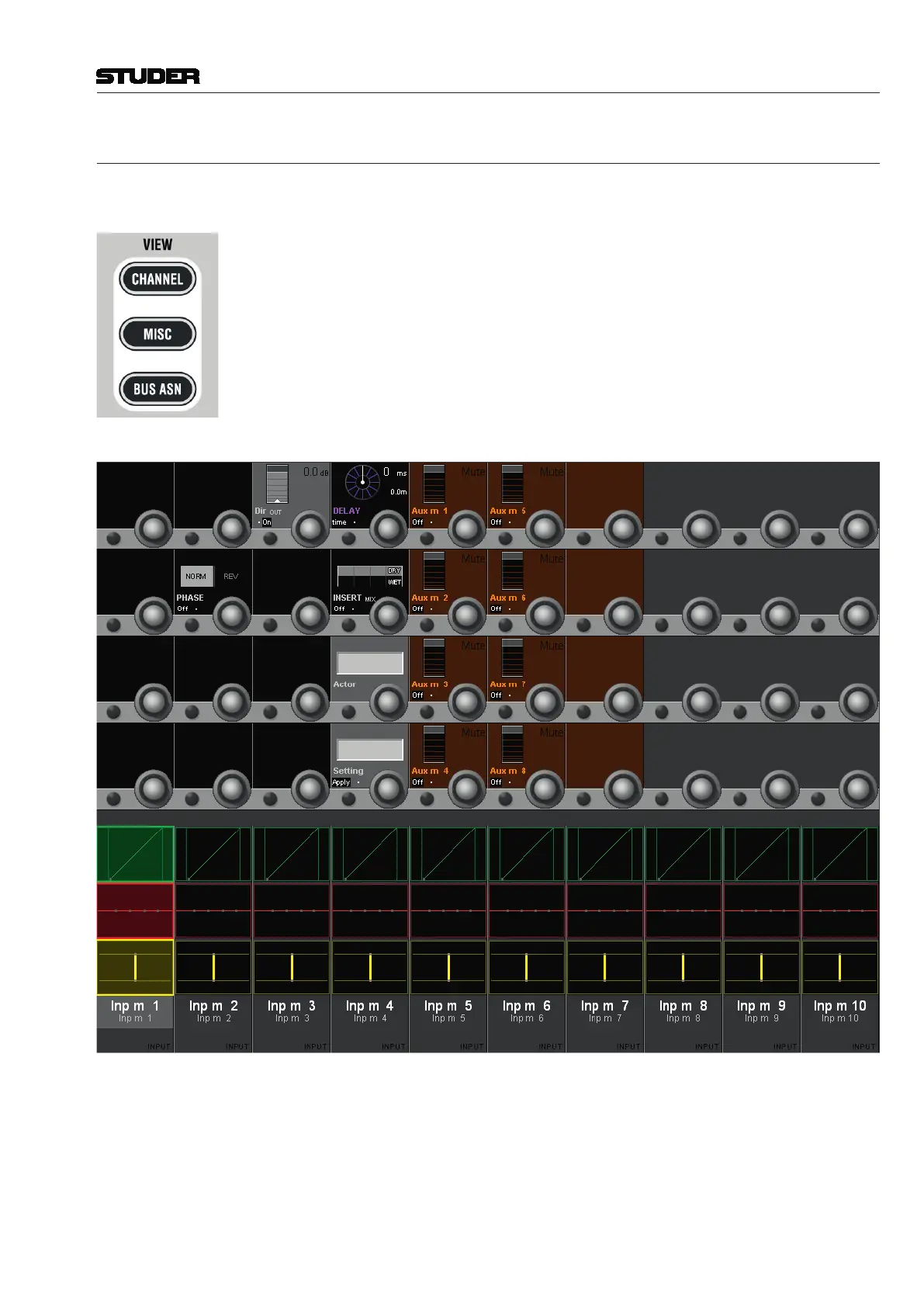
Pressing VIEW: CHANNEL brings up an overview for the selected channel,
covering the whole Vistonics TFT. All parameters of a channel except for
Dynamics, EQ, and Pan are shown in the rotary section.



 To Next Page