Vista 1 Digital Mixing System
4-136 GC Operation
Document generated: 18.04.17
SW V5.3
and repeat the procedure until finished.
The setup allows to mix Mono- and Stereo-Sources. The six meters can be
configured e.g. with 2 mono sources on the first two meters, a stereo source
for meter 3 & 4 and 2 mono sources on meter 5 & 6.
If an error has been made, a single meter strip can be cleared by a click on
the x button. All meter strips can be cleared at once by clicking the Clear
All button.
Step 4 Make sure to click on the Save button in order to save the new meter source
selector assignment witin the current title.
4.7.4 Settings: Ember Control
Ember is a control protocol implementation which allows certain console
settings to be controlled over TCP/IP.
Ember control provides seamless integration of Vista consoles with 3rd-party
broadcast or newsroom automation systems, such as those from Grass Valley,
Ross, Sony and Mosart.
Ember connectivity allows the external equipment to transfer signal labels,
and to control input channel levels, solo, mutes, plus Aux send levels and
mutes, along with N–X (mix-minus) bus levels and mutes. Master channel
levels and mutes can also be addressed, along with Group and Aux master
channels. In addition to the control of the mentioned parameters, also console
snapshots can be stored and recalled.
Since Ember supports multiconnection setups, it is well suited for installations
requiring redundancy concepts.
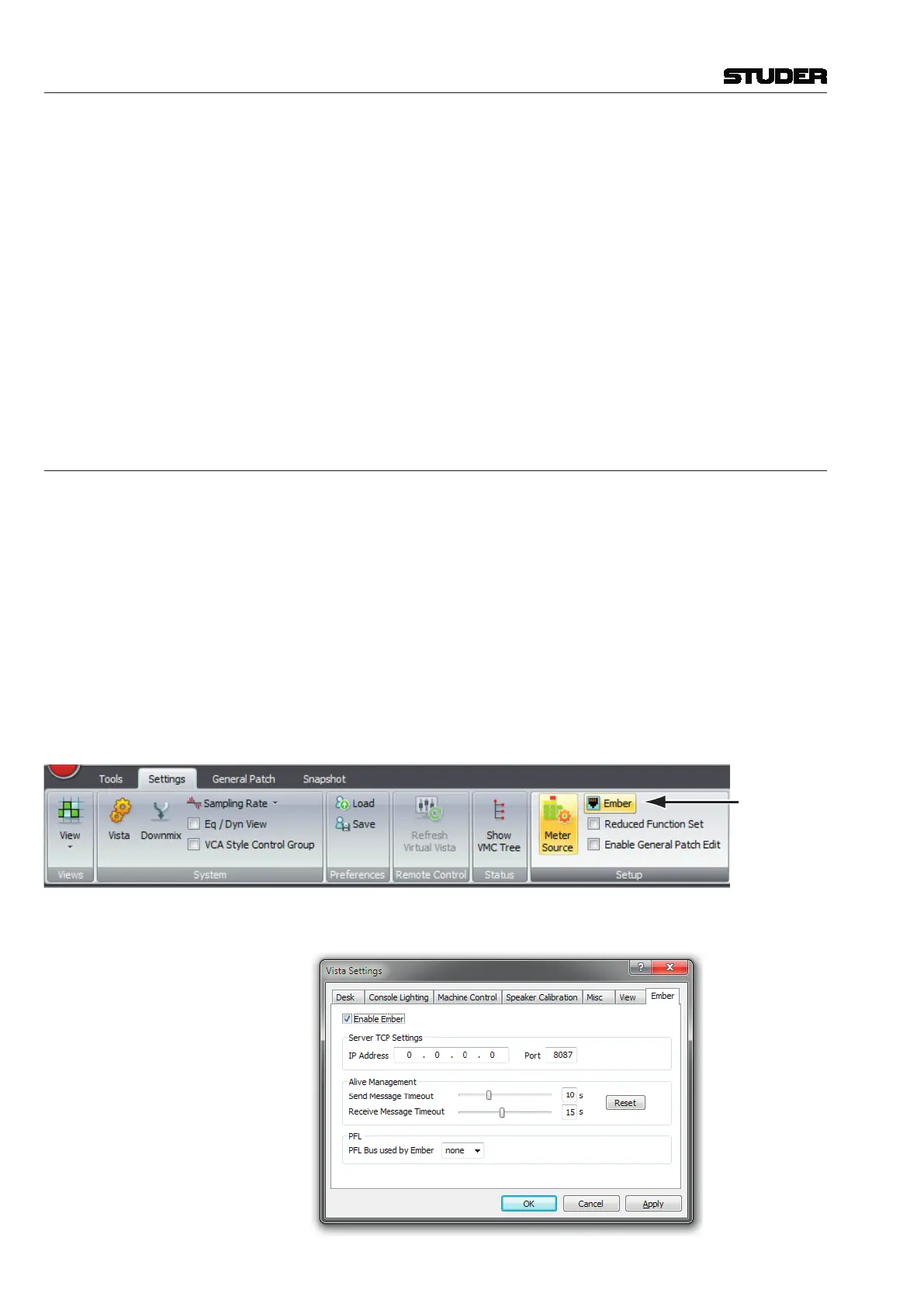
Ember Setup
On the Settings ribbon tab, the Ember setup window can be openend.



 To Next Page