Vista 1 Digital Mixing System
4-134 GC Operation
Document generated: 18.04.17
SW V5.3
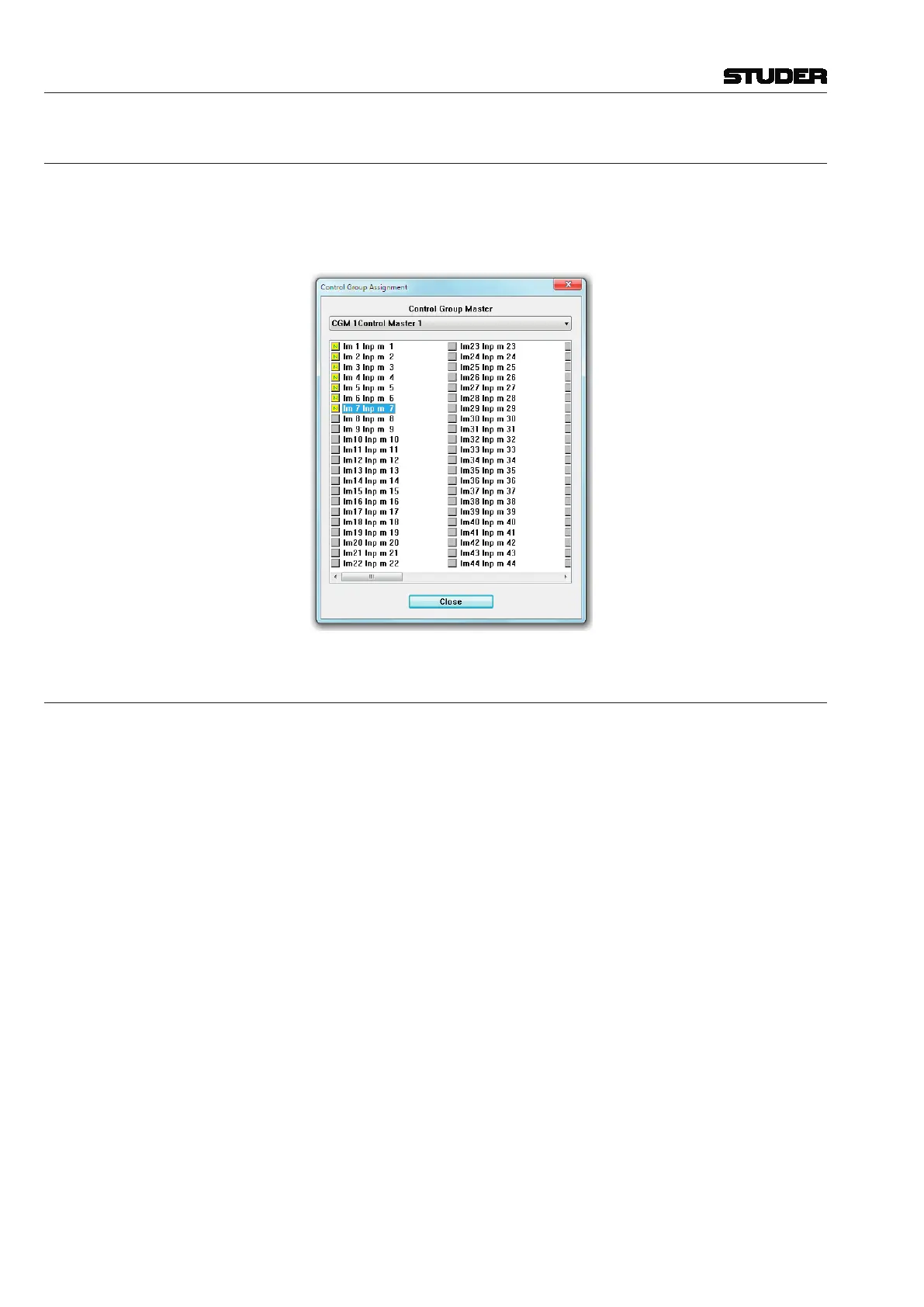
4.7.1 Tools: Control Group Assign
There is a CGM setup window which allows the setup of Control Groups
without using the desk operating elements.
It is probably the fastest way to use the desk operating elements for CGM
setup, as described in chapter 2.2.5.9.1.
4.7.2 Settings: Show VMC Tree
This feature is primarily used in troubleshooting and typically is not used in
normal operation.
Show VMC Tree: This action will bring up the VMC tree View. This page will display a list of all
channels, inputs, outputs, busses, and other system elements that are defined
within the currently loaded configuration. Double-clicking on one of these
items will display the contents of that item’s branch. Opening of subsequent
branches will take further and further inside the VMC tree. If the item has
a changeable parameter, such as EQ high frequency, that parameter may be
controlled directly from the VMC tree.



 To Next Page