Vista 1 Digital Mixing System
2-38 Desk Operation
Document generated: 18.04.17
SW V5.3
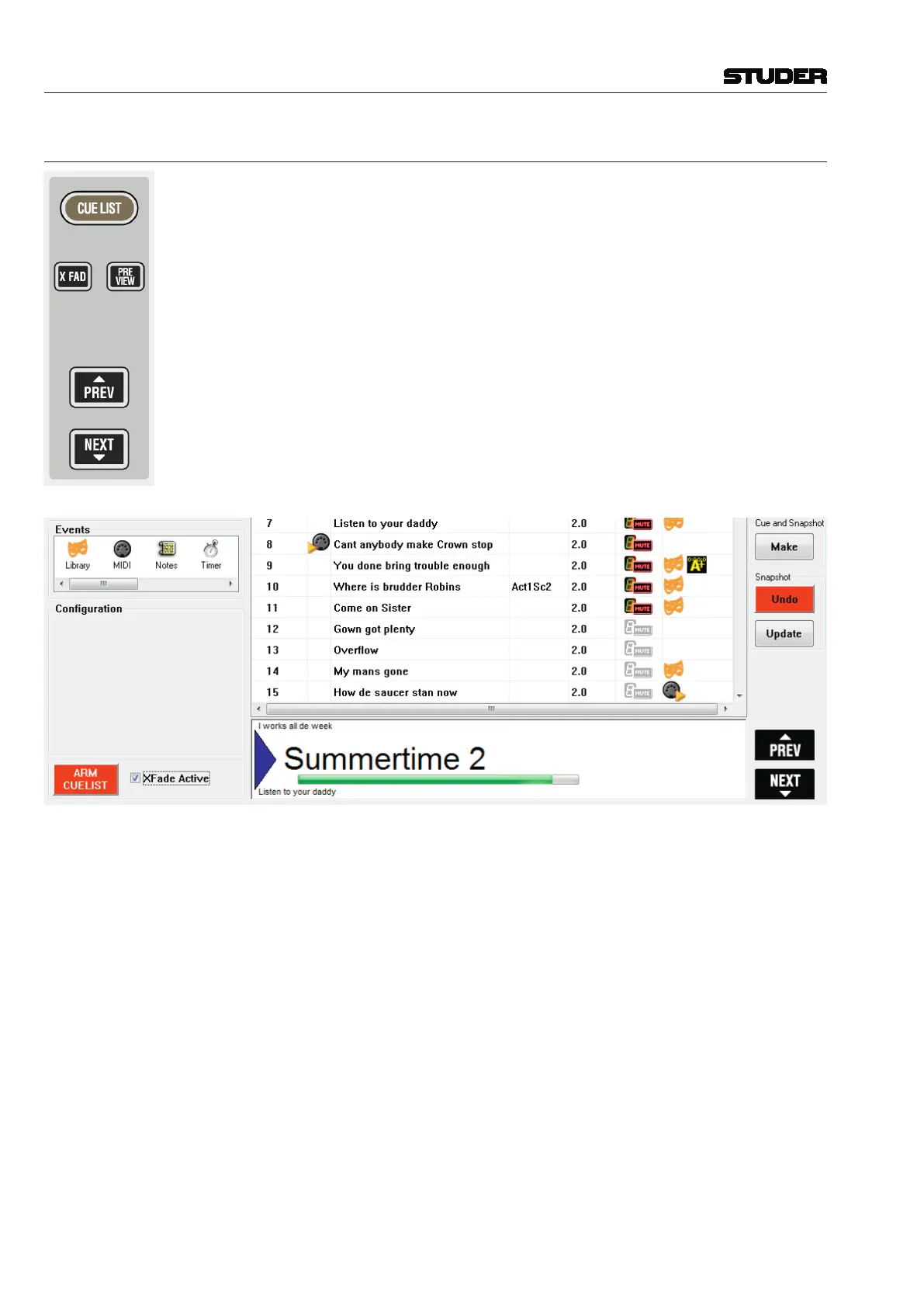
2.2.5.11 Cue List Keys
These keys give direct access to the cue list on the control bay. They can be
used to control various functions of the cue list and allow certain functions
to be switched using a hardware key, while it remains possible to use the
touchpad and operate these functions on the Graphical Controller screen:
• Switching on/off the cross-fade function between cues
• Activate or inactivate the cue preview mode
• Go to the next or previous cue.
Note: To prevent accidental use, the PREV and NEXT keys are only active if ‘Arm
Cuelist’ is swiched on in the Graphical Controller screen. The corresponding
keys PREV and NEXT on the screen, however, are always active.



 To Next Page