Vista 1 Digital Mixing System
4-90 GC Operation
Document generated: 18.04.17
SW V5.3
4.4.6.1.7 FaderGlow
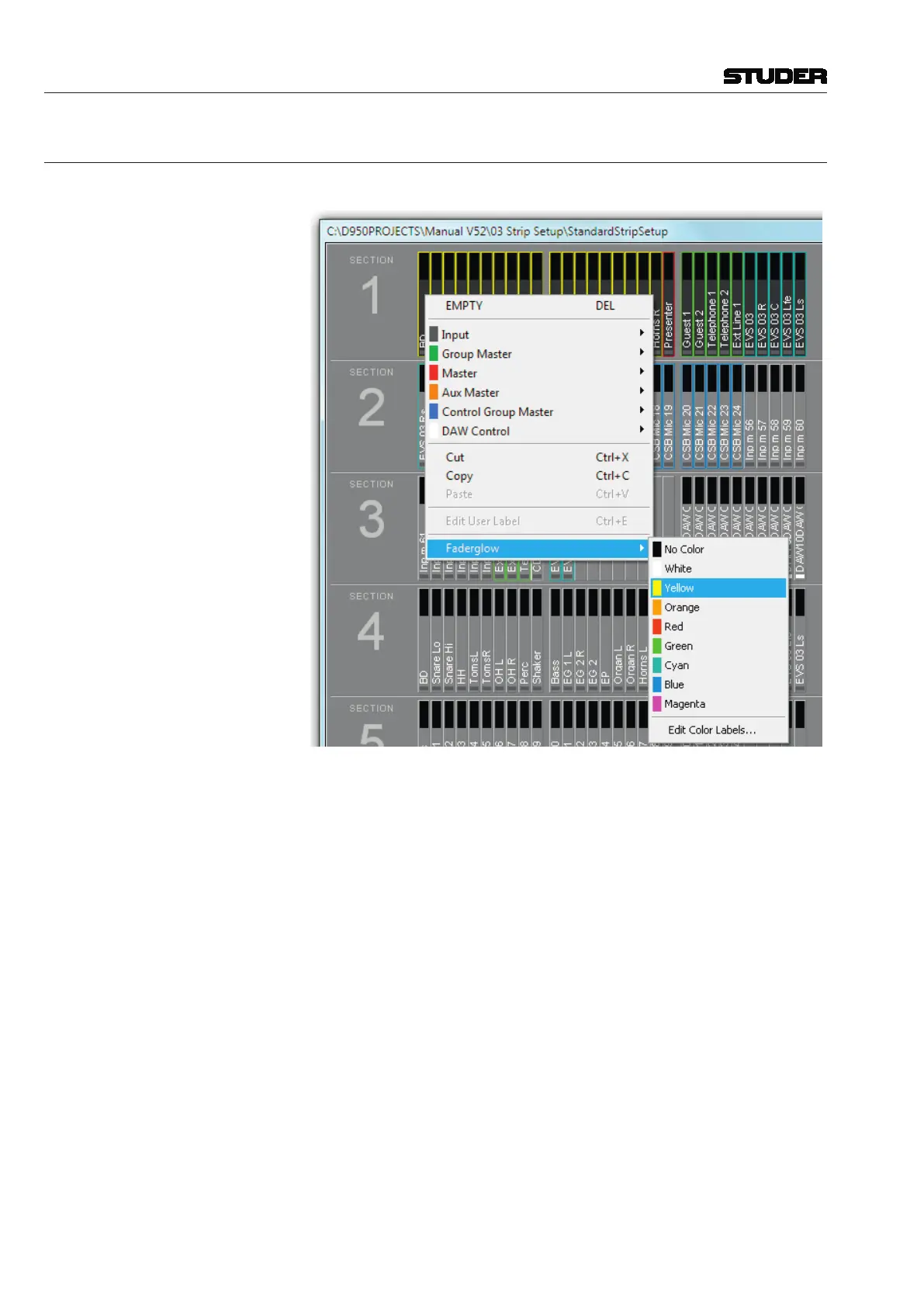
The FaderGlow color assignment is performed in the strip setup as well.
After a right-click on the desired channel, click on the ‘Faderglow’ item; a list
will drop down offering the eight available colors and ‘no color’, i.e. Fader-
Glow switched off. In order to give the channels within the same FaderGlow
color group a label, click on the ‘Edit Color Labels’ item. A menu with label
entry fields for every FaderGlow color will open up.
The FaderGlow
setup is saved as a part of the Strip Setup, allowing different
operators who might alternately mix a show having their own, personal color
setup.



 To Next Page