Vista 1 Digital Mixing System
GC Operation 4-125
Document generated: 18.04.17
SW V5.3
4.6.2 The Settings Ribbon Tab
The Settings Ribbon Tab is divided into two categories :
• System (System settings)
• Preferences (Preferences can be saved and loaded)
.. as well as another six categories which can only be accessed when logged-
in as System Administrator :
• Remote Control
• Status
• Setup
• Monitoring
• Device Labels
• I/O System
These six categories are explained in chapter 4.7
4.6.2.1 System
4.6.2.1.1 Vista Settings
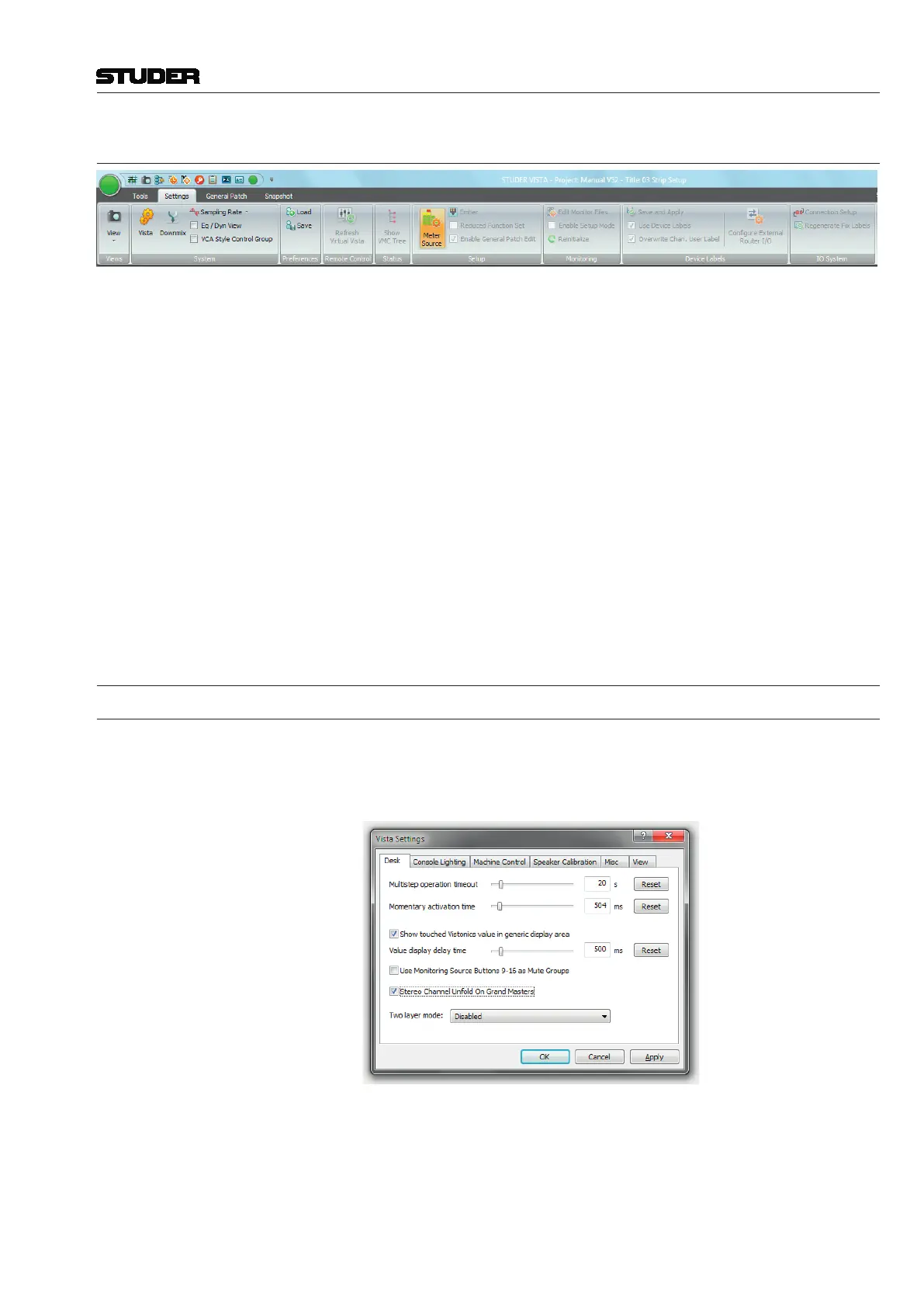
The Vista Settings window allows different adjustments, most of them
self-explanatory; there are six tabs for selection of Desk (timeout and delay
time settings), Console Lighting, Machine Control, Speaker Calibration,
Misc(ellaneous), and View settings.



 To Next Page