Vista 1 Digital Mixing System
DSP Congurations 6-5
Document generated: 18.04.17
SW V5.3
6.2 Working with the Provided Templates
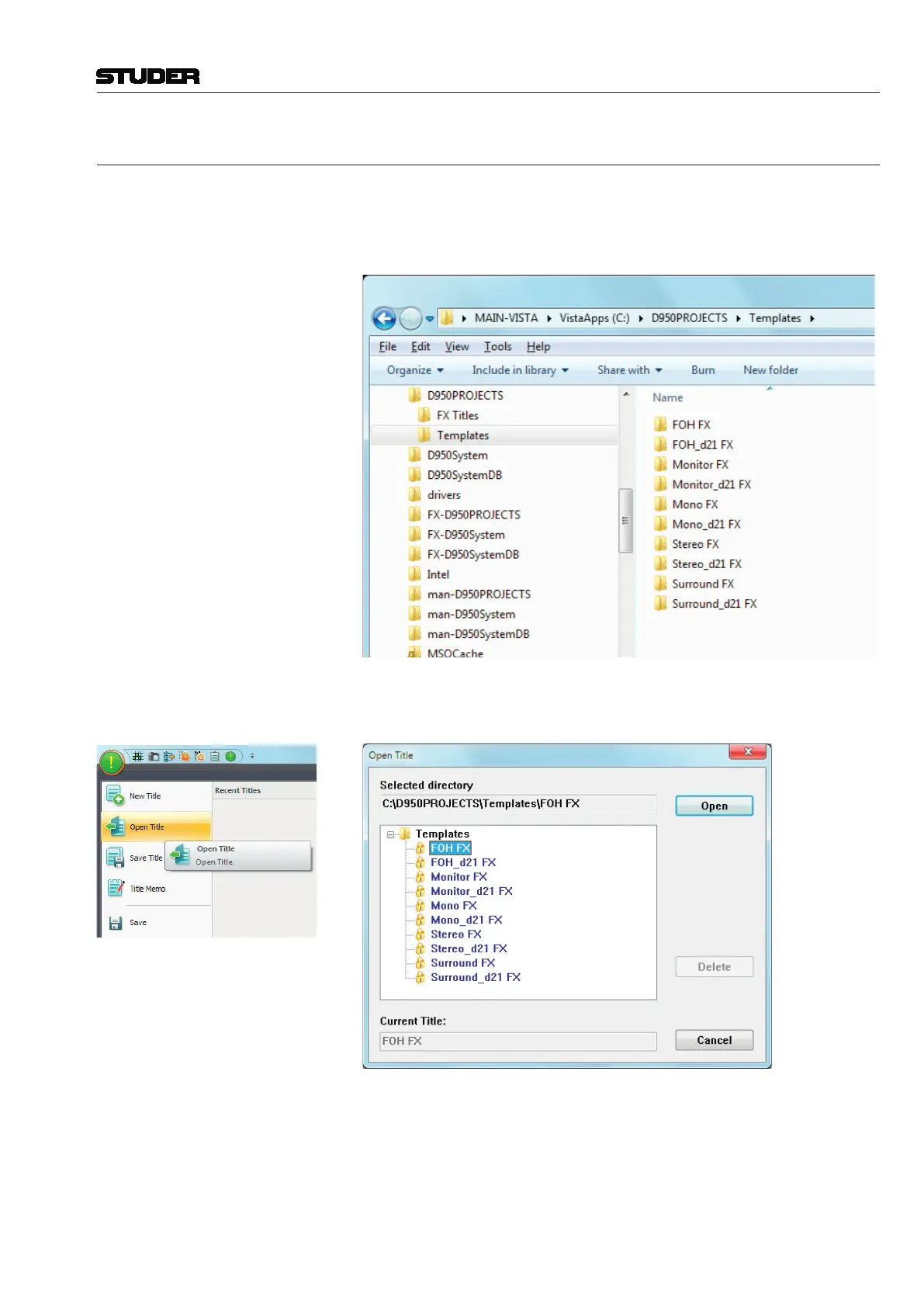
The session configurations mentioned above are per default available on the
Vista 1 console. The easiest way of working with one of these configurations
is to start from one of the template titles that are provided with the console,
as shown below.
By opening one of the title templates, the appropriate DSP configuration is
automatically loaded into the Vista 1’s DSP engine.
The recommended workflow is to open the desired title template, to save it
under a new project folder with the name of the current production.
When a template has been selected to open, the system only allows to open
a copy of the template, that needs to be saved with a new title name :



 To Next Page