Vista 1 Digital Mixing System
1-10 Vista 1 FX
Document generated: 18.04.17
SW V5.3
3. Make the desired bus assign for the return channel
4. Operate the FX parameters from the FX icon in the Vistonics touch area.
5. Use Filters and EQ as well as Dynamics of the return channel to further pro-
cess the effect sound to taste.
These steps can be repeated for as many ‘Send-Return’ effects as needed for
the current title. It is also a good idea to have such setup already as a part of
the generic console setup - e.g. stored in a preset or snapshot.
9.3.4 Create Insert Effects
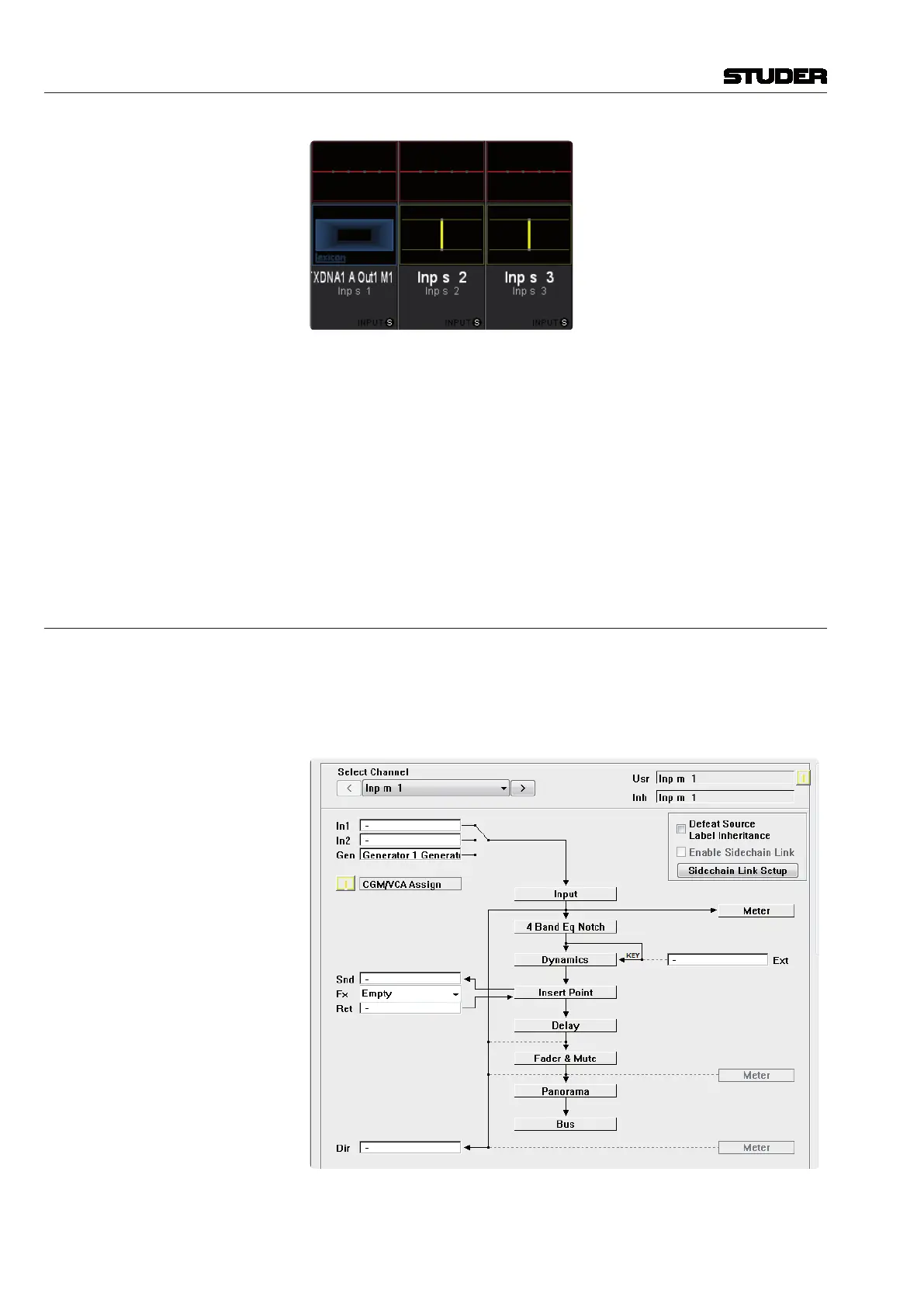
To setup the desk for working with an ‘Insert’ effect, the following steps of
preparation need to be carried out :
1. Patch the effect output port and effect input port into the insert path of the
desired channel - either on general patch - or easier - on channel patch page.
On the channel patch page : only the desired FX block needs to be chosen
from the pull-down menu, patching is then done automatically. The pull-down



 To Next Page