Vista 1 Digital Mixing System
4-12 GC Operation
Document generated: 18.04.17
SW V5.3
4.4 First Level: Main GC Pages
There are five main graphical controller pages, each of which deals with a
different operating part of the Vista system:
• GeneralPatchpage
• ChannelPatchpage
• Snapshotpage
• CueListpage
• StripSetuppage
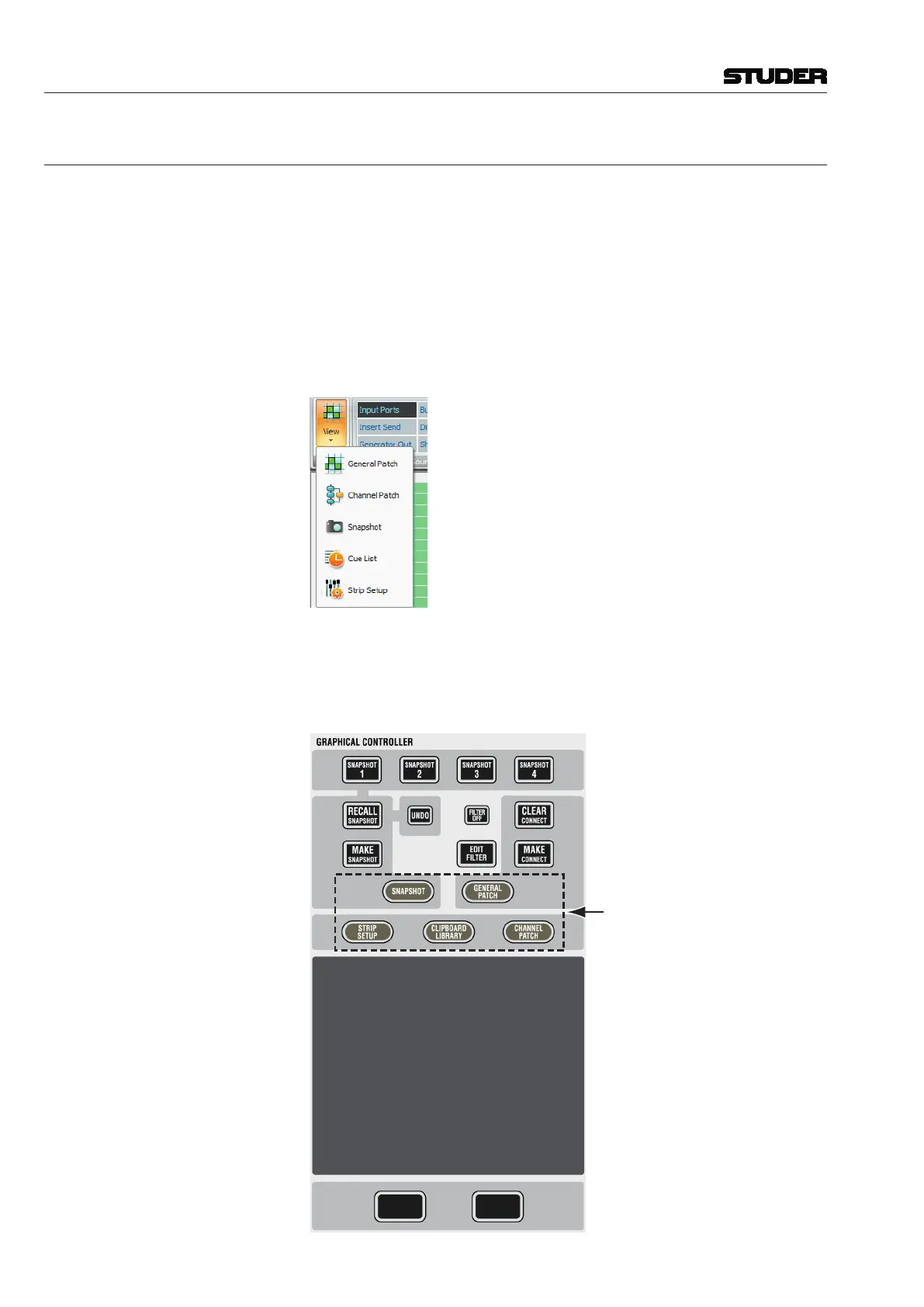
These main pages can be accessed in three different ways:
• FromtheView button, by clicking on the appropriate icon:
• UsingtheQuick Access Toolbar icons, by clicking on the appropriate icon
in the Quick Access Toolbar, or
• Usingthefunctionkeysinthedeskscontrolbayabovethetrackpad–which
is probably the fastest way:



 To Next Page