Vista 1 Digital Mixing System
4-126 GC Operation
Document generated: 18.04.17
SW V5.3
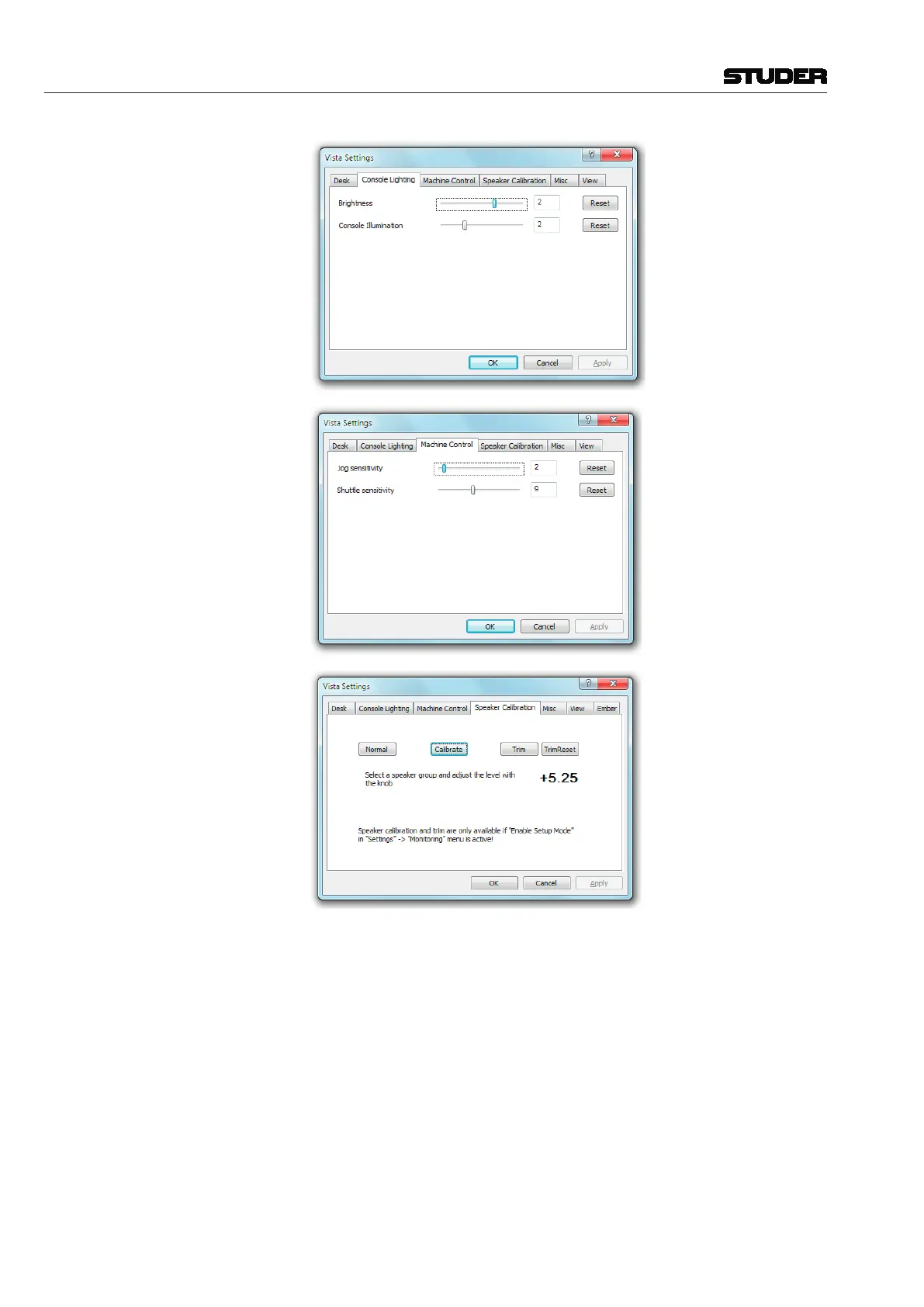
Speaker Calibration To allow access to the speaker calibration, the Enable Setup function must
be enabled. Please refer to chapter 4.7.8.
Calibrate Mode Calibrate mode allows setting a level offset for a whole monitor group
(MAIN, ALT or NEARFIELD) relative to the other two. To activate this mode,
click the ‘Calibrate’ button and select a monitor group on the control surface
monitoring section. The offset range is from –20 dB to +10 dB. The current
calibration offset will be displayed in the display box. The calibration offset
can be changed in steps of ¼ dB.
Trim Mode Trim mode allows setting an offset for a single loudspeaker relative to others
in a group. The offset range is ±10 dB. Trim mode is selected by clicking the
‘Trim’ button. Select the monitor group (MAIN, ALT or NEARFIELD) and SOLO
the speaker to be offset on the on the control surface monitoring section. The
current Trim value of the selected speaker will be displayed in the window.
The Trim offset can be changed in steps of ¼ dB. To clear all Trim offsets
within the selected monitor group, click the ‘TrimReset’ button.



 To Next Page