Vista 1 Digital Mixing System
GC Operation 4-127
Document generated: 18.04.17
SW V5.3
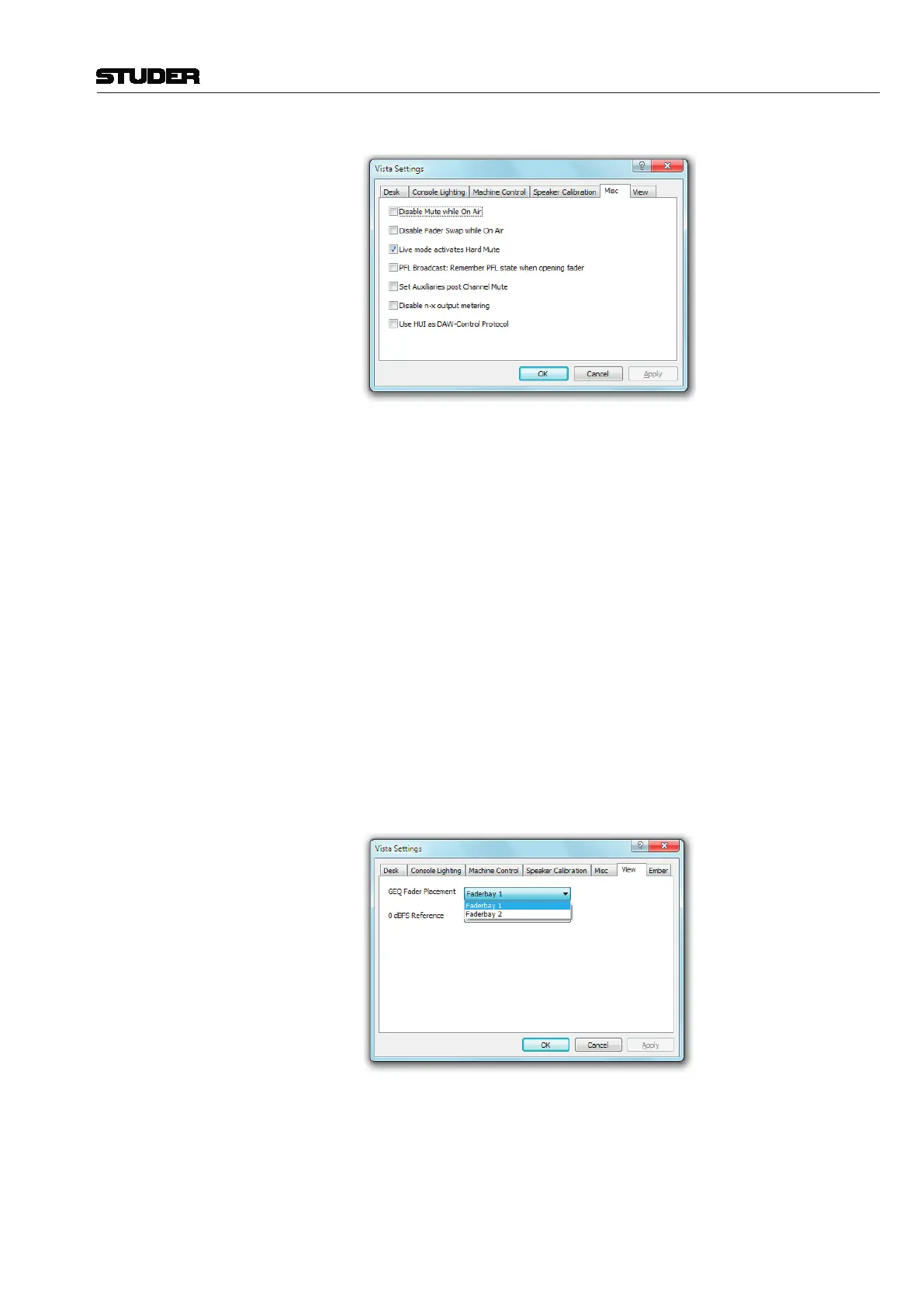
Misc (-cellaneous Settings)
• TheMUTEkeymaybedisabledwhenevertheconsoleisin‘OnAir’(live)
mode.
• Thestateofsendingthealternaten-xsignalinsteadoftheregularonemay
be restored after opening and closing the fader.
• IfthebroadcastPFLmode(alsoreferredtoas‘PFLcutonchannelactive’
function) is enabled, audio signals are cut from the PFL bus if the channel
is ON and the fader is open; the channel will also go back into PFL state
when the fader is closed again.
• If‘SetAuxiliariespostChannelMute’isselected,allauxiliarybussesare
muted if the channel MUTE key is activated. If this option is not active
(default), only the auxiliary busses switched to post-fader are muted upon
channel mute.
• Then-xsignaloutputmeteringmaybedisabled.
• ForcontrollingaDAW,eithertheMackieHUIprotocolortheMackie
Control Protocol can be selected. If ticked here, HUI is active.
(Graphic EQ) View When the 30-band graphic EQ is switched to the faders of a 32-fader con-
sole, all faders except the two control bay master faders are used anyway.
For 42-fader consoles however, it can be defined here in which fader bay the
leftmost EQ band is represented.
(0dBFS Reference) View The 0dBFS Reference setting adapts the readout of the Mic Gain dB value
to the systems analog reference level.
The analog reference level is given through the calibration of the systems
analog D21m Line Input- and Line Output cards. On these D21m cards, the
level is calibrated with DIP switches and potentiometers.



 To Next Page