Vista 1 Digital Mixing System
3-26 Parameters
Document generated: 18.04.17
SW V5.3
Q value Rotary The Q (bandwidth) can be set to values from 0.27 through 8.7, in 30 steps.
For the HM and LM bands Q can be set only if ‘bell’ is selected.
HM, high-mid frequency, and LM, low-mid frequency: Q = 0.27 through 8.7,
in 30 steps.
High-Cut/Low-Cut Filter Parameters:
HI CUT/LO CUT x dB Slope setting for the high- and low-cut filters, selectable from 12, 18, and
24 dB/octave (key toggles 12, 18, 24, 12...).
HI CUT/LO CUT Rotary Cutoff frequency adjustment for the high- and low-cut filter: 20 Hz through
20 kHz, in 120 steps.
Notch Filter Parameters: Please note that these two fields only appear if the notch filter is contained
in the currently loaded configuration.
NOTCH On/Off On/off function for the notch filter.
NOTCH Rotary Center frequency for the notch filter: 20 Hz through 20 kHz, in 120 steps.
Notch Q The notch filter’s Q is selectable from two fixed values; W (wide, Q=2), and
N (narrow, Q=10).
Note The EQ, HI CUT and LO CUT hardware keys in the CHANNEL PROCESSING
area can be used for activating or deactivating the complete EQ, high- and
low-cut filter sections of a channel (or a gang of channels) selected with LINK/
SEL, in addition to the individual on/off keys described above.
5.1 Surround Channels
This view is the same as with mono or stereo channels. Please note that the
equalizer settings applied here will be valid for all surround signal legs except
the LFE.
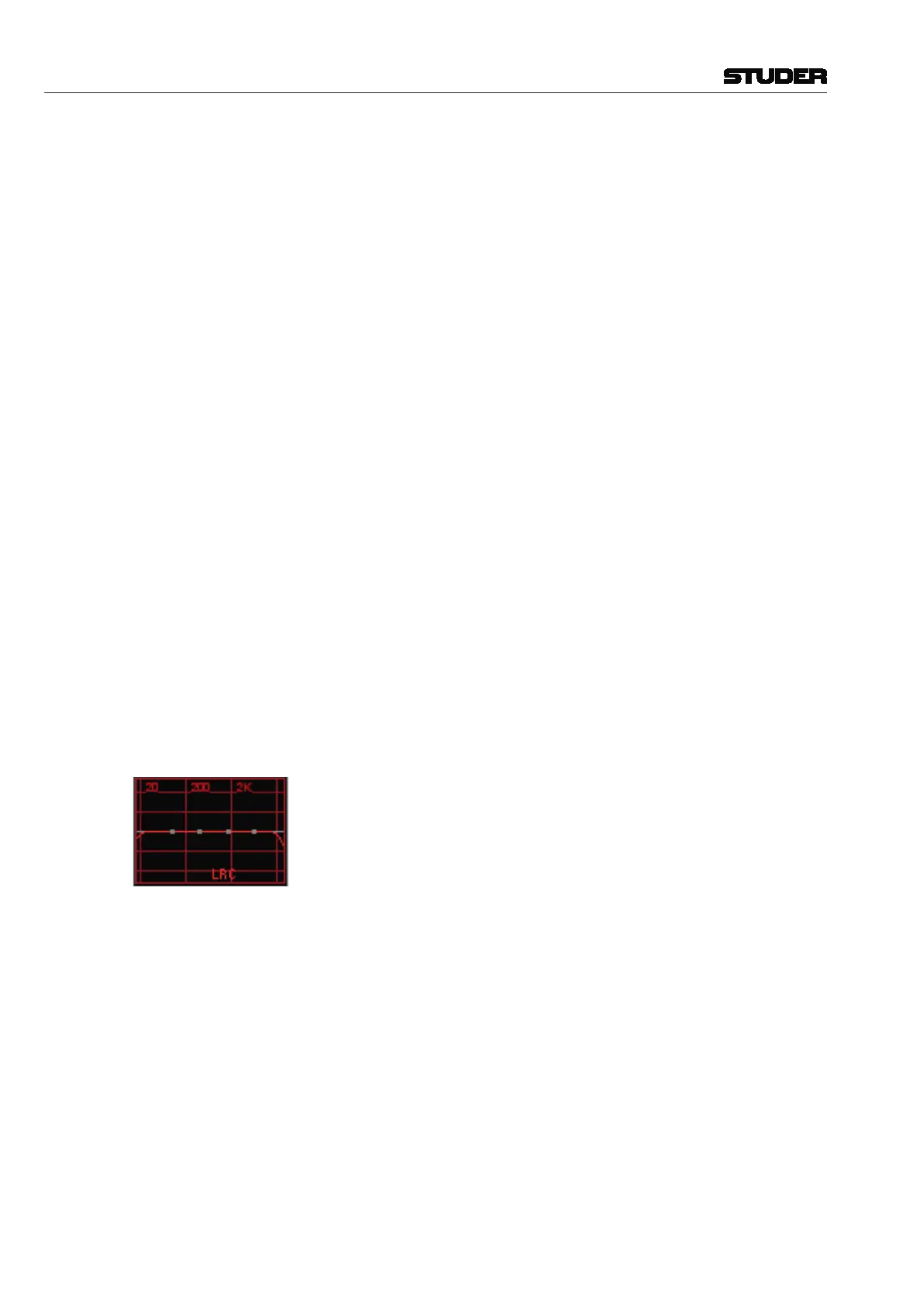
If an EQ setting has been made on a 5.1 surround channel, the normal Viston-
ics EQ display shows in small characters which signal legs are different from
the others (e.g. ‘Lf’), as shown left.
If one or more of the signal legs must be adjusted differently from others –
such as boosting HF in the center channel only, the CHANNEL VIEW has to be
selected. Then all the separate EQ settings for ‘Front’, ‘Center’, ‘LFE’ and
‘Rear’ are accessible.



 To Next Page