Vista 1 Digital Mixing System
GC Operation 4-29
Document generated: 18.04.17
SW V5.3
general patch, the software is able to give more intelligent names to the input
and output ports shown in the general patch. You will then see frame numbers
as well as card types and channel numbers within each card. This generation
is automatically active whenever the D21m I/O system is present and the hub
frame is connected to the console via a serial link. However, when recalling
a snapshot containing the ‘non intelligent’ fixed labels (e.g. from older pro-
ductions), this will overwrite the fixed labels as well and make the ‘intelligent
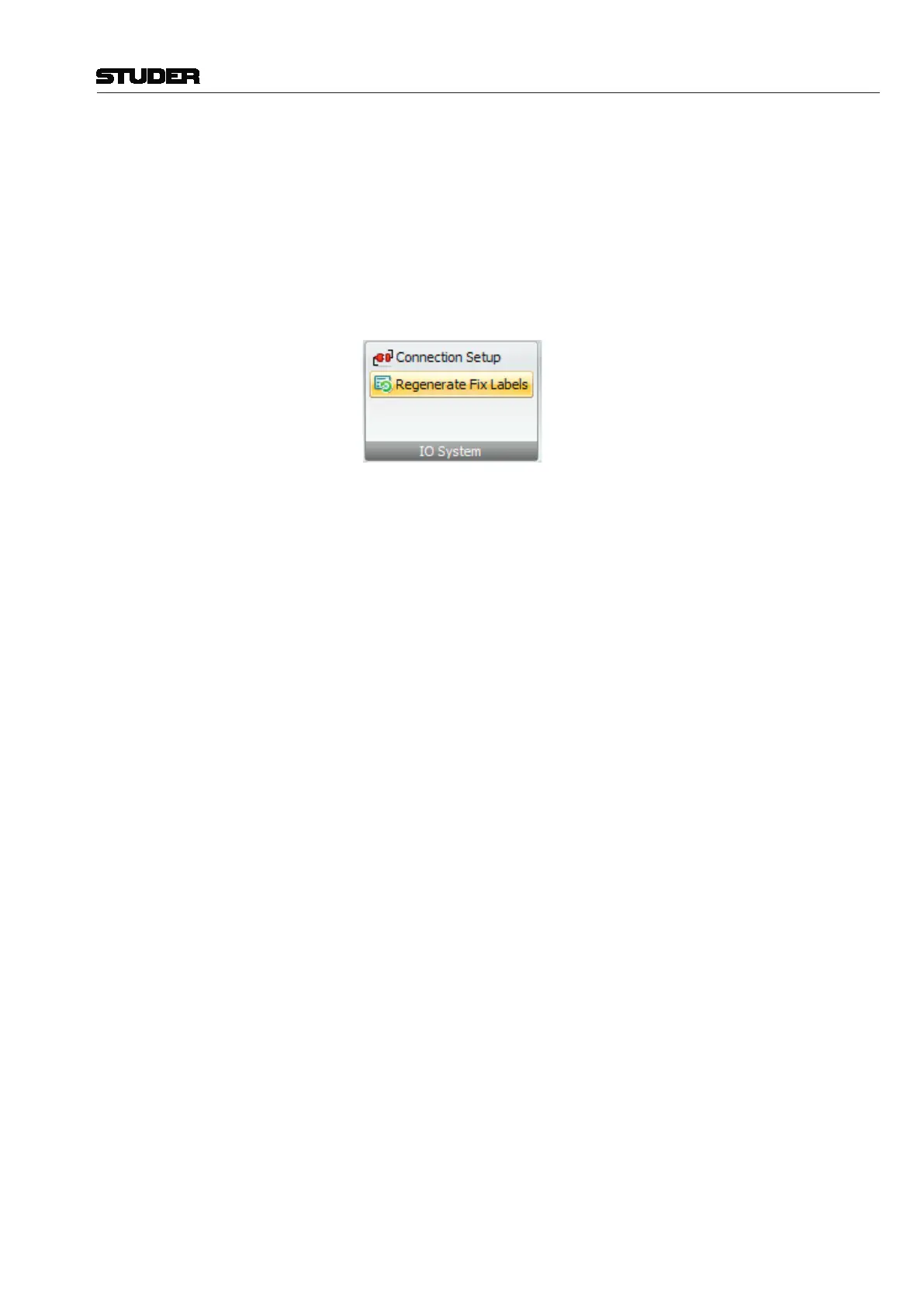
fixed labels’ disappear. In this case, select Regenerate Intelligent Fixed
Labels within the Settings menu and update this snapshot.



 To Next Page