Vista 1 Digital Mixing System
GC Operation 4-81
Document generated: 18.04.17
SW V5.3
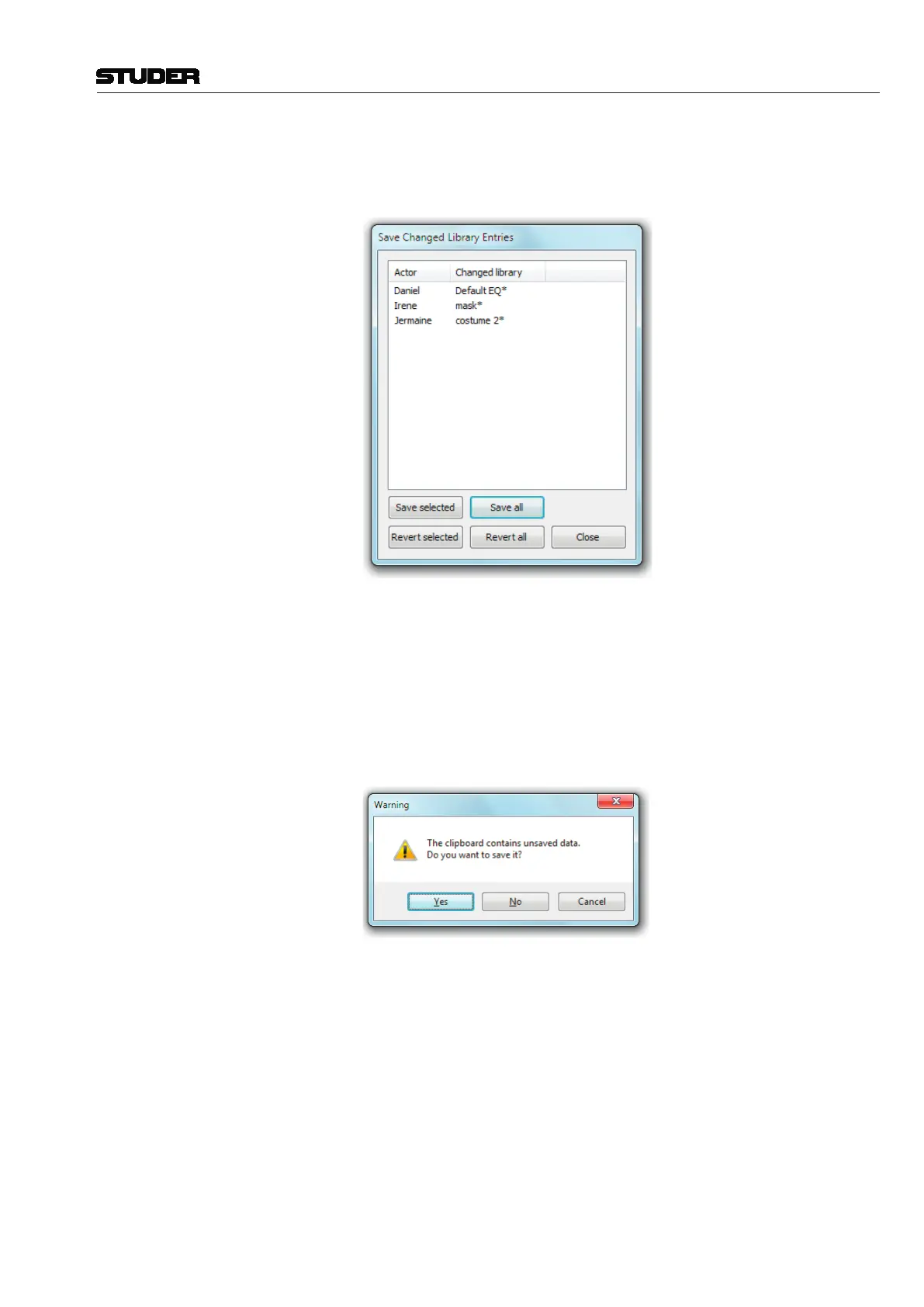
This button opens a list that displays all tweaked library event settings. It
prompts the operator to decide whether he wants to save or discard these
tweaks, either globally or setting by setting.
The End Show mechanism simply makes sure that no tweaked setting can
be forgotten to be either discarded or kept. It may, of course, also be used
during a show or a rehearsal in order to clean up the current changes.
If there are any tweaked settings or modified mute events that have not been
saved already, there will appear a dialog box upon closing the clipboard
library window, asking the user whether he wants to save the unsaved data.
So again, no setting can be forgotten even if there is pressure of time.
Also if the Vista application is closed down after the show and tweaked set-
tings had not been saved, again the list that displays all tweaked library event
settings is opened and prompts the operator to save or revert the changed
settings.



 To Next Page